
Core systems
Admin dashboards & consoles
The screen your team lives in — where the business is actually run.
What it is
The operational side that customers never see: what needs attention today, what the numbers are doing, and the queues someone has to work through. Every platform we build has one, because a system nobody can administer becomes a system somebody maintains by hand.
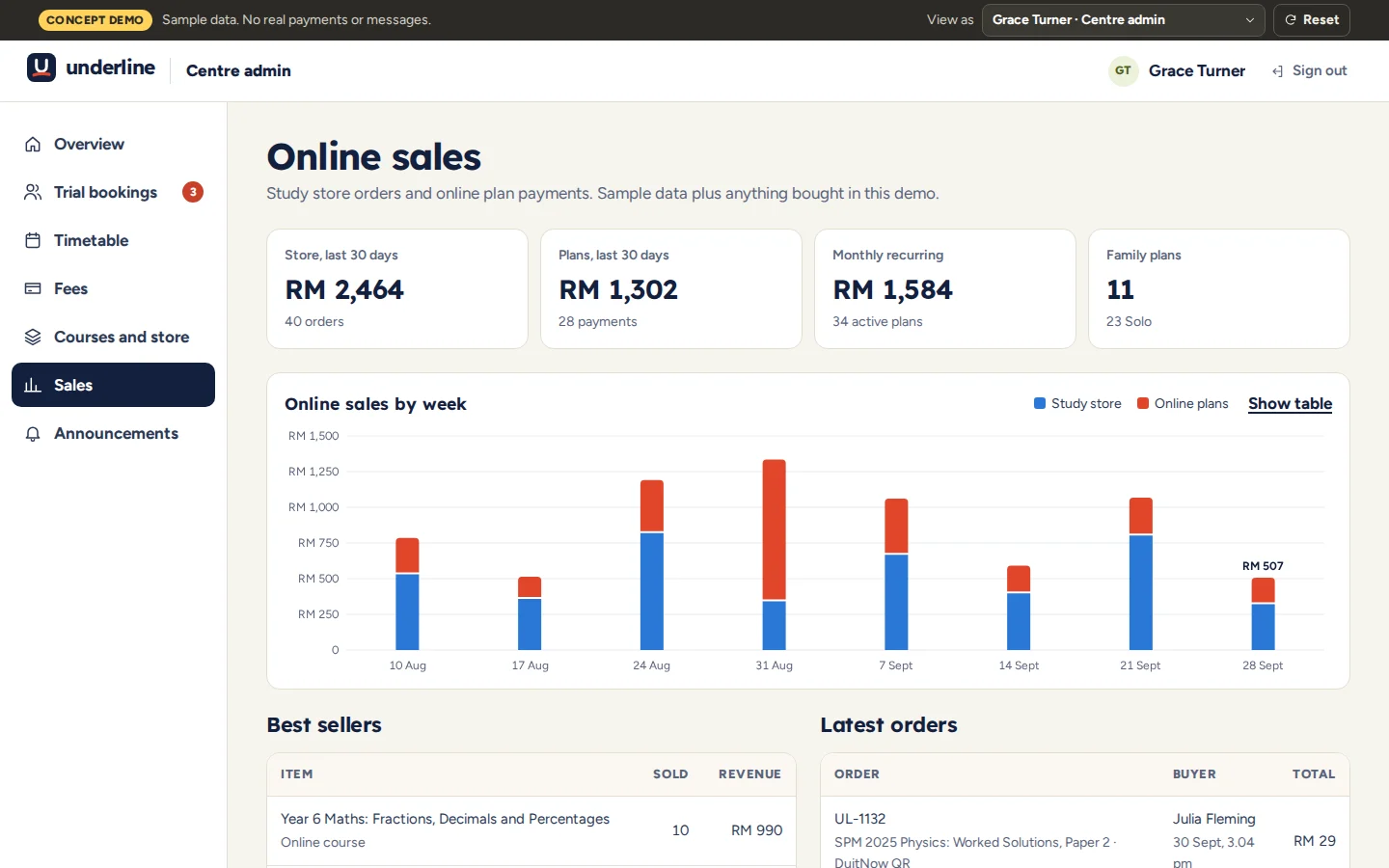
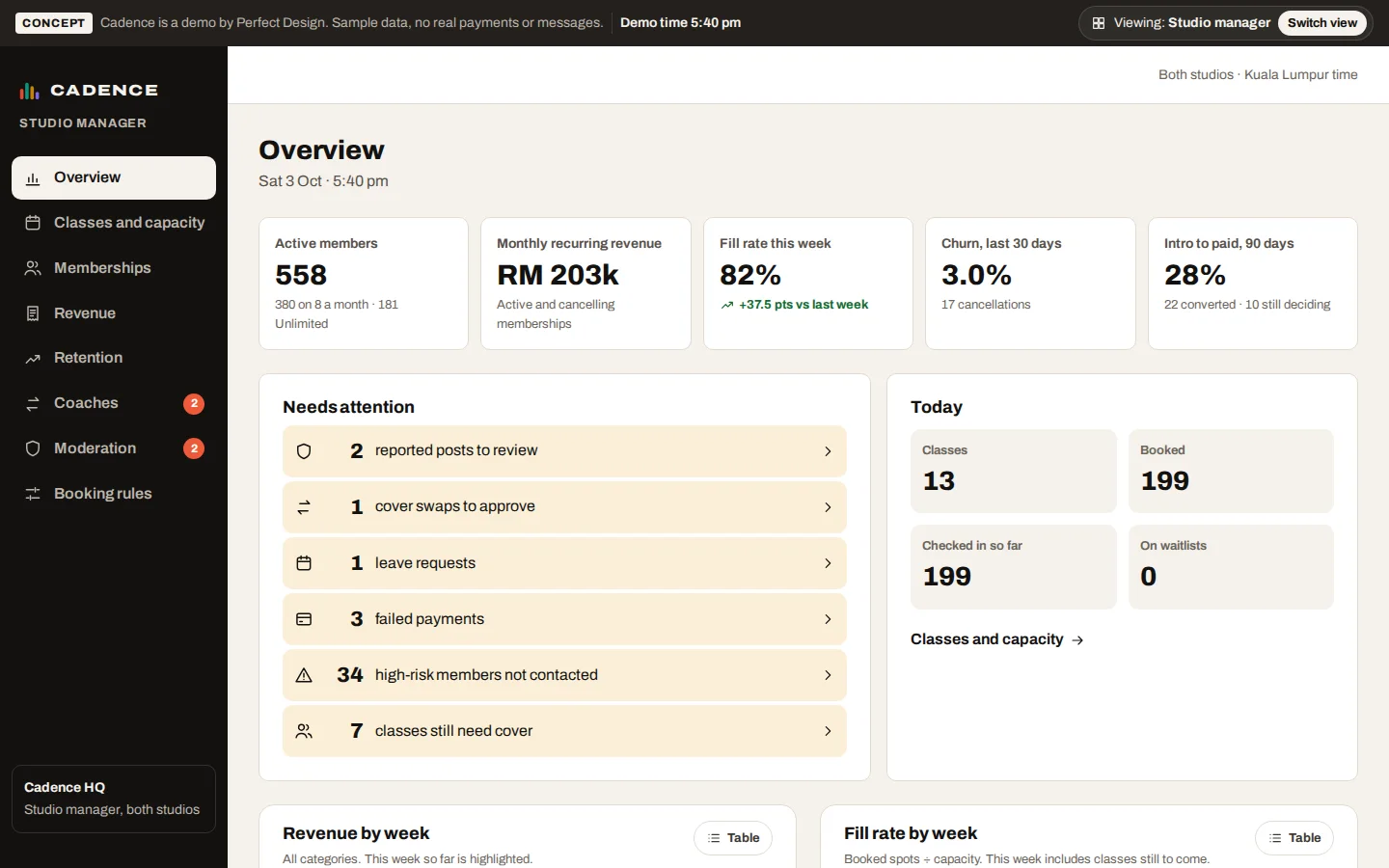
How we build it
What makes ours work
Queues first, charts second
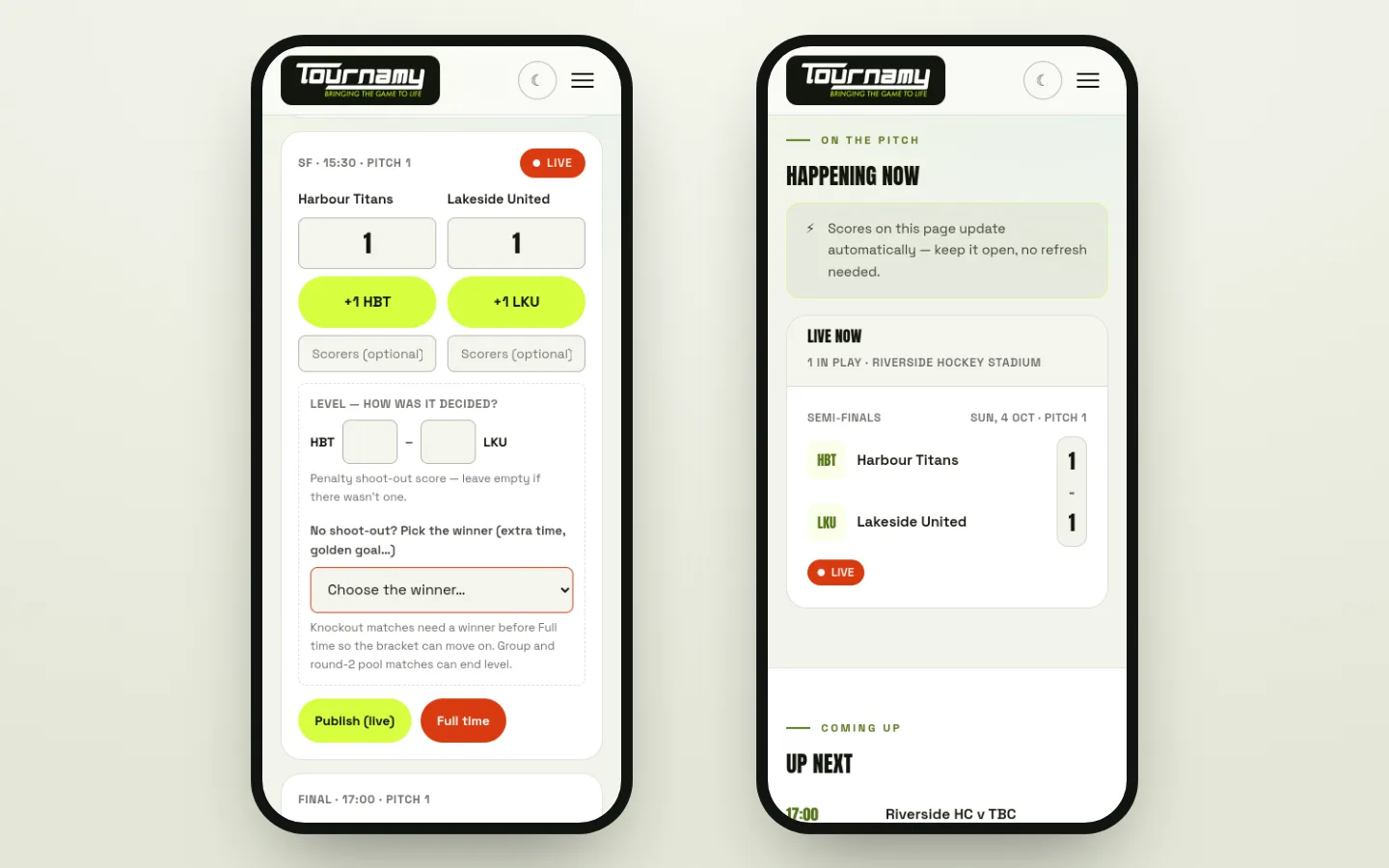
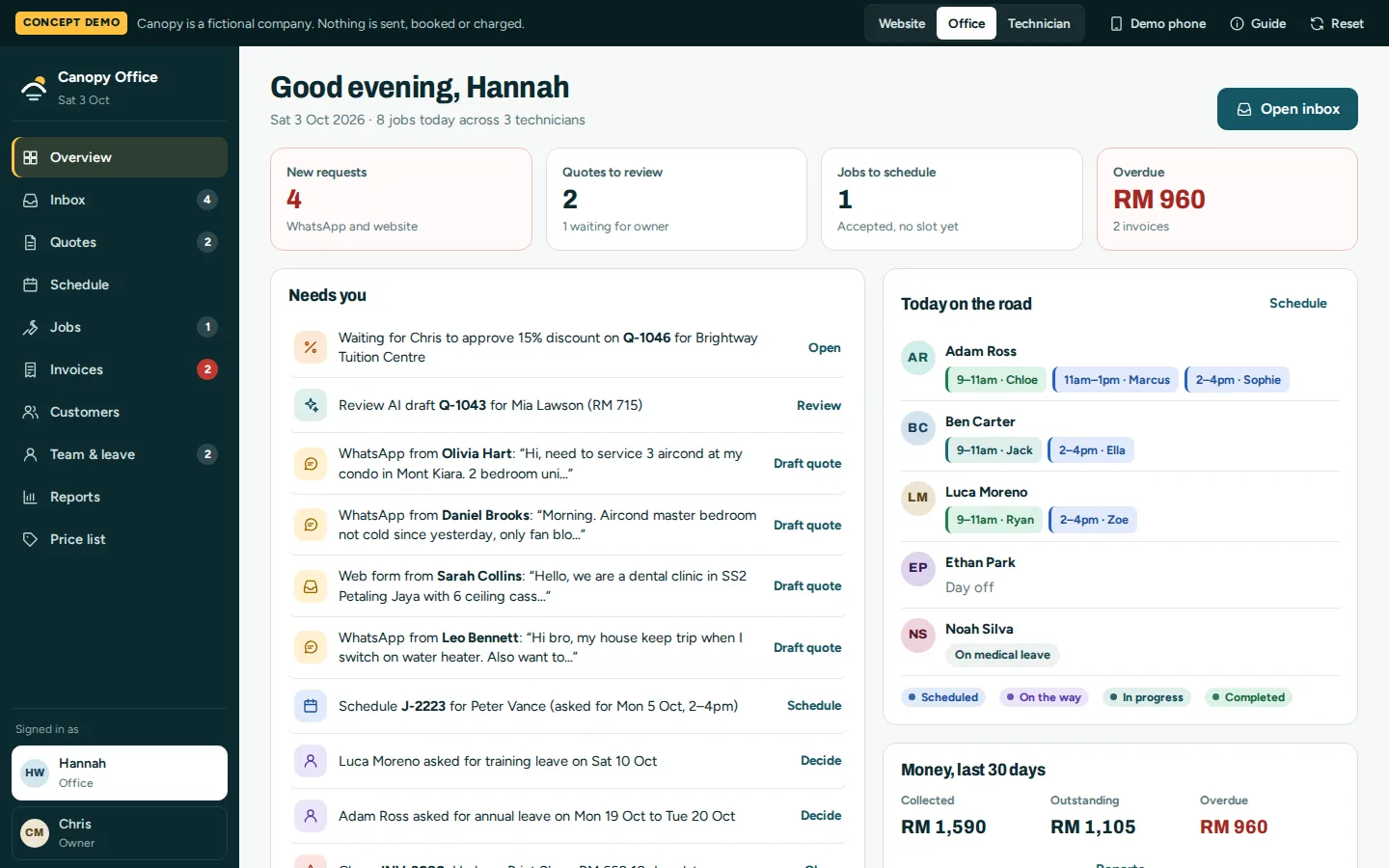
Dashboards fail when they are built as posters — impressive numbers, nothing to do. We design around the daily questions: what needs my action, and by when? Orders to pack before a cut-off, enquiries waiting on a reply, applications past their review window. The Aruva seller centre leads with “pack this order — warehouse cut-off in 2h 14m”, not a revenue graph. Charts earn their place after the queues work, as context for decisions rather than decoration.
Every number carries its comparison
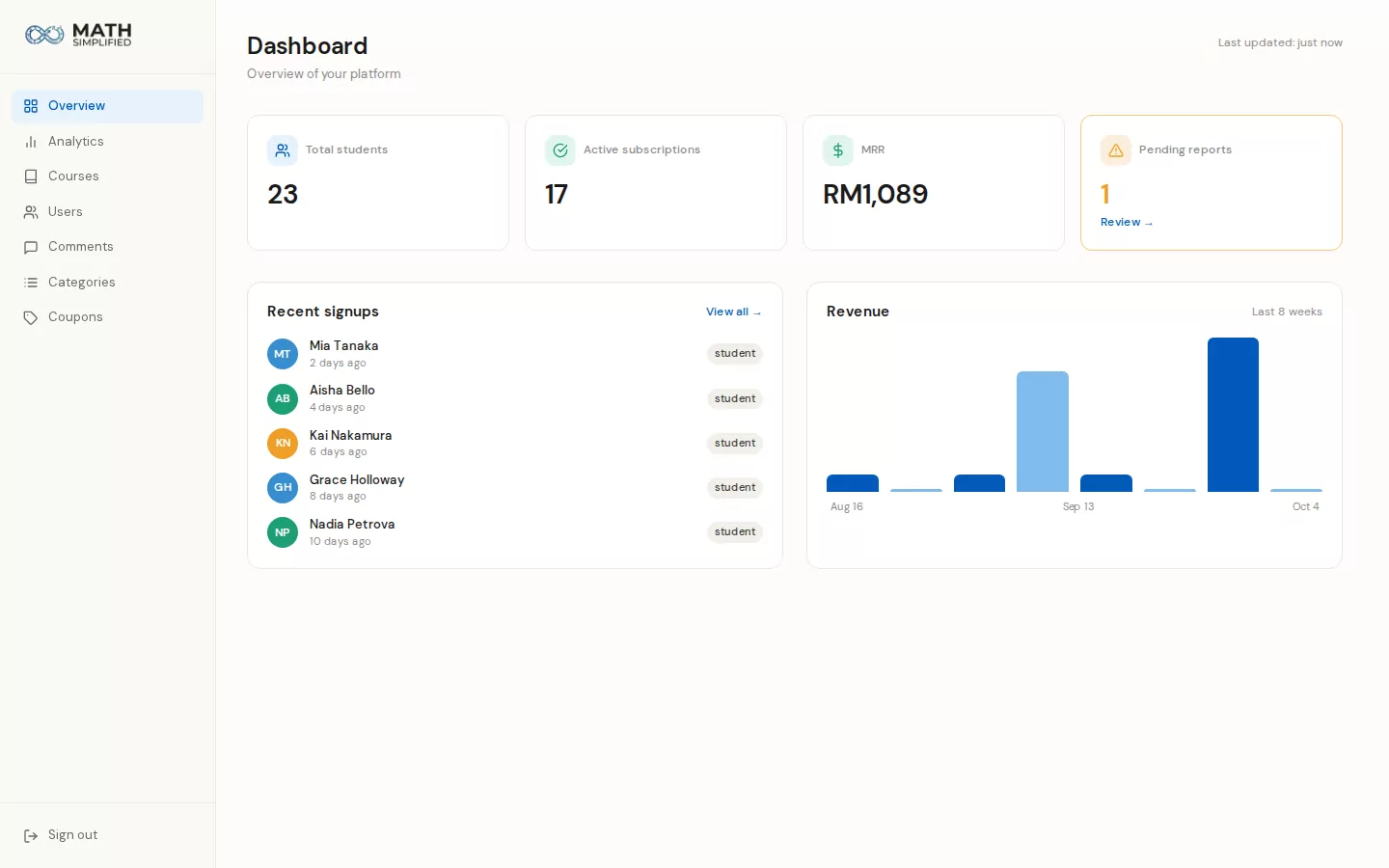
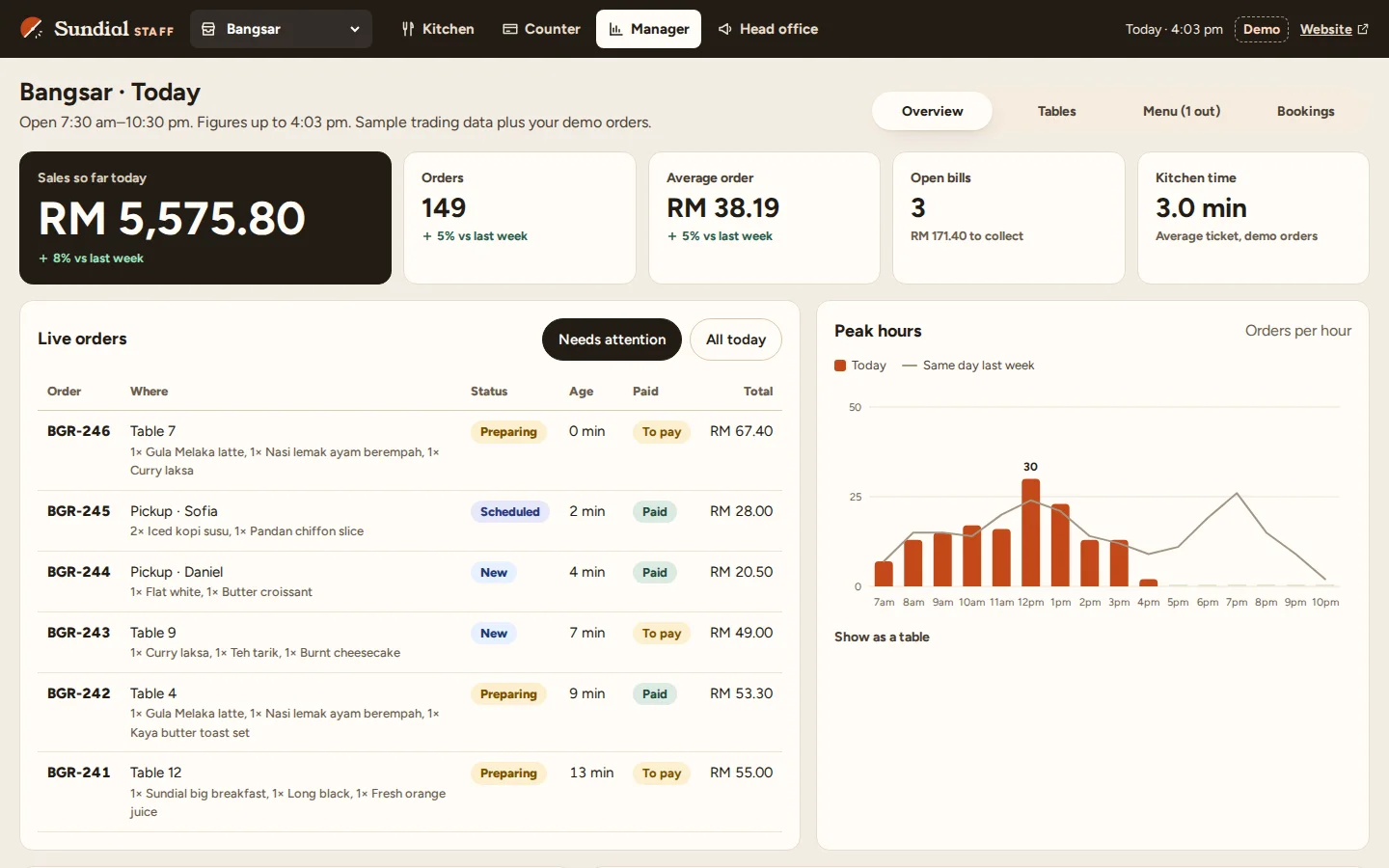
A number without a comparator is trivia. Revenue is up — against what? Our KPI design pairs every figure with its movement: versus the prior period, versus target, versus the same day last week. Trends get enough history to distinguish signal from noise, and thresholds you care about — a stock level, an SLA, a payout cap — are visualised as thresholds, so breaching one looks different from normal variation.
The console reads the real data, never a copy
Admin consoles drift into lying when they run on synced copies of the real records. Ours are views over the same database the public platform writes to — when the VITALE operator runs a commission cycle or the PestaHub organiser holds a booth, they are acting on the live system, with the public side reflecting it immediately. That also makes audit logging natural: every administrative action is recorded against the record it changed.
Proof
Where we've built this
Every build below contains this system. Open any one to see how it works — the fastest way to judge whether we can do what you need.
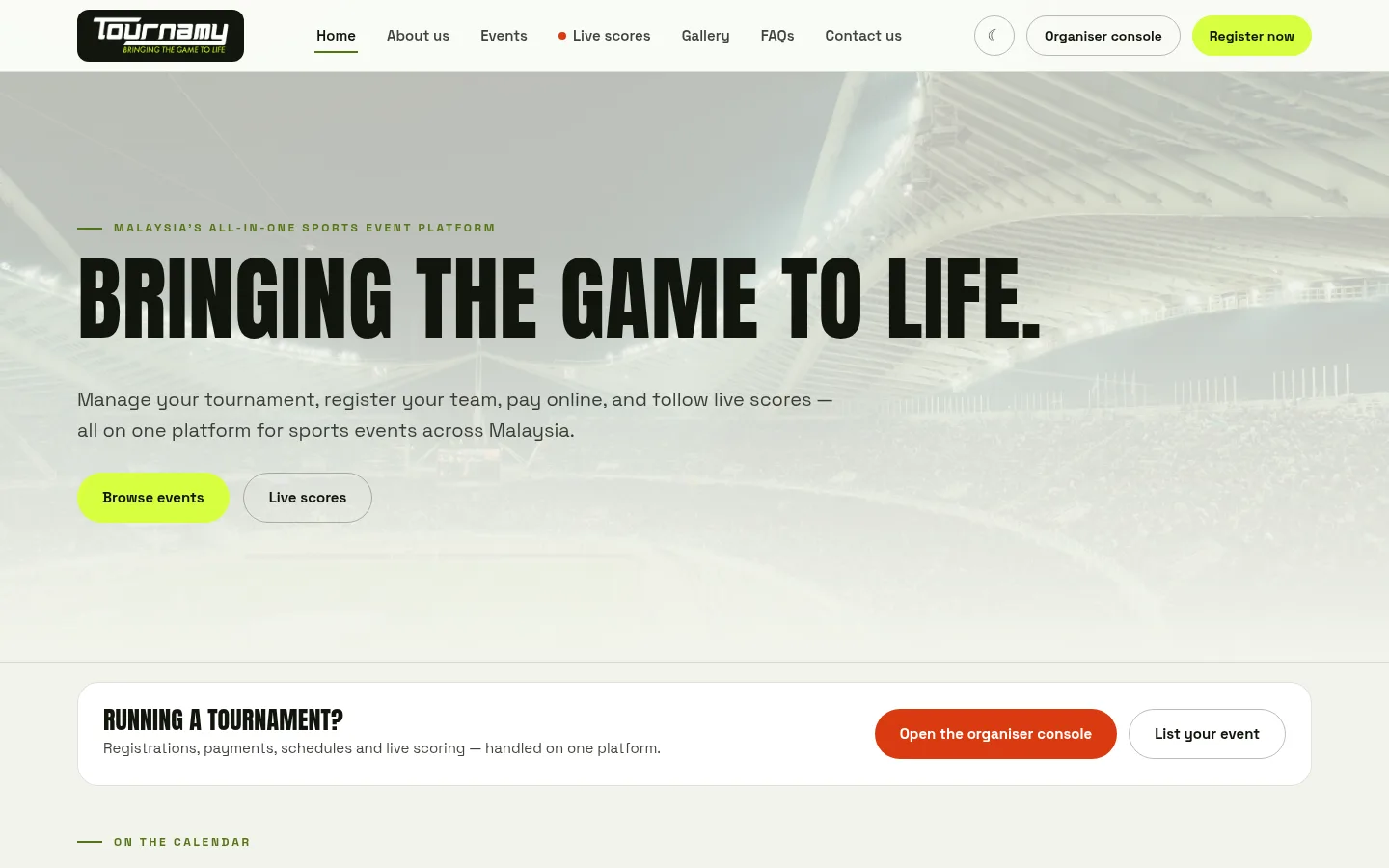
Tournamy
Sports events platform
See how it works →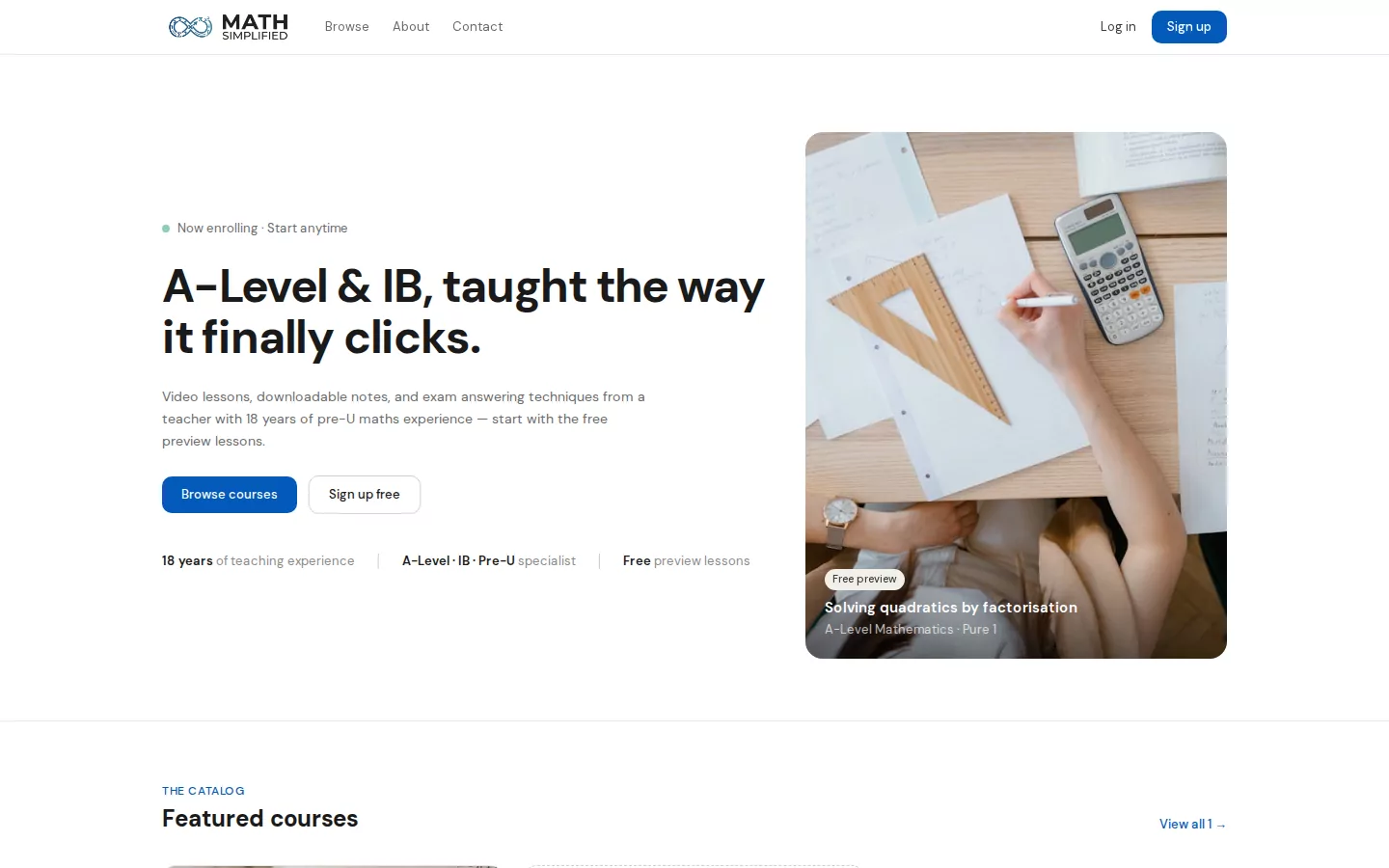
Math Simplified
Online course and subscription platform
See how it works →
iCAUR Singapore
Automotive website + digital experience
See how it works →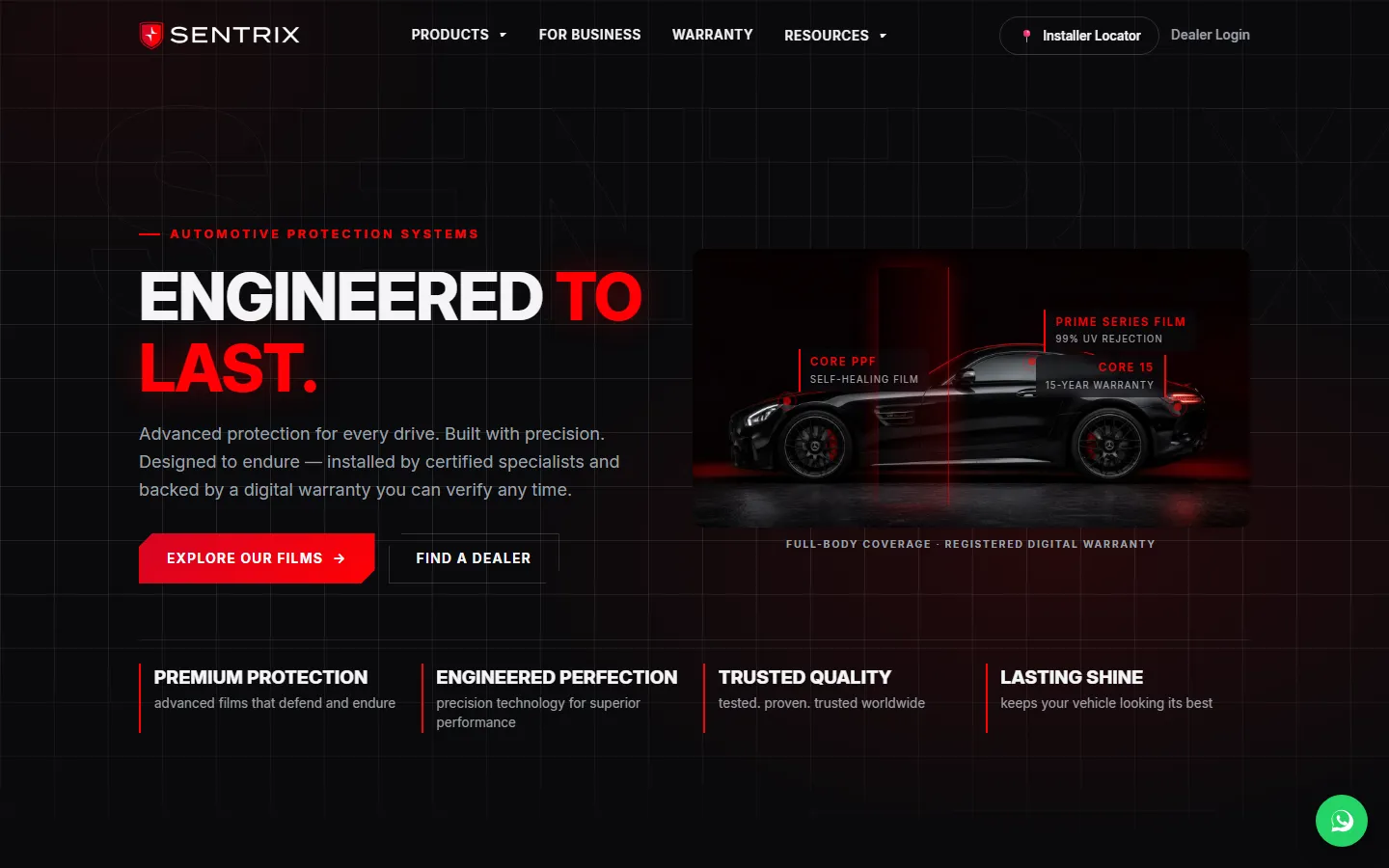
Sentrix Auto
Brand site + dealer platform
See how it works →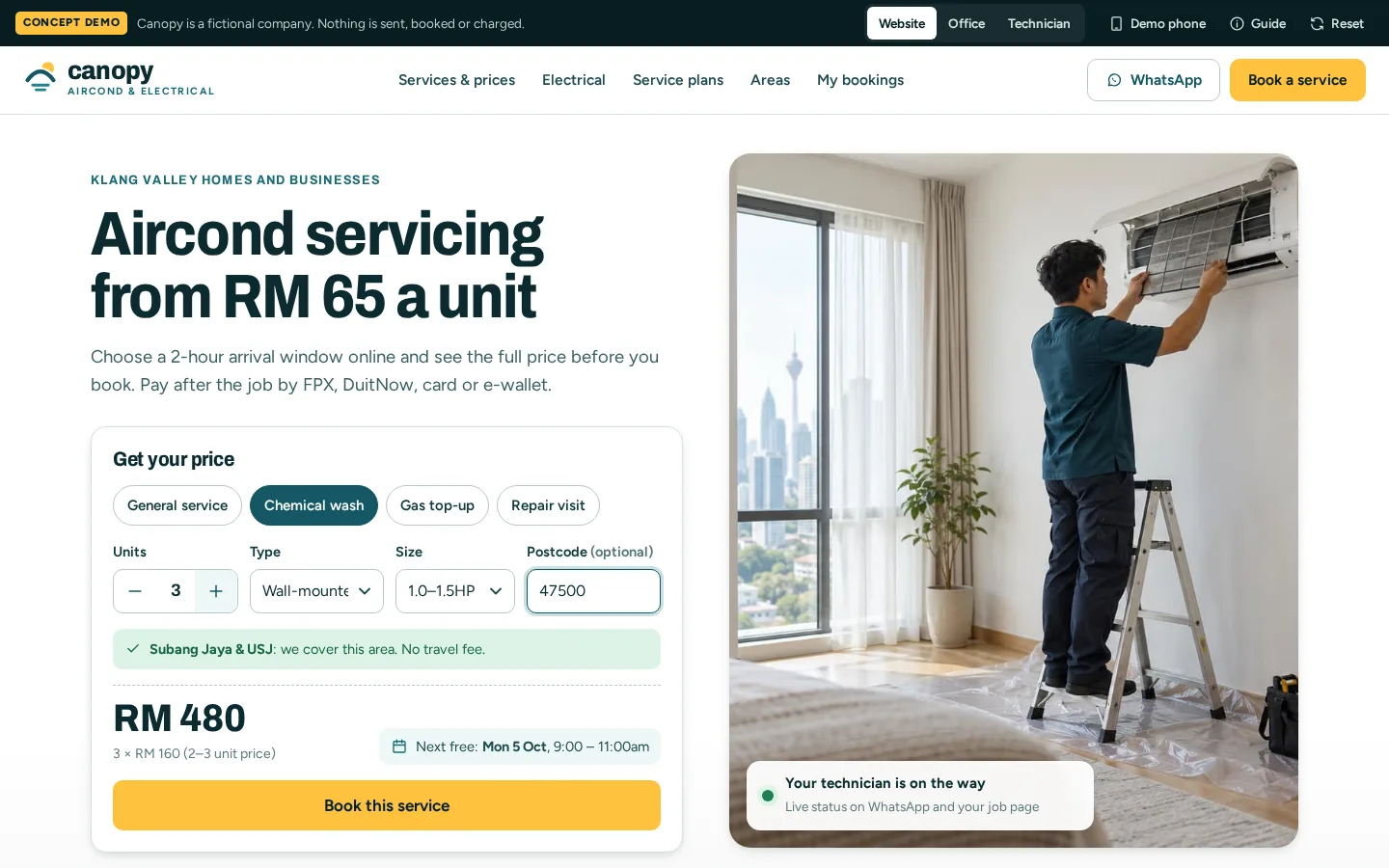
Canopy
Field service system: quotes, jobs and invoices
See how it works →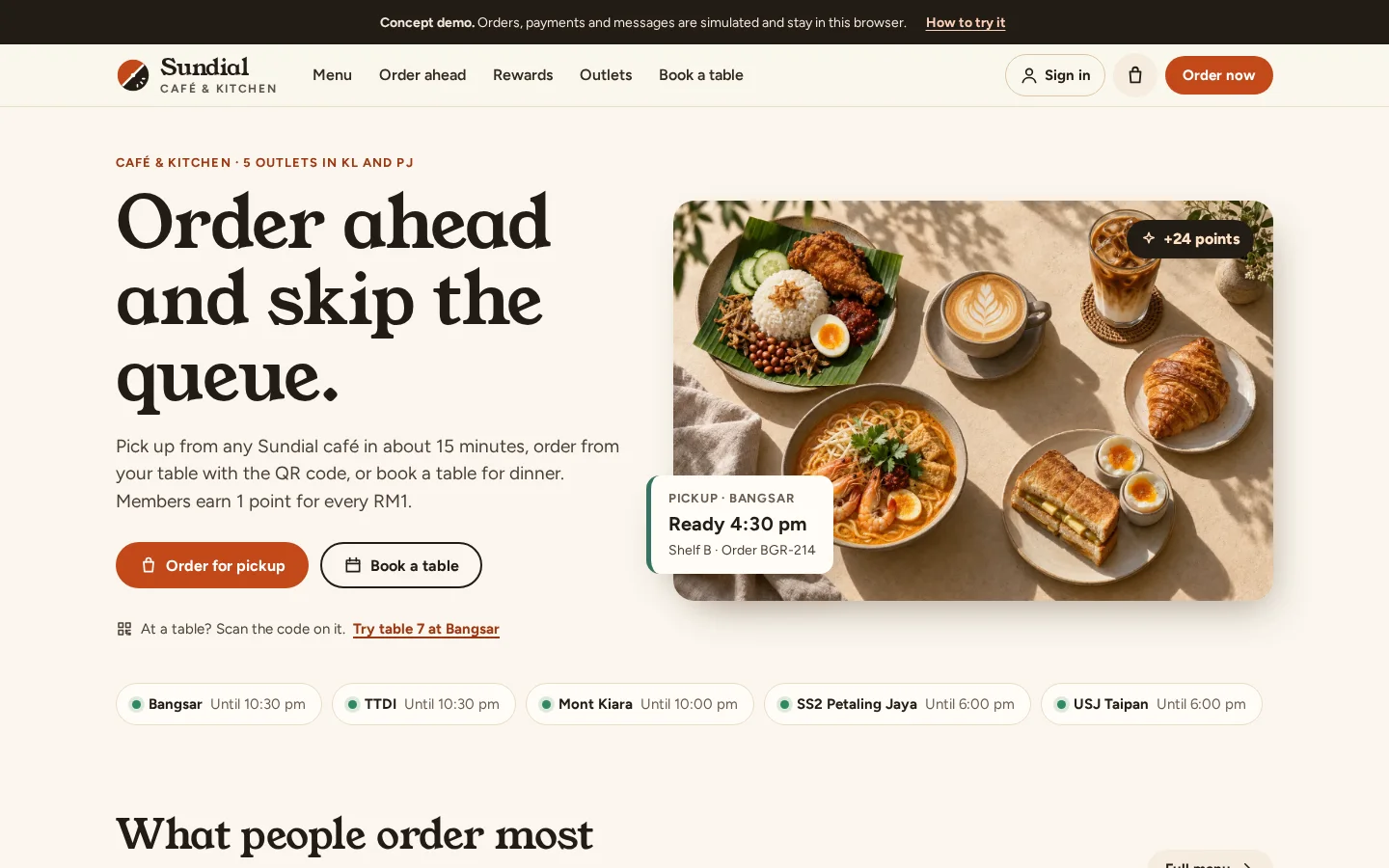
Sundial
Restaurant ordering and loyalty app
See how it works →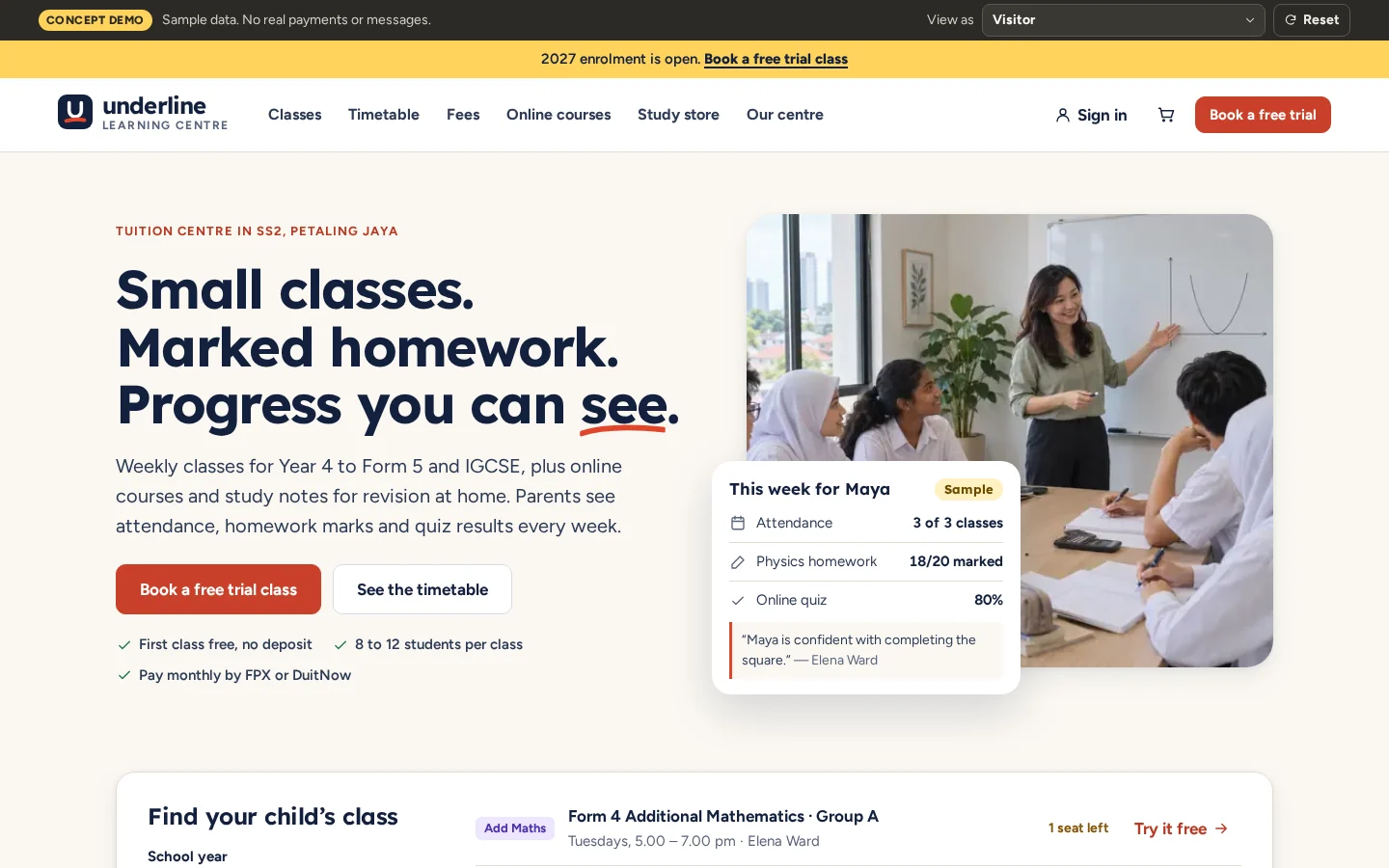
Underline
Tuition centre with online courses and a study store
See how it works →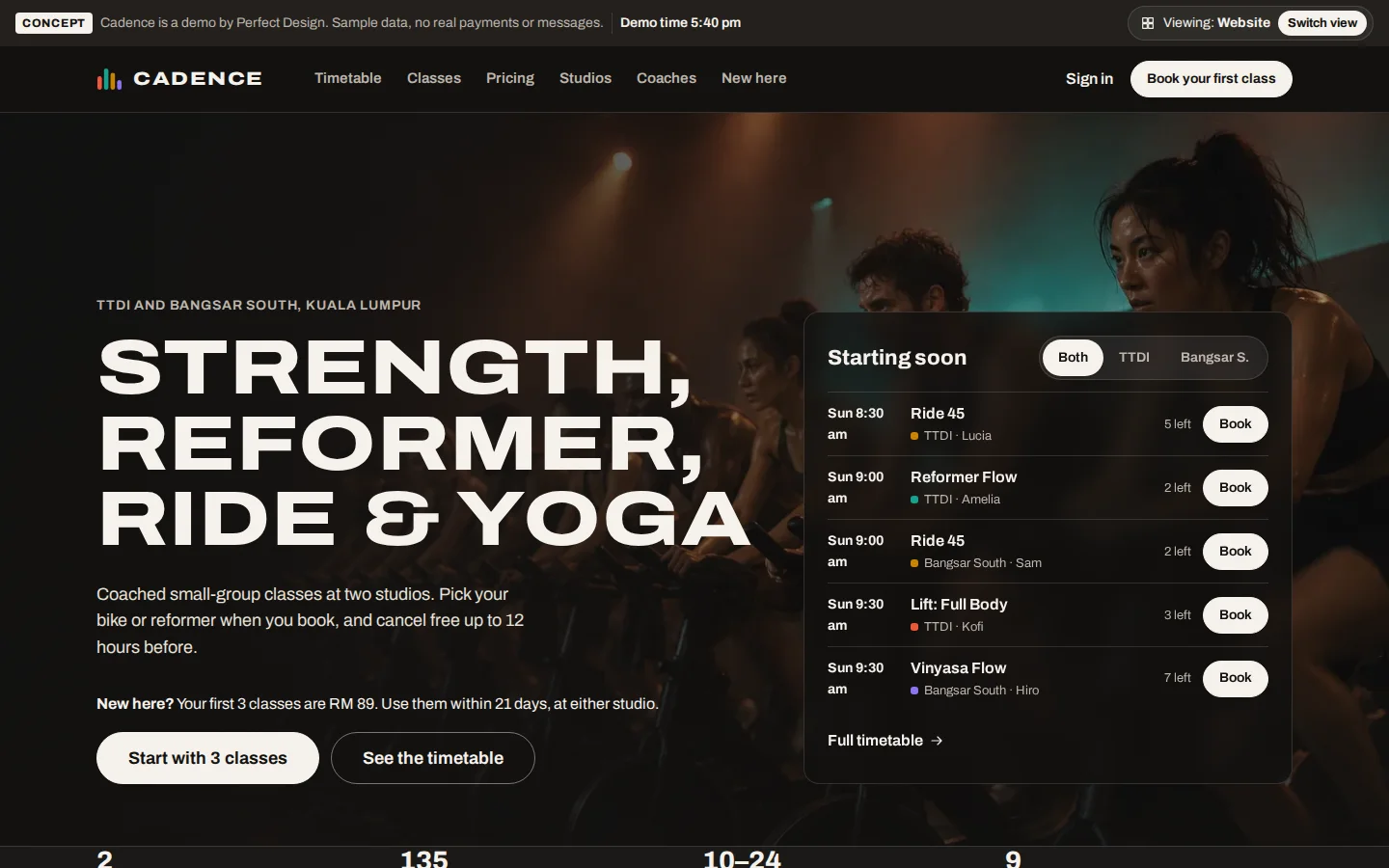
Cadence
Fitness studio booking and membership app
See how it works →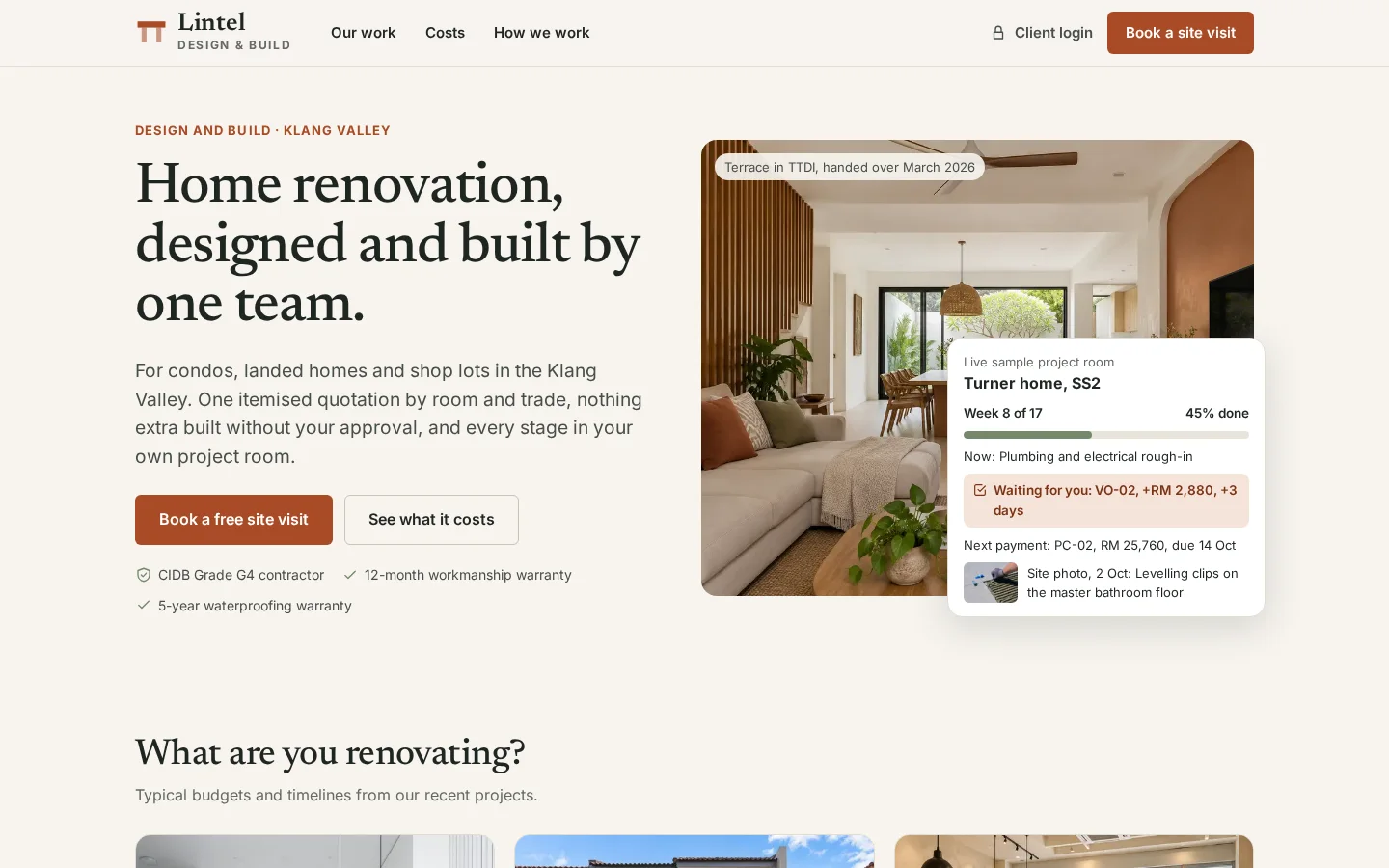
Lintel Design & Build
Renovation project system: quotes, variations and claims
See how it works →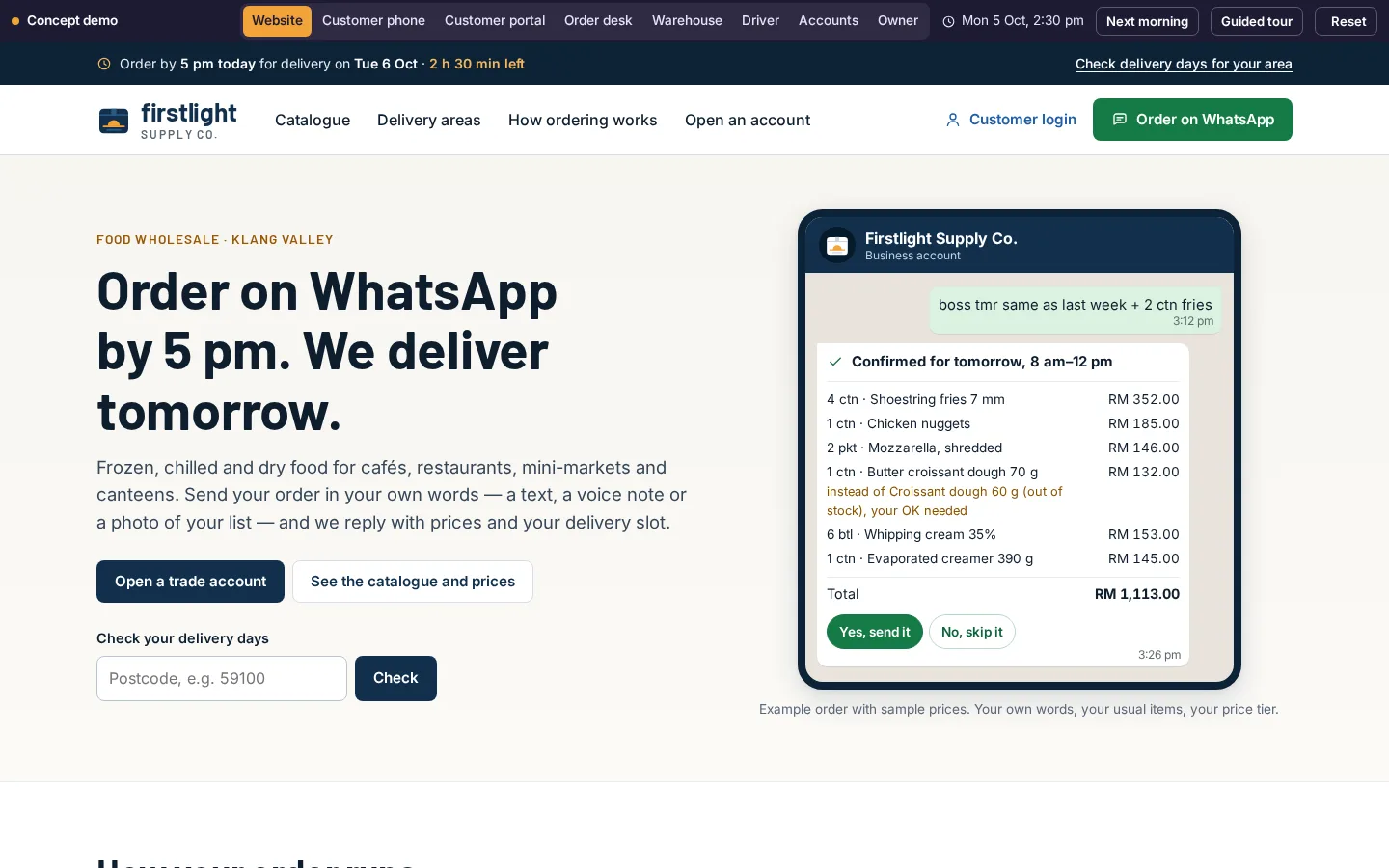
Firstlight Supply Co.
WhatsApp order desk for a food wholesaler
See how it works →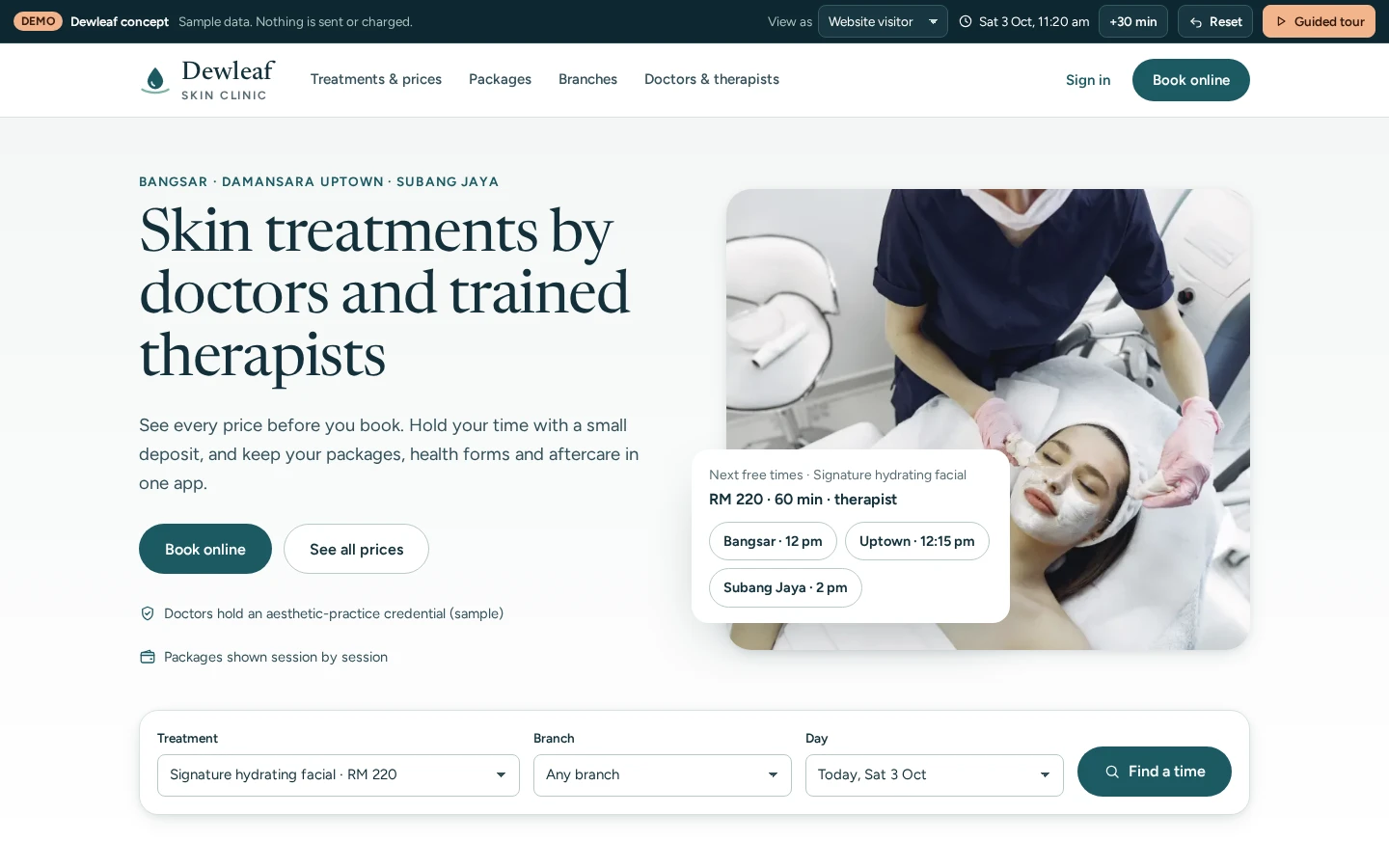
Dewleaf Skin Clinic
Clinic group booking, packages and consent
See how it works →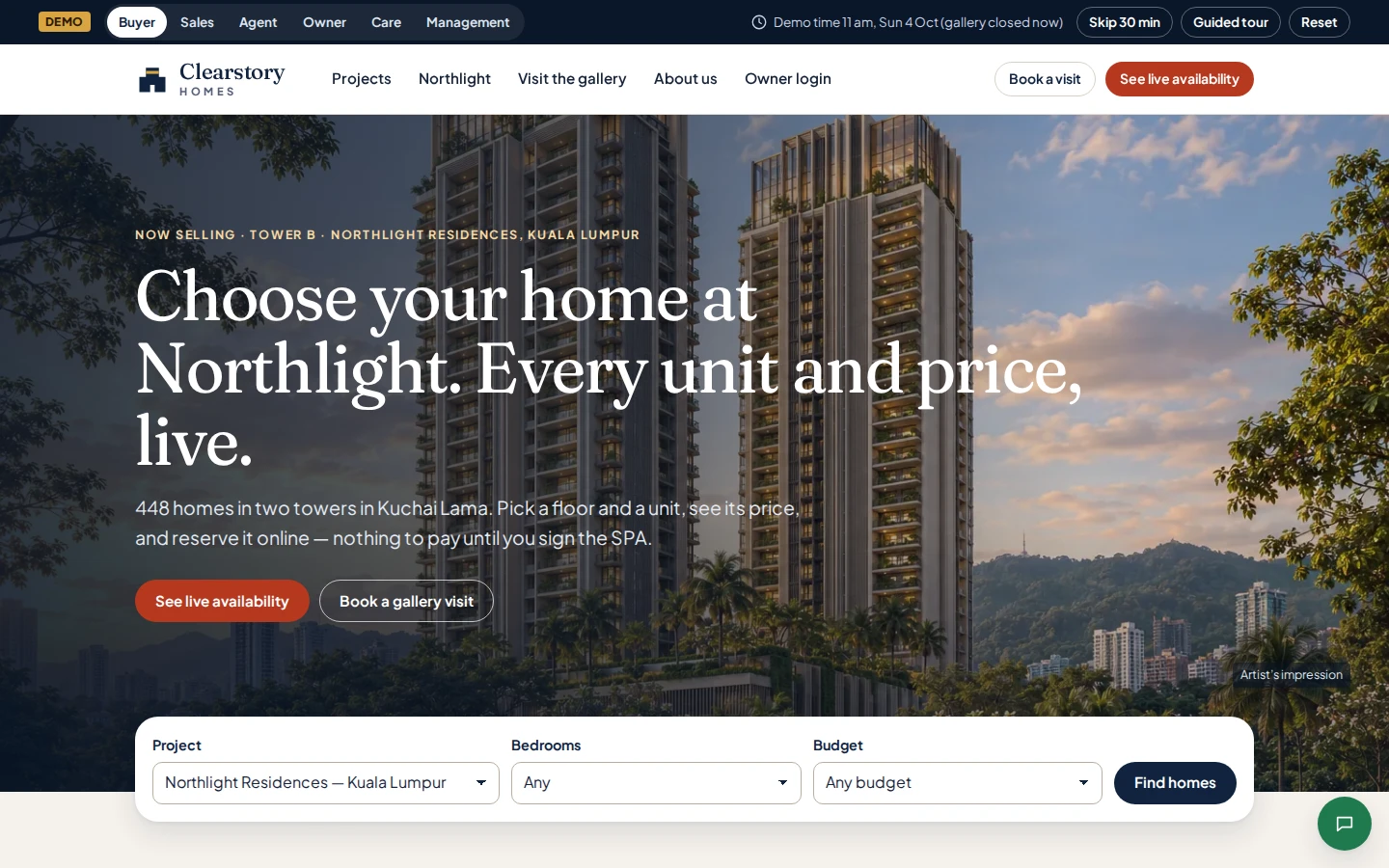
Clearstory Homes
Property developer sales system and owner portal
See how it works →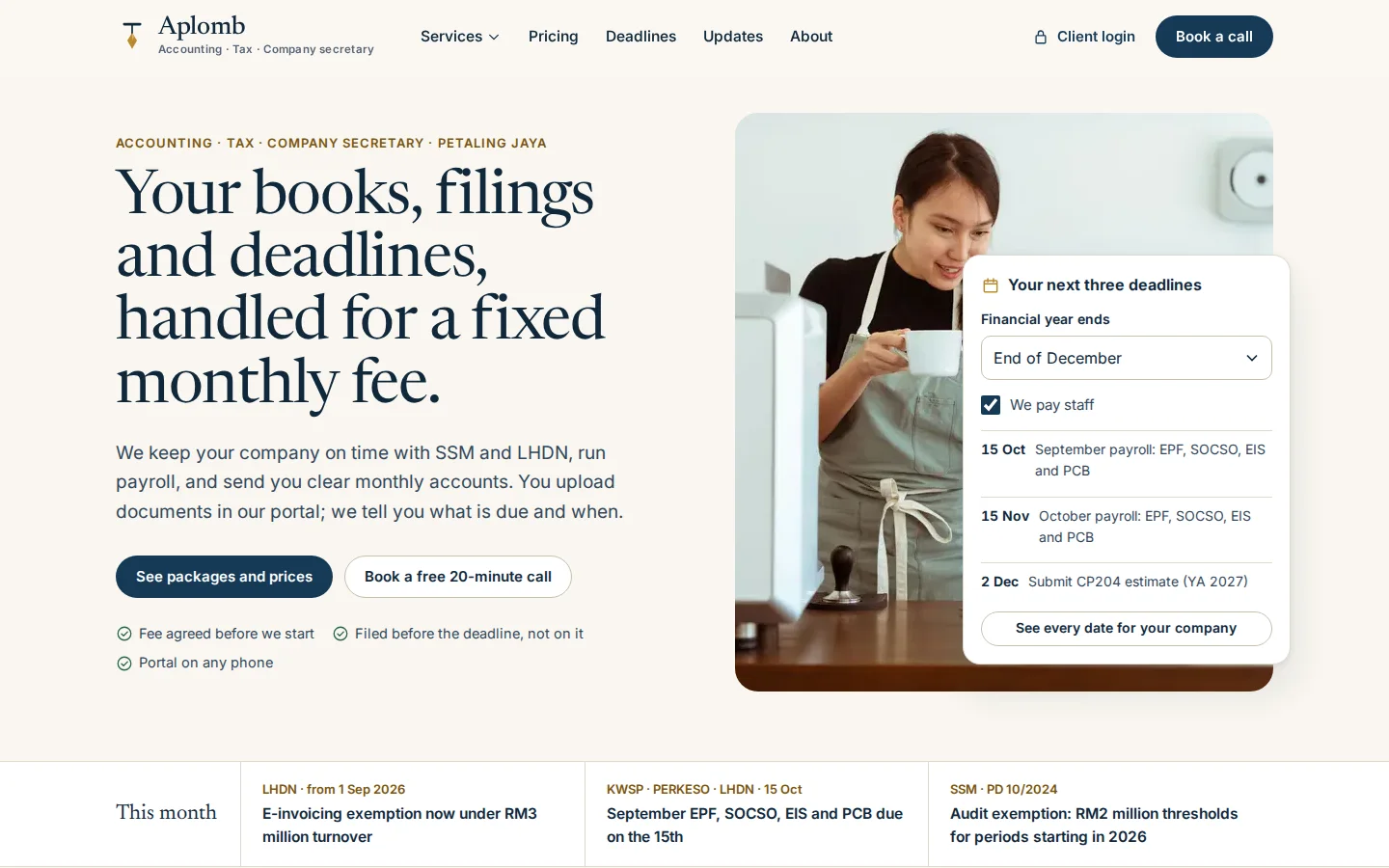
Aplomb Accounting
Accounting firm client portal and practice system
See how it works →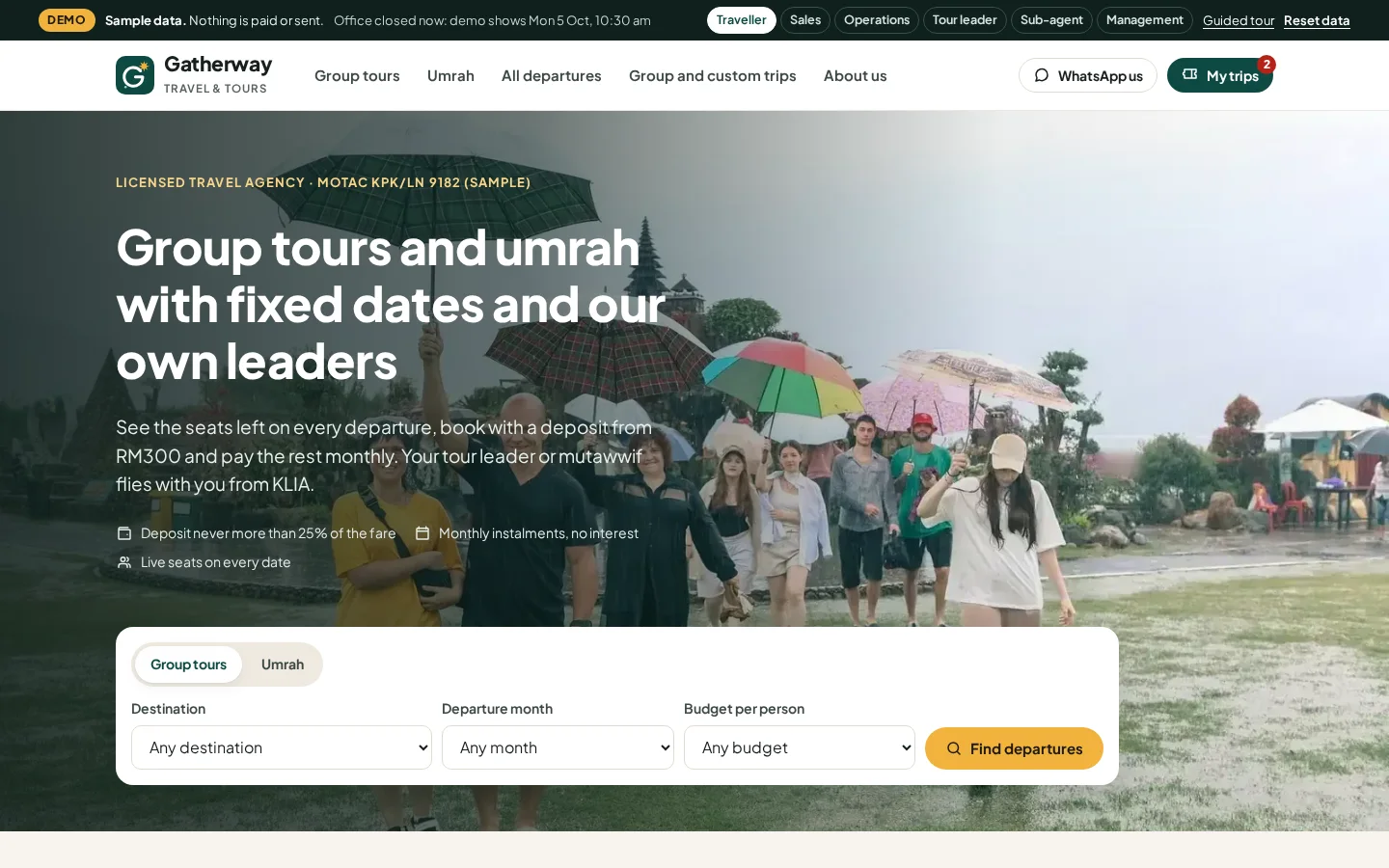
Gatherway Travel & Tours
Tour and umrah agency booking system
See how it works →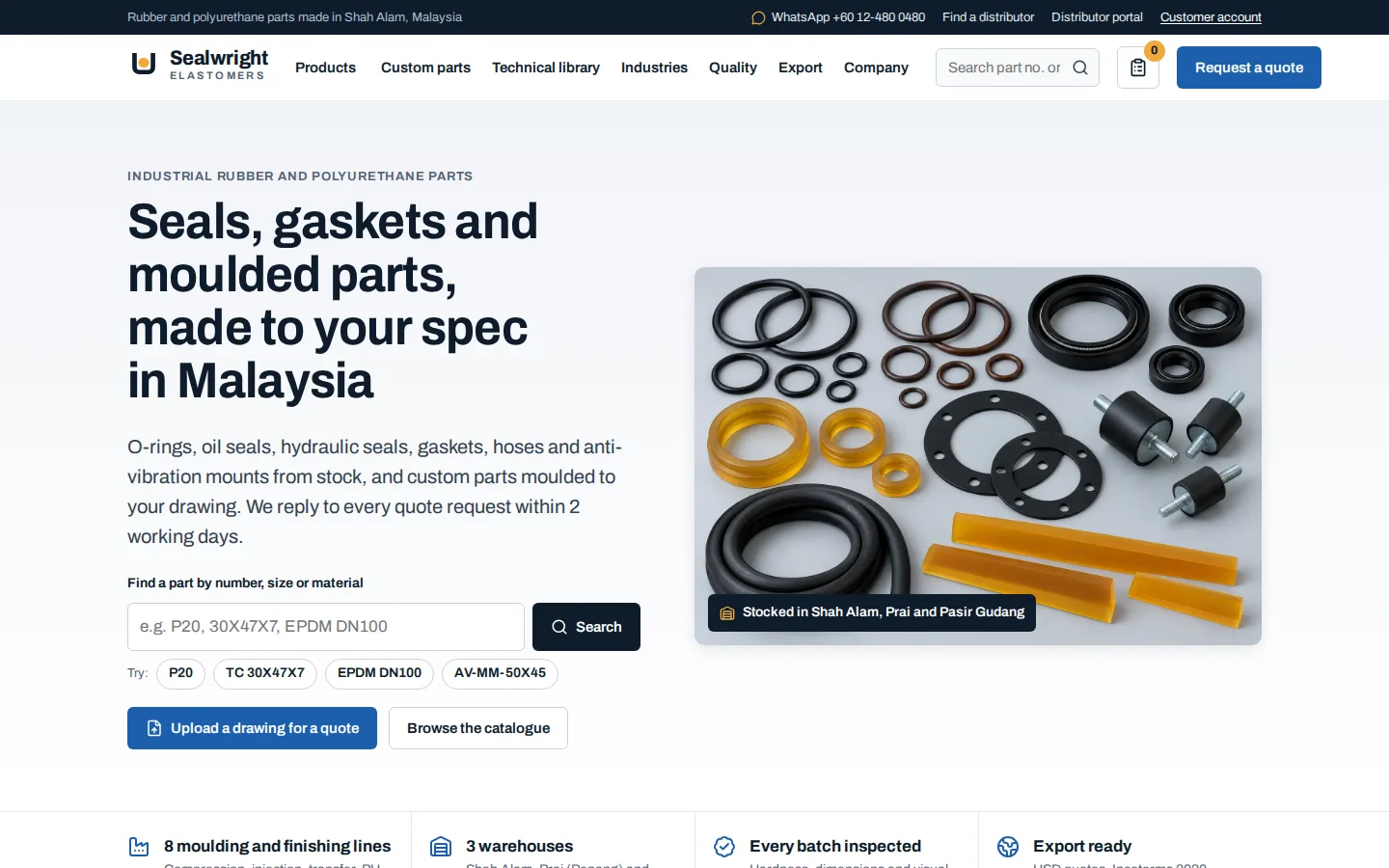
Sealwright Elastomers
Manufacturer quoting and distributor system
See how it works →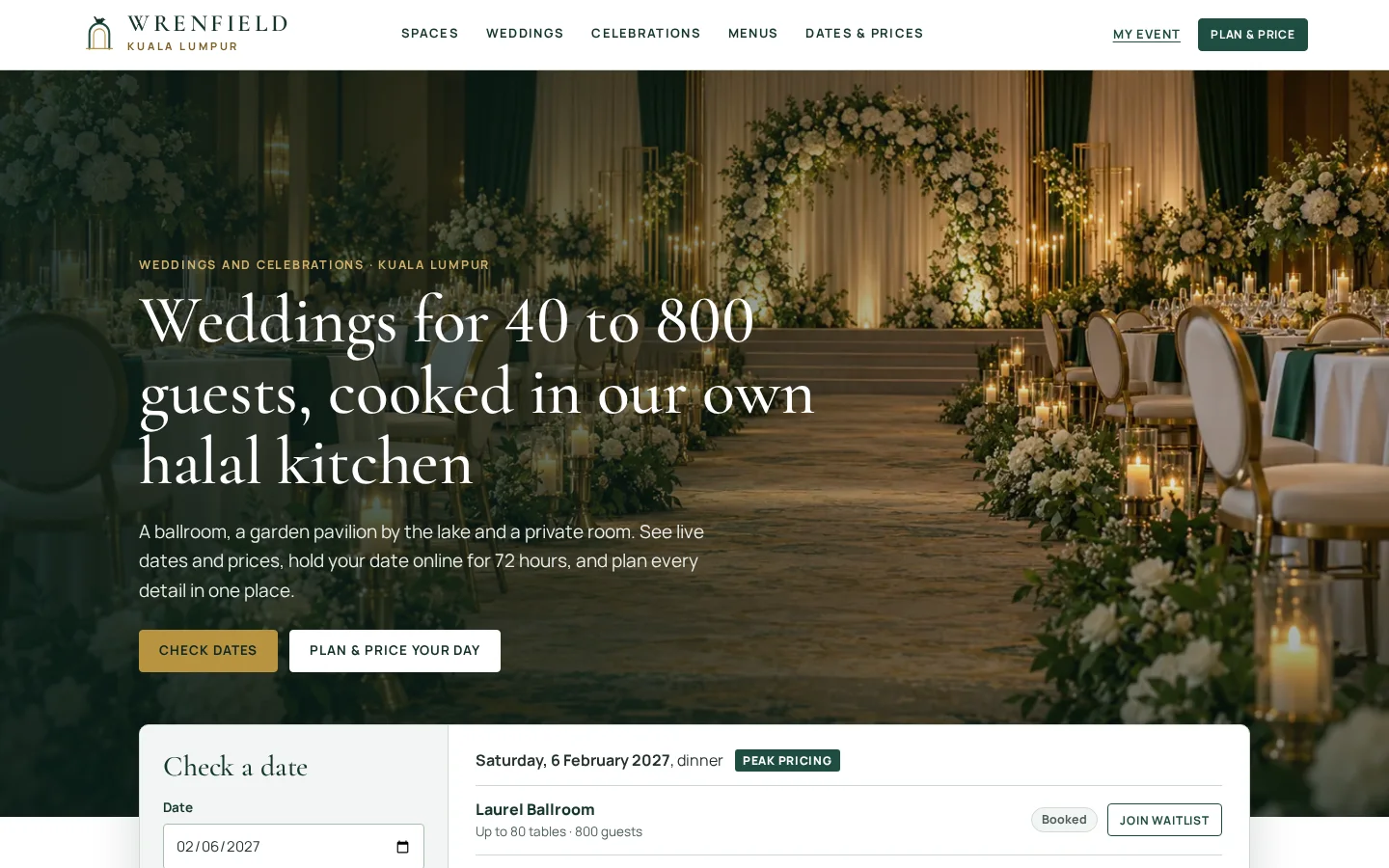
Wrenfield
Wedding and event venue booking system
See how it works →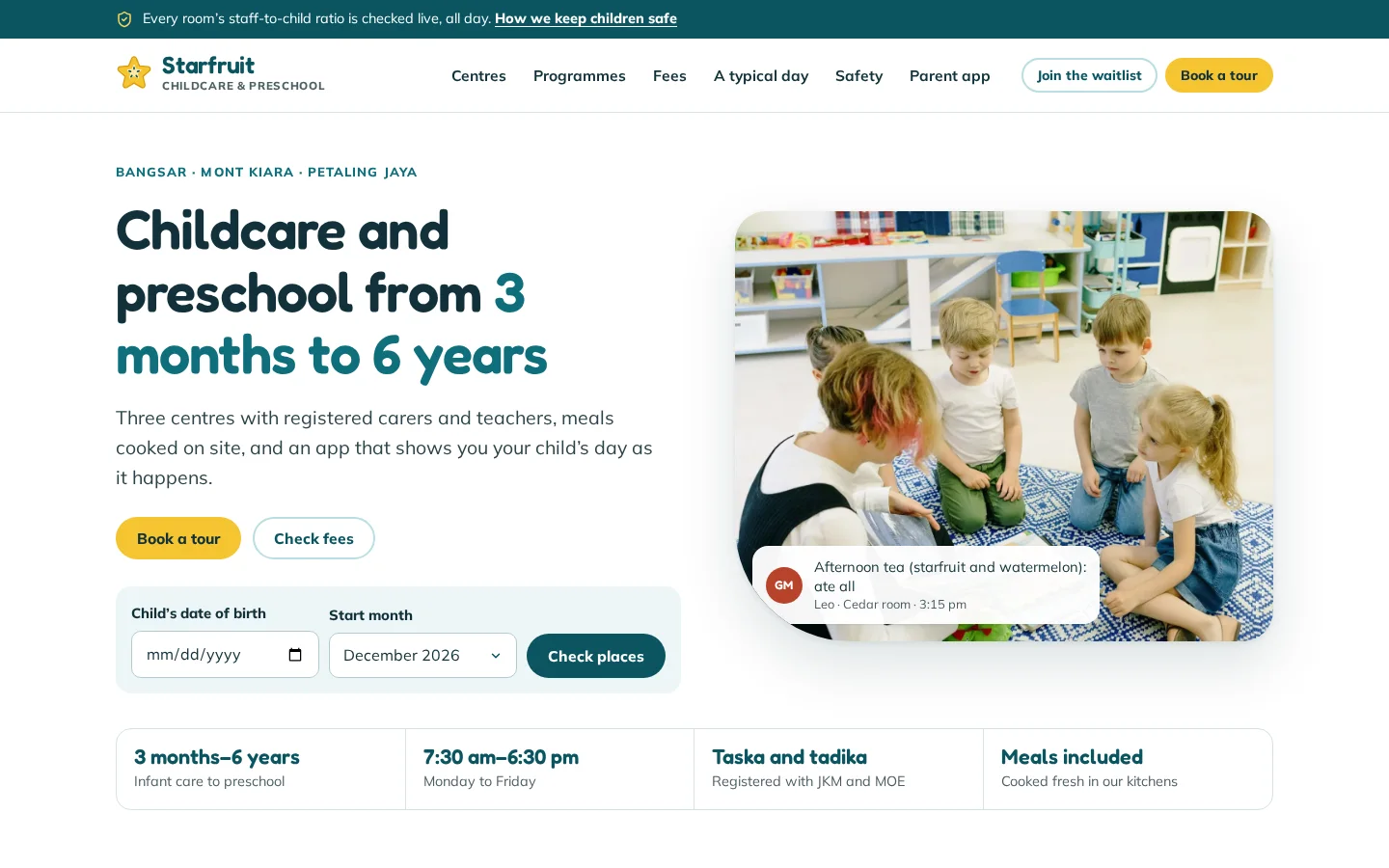
Starfruit Childcare & Preschool
Childcare parent app, teacher app and centre office
See how it works →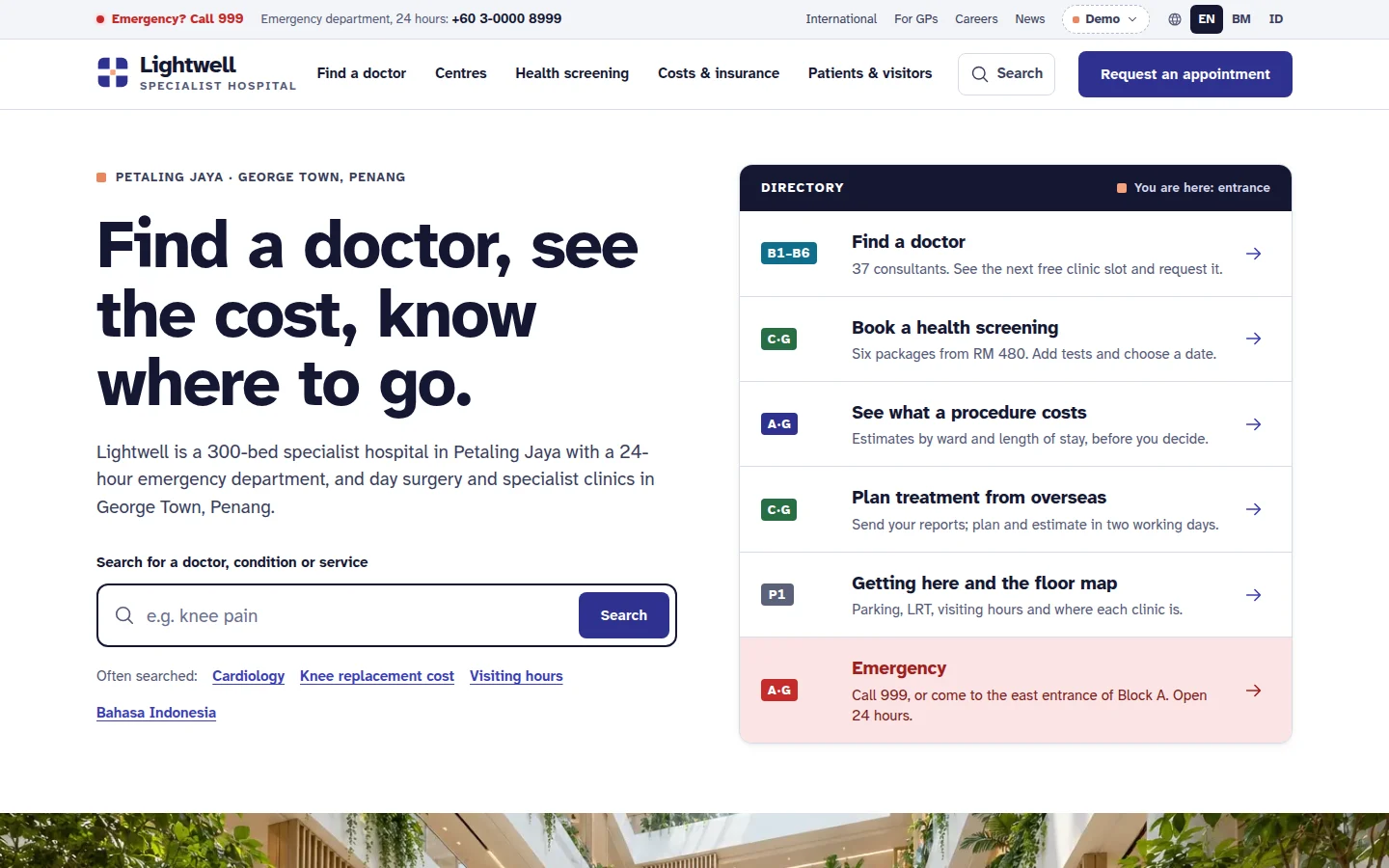
Lightwell Specialist Hospital
Private hospital website
See how it works →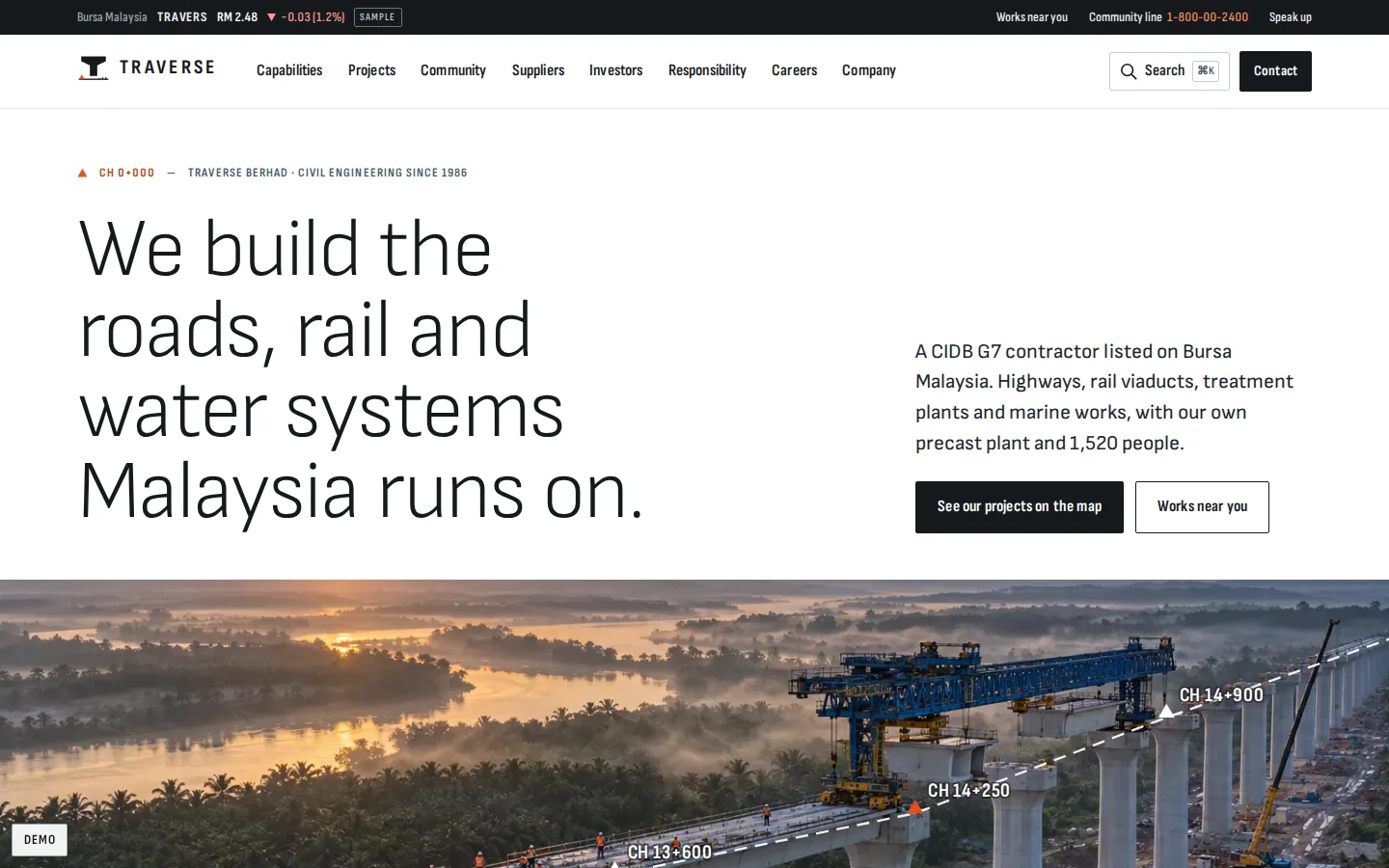
Traverse
Listed contractor corporate website
See how it works →
Ninefold Foods
Halal food brand house website
See how it works →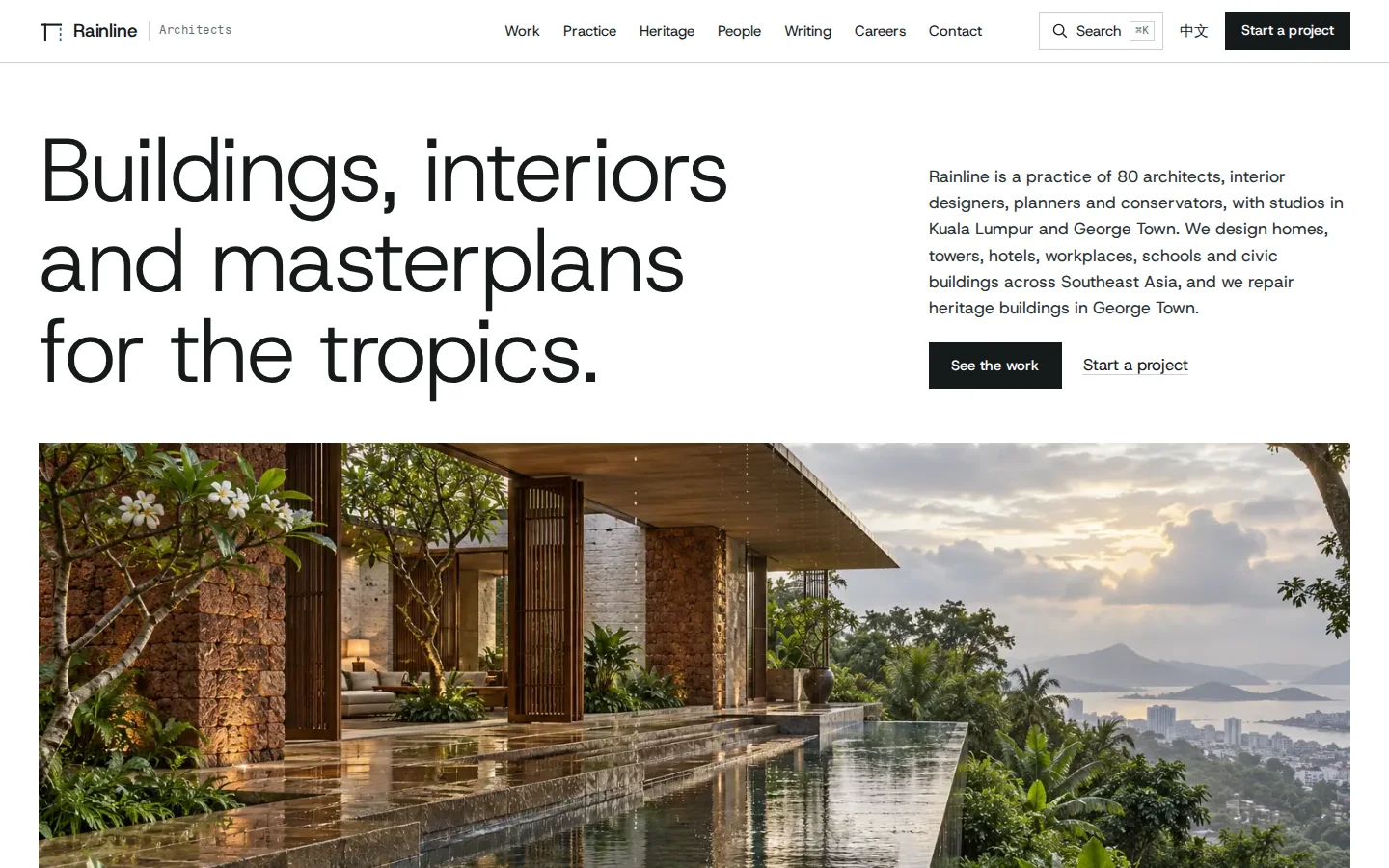
Rainline Architects
Architecture practice website
See how it works →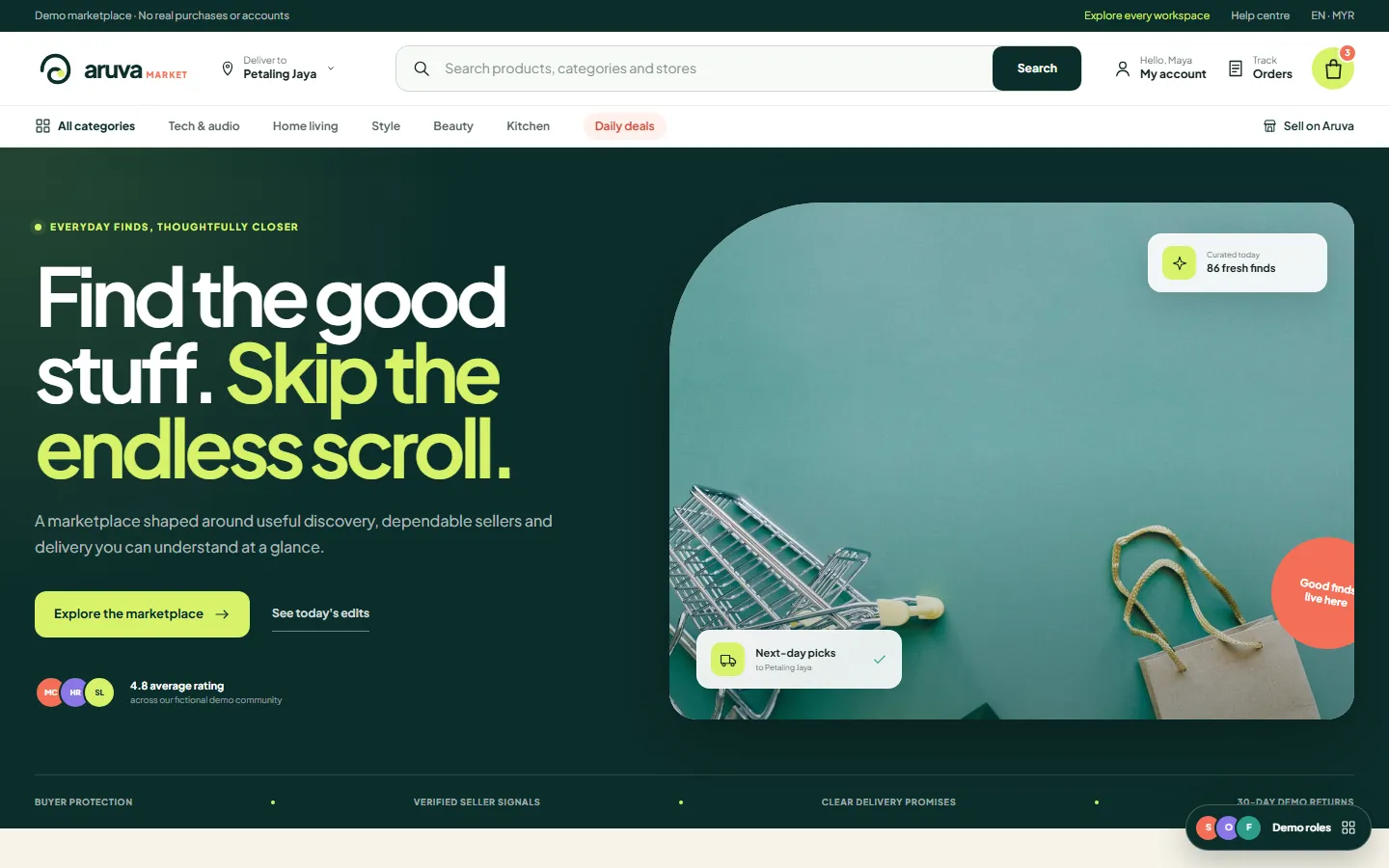
Aruva Marketplace
Multi-vendor commerce platform
See how it works →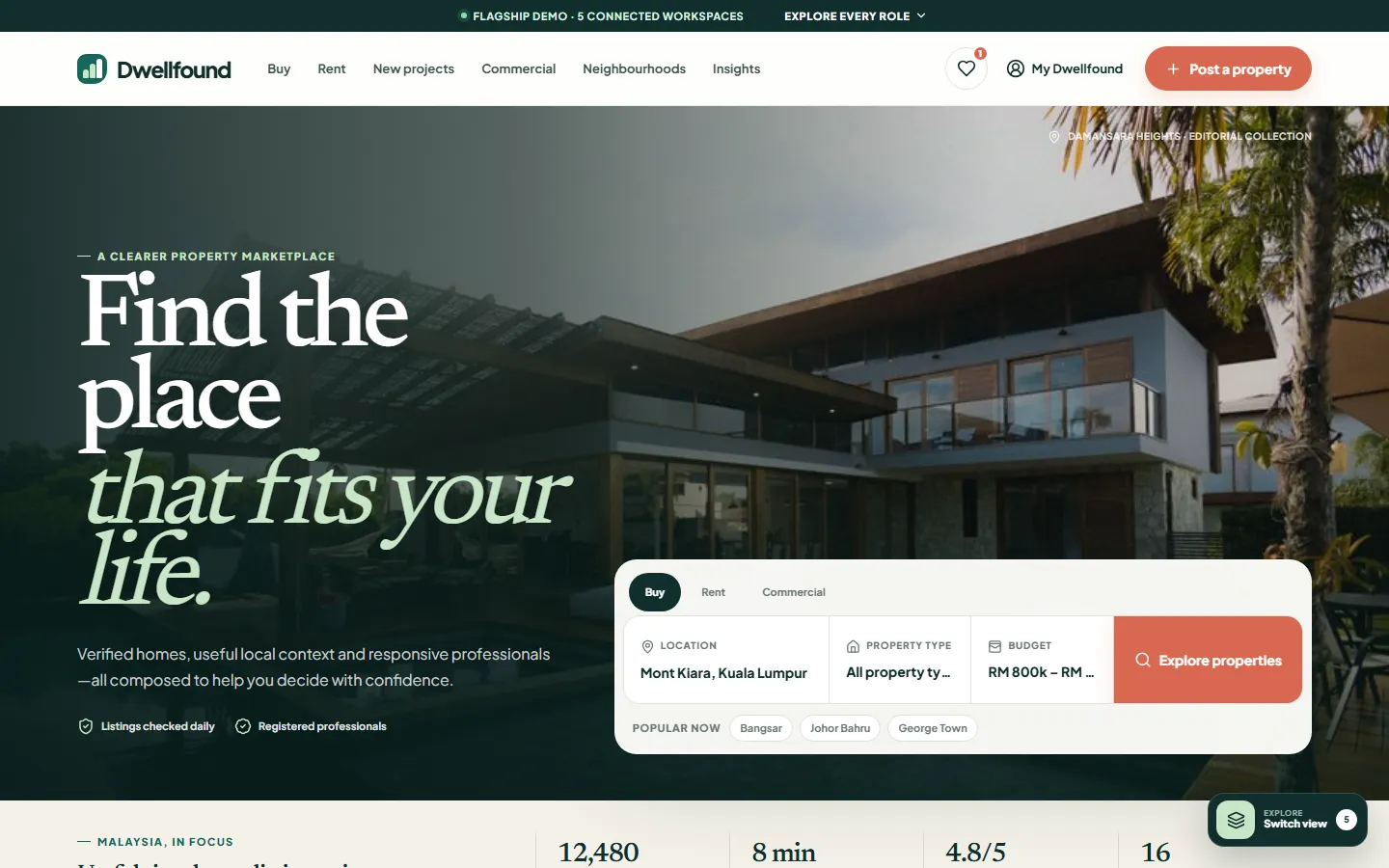
Dwellfound
Property marketplace platform
See how it works →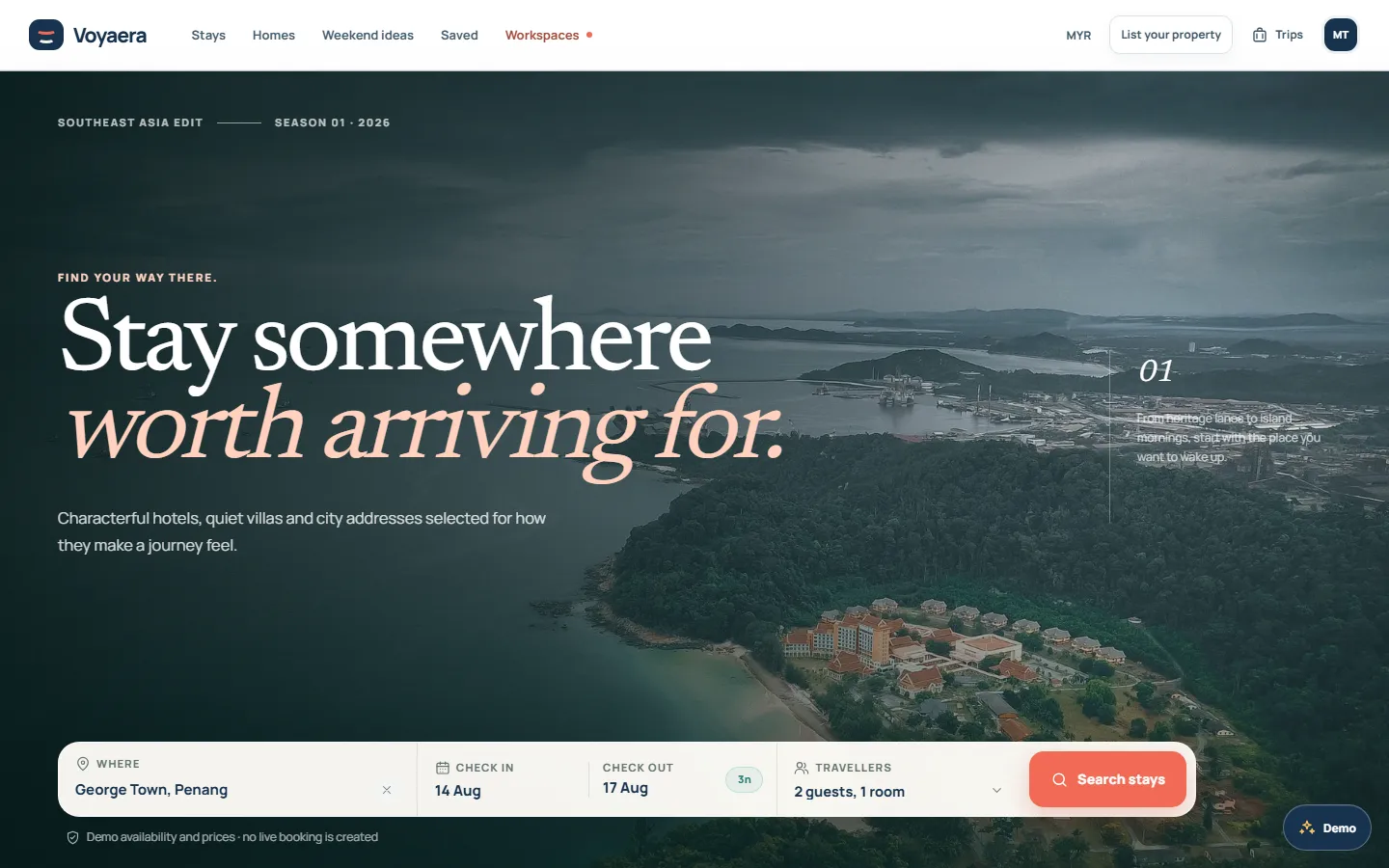
Voyaera
Accommodation marketplace platform
See how it works →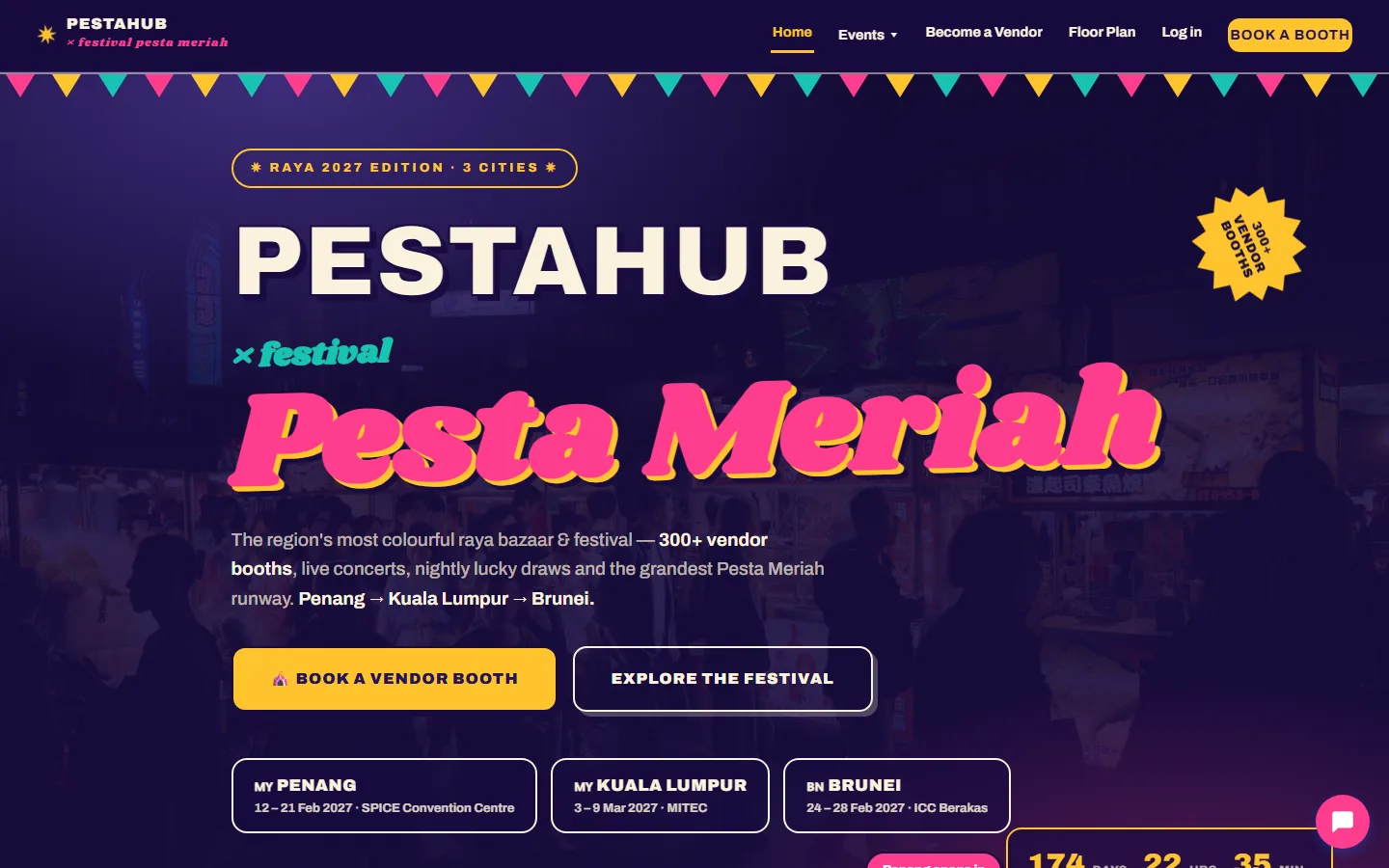
PestaHub
Festival & booth-booking platform
See how it works →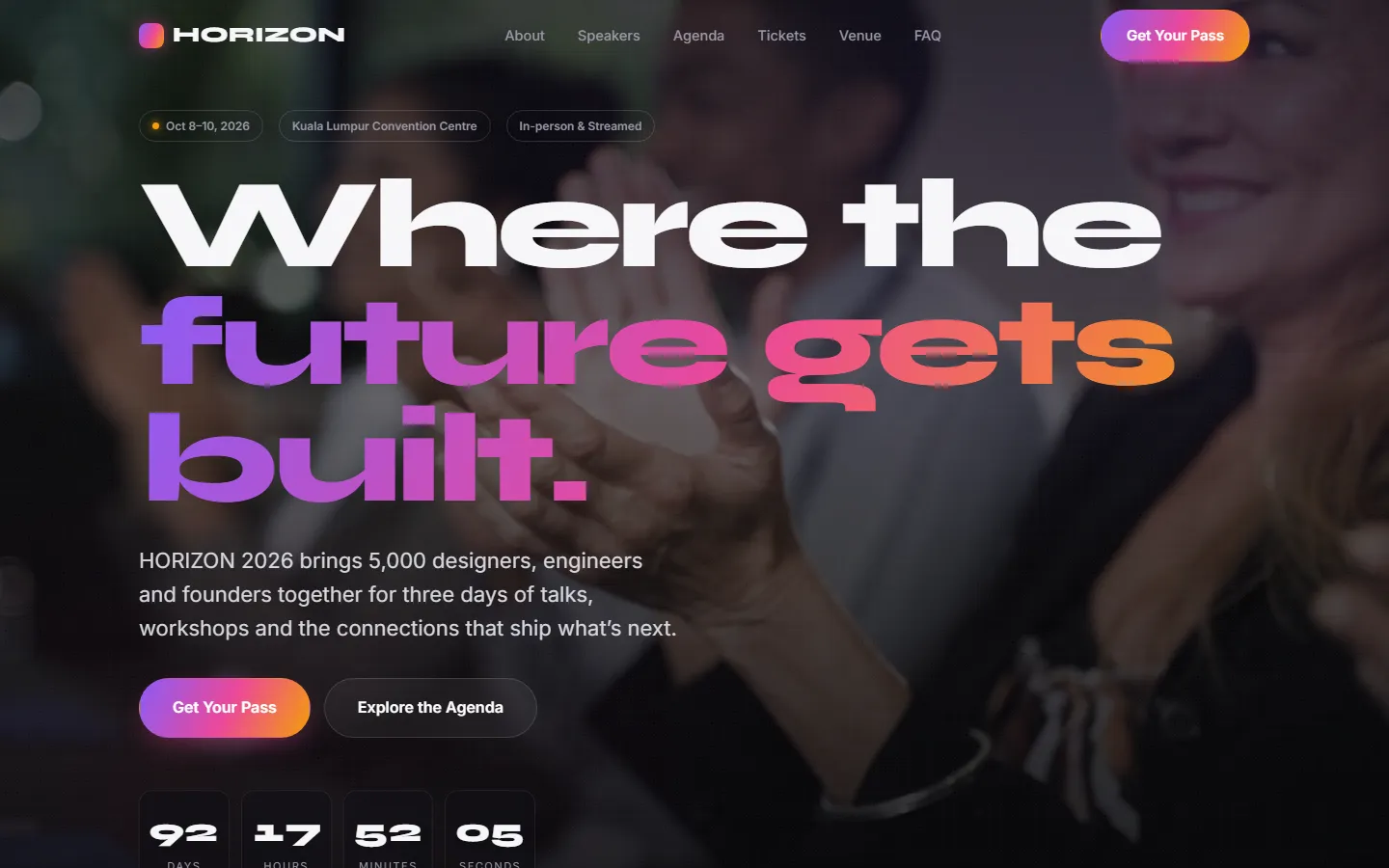
HORIZON 2026
Event & ticketing platform
See how it works →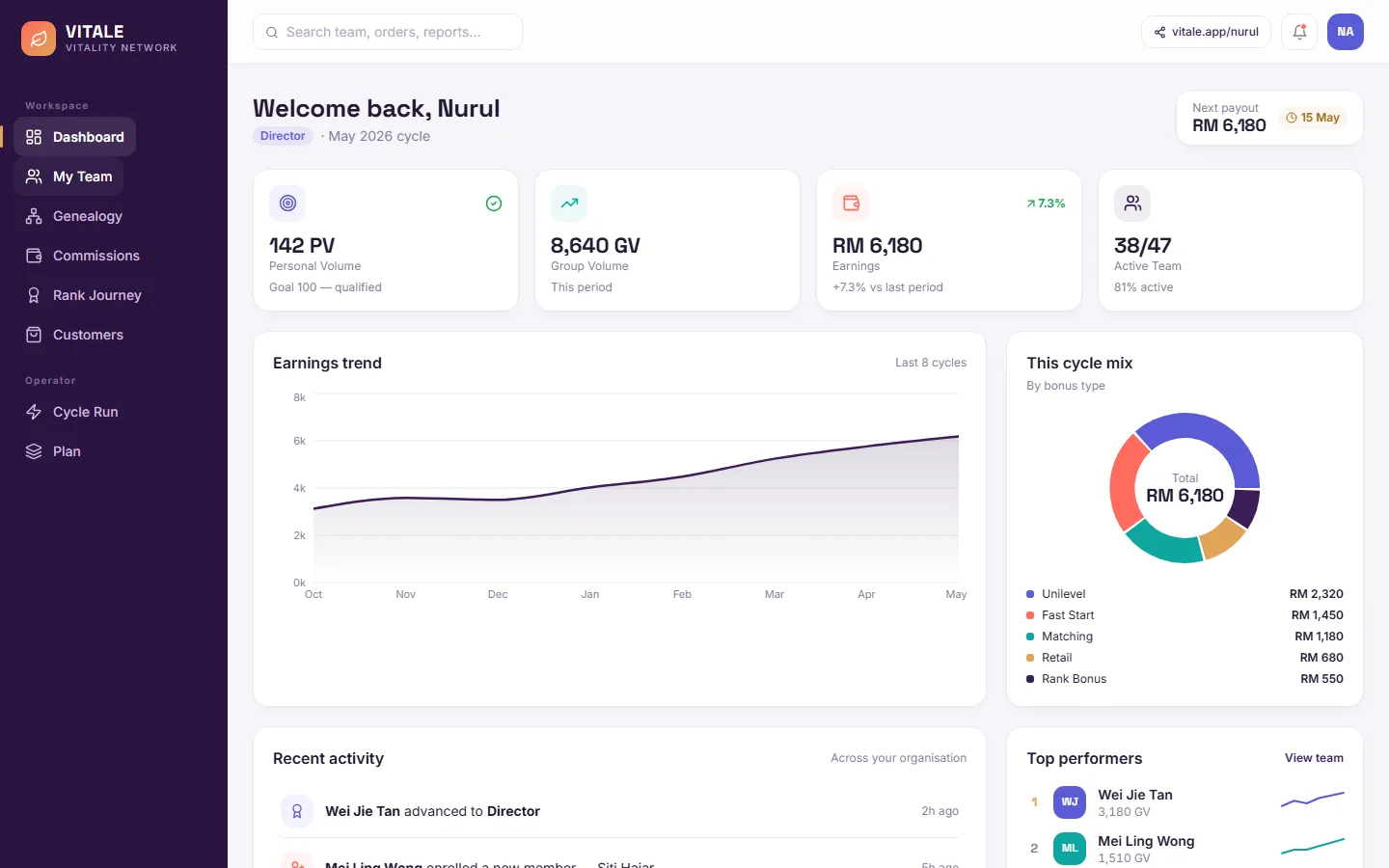
VITALE Back Office
Direct-sales platform
See how it works →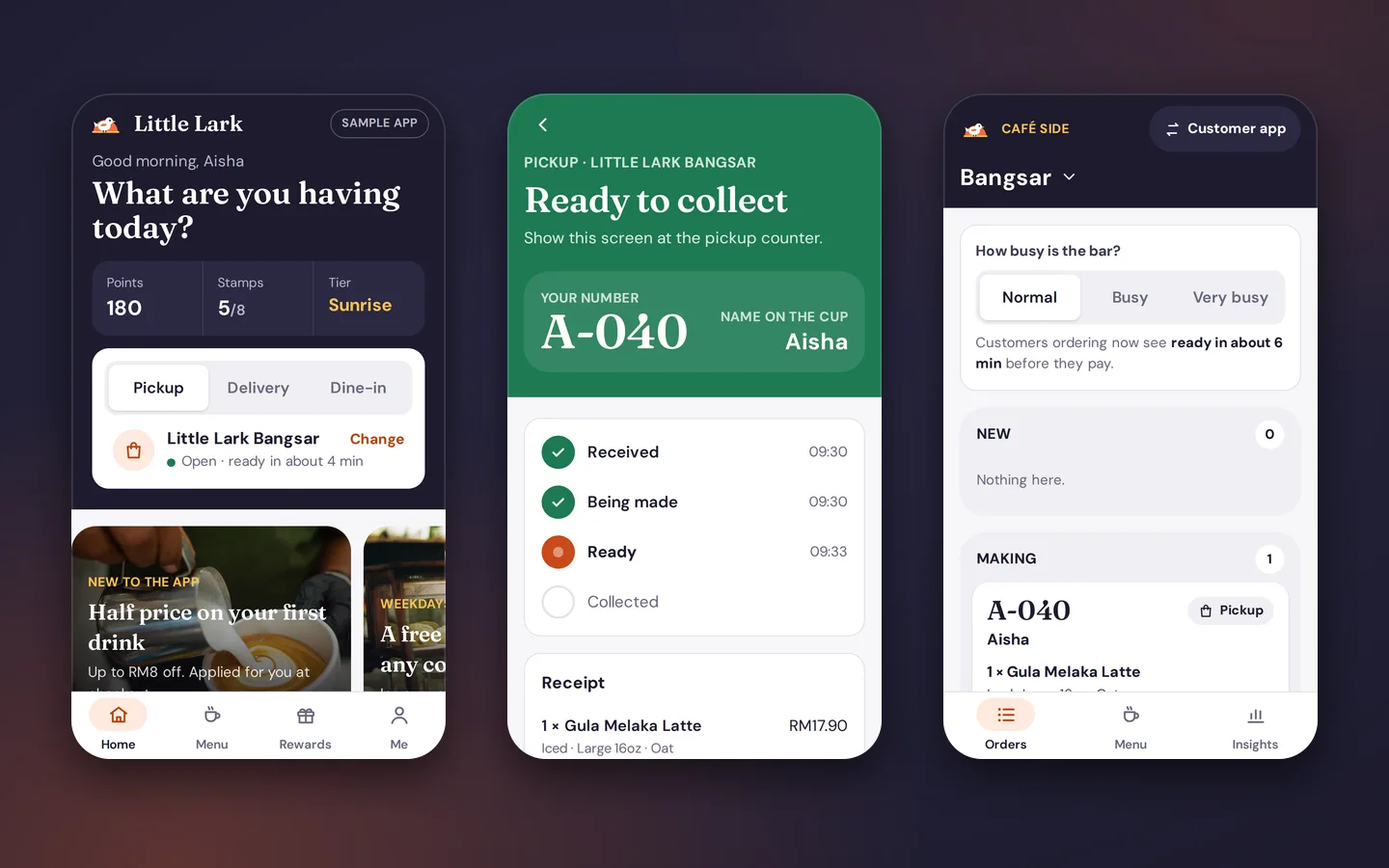
Little Lark
Café ordering and rewards app
See how it works →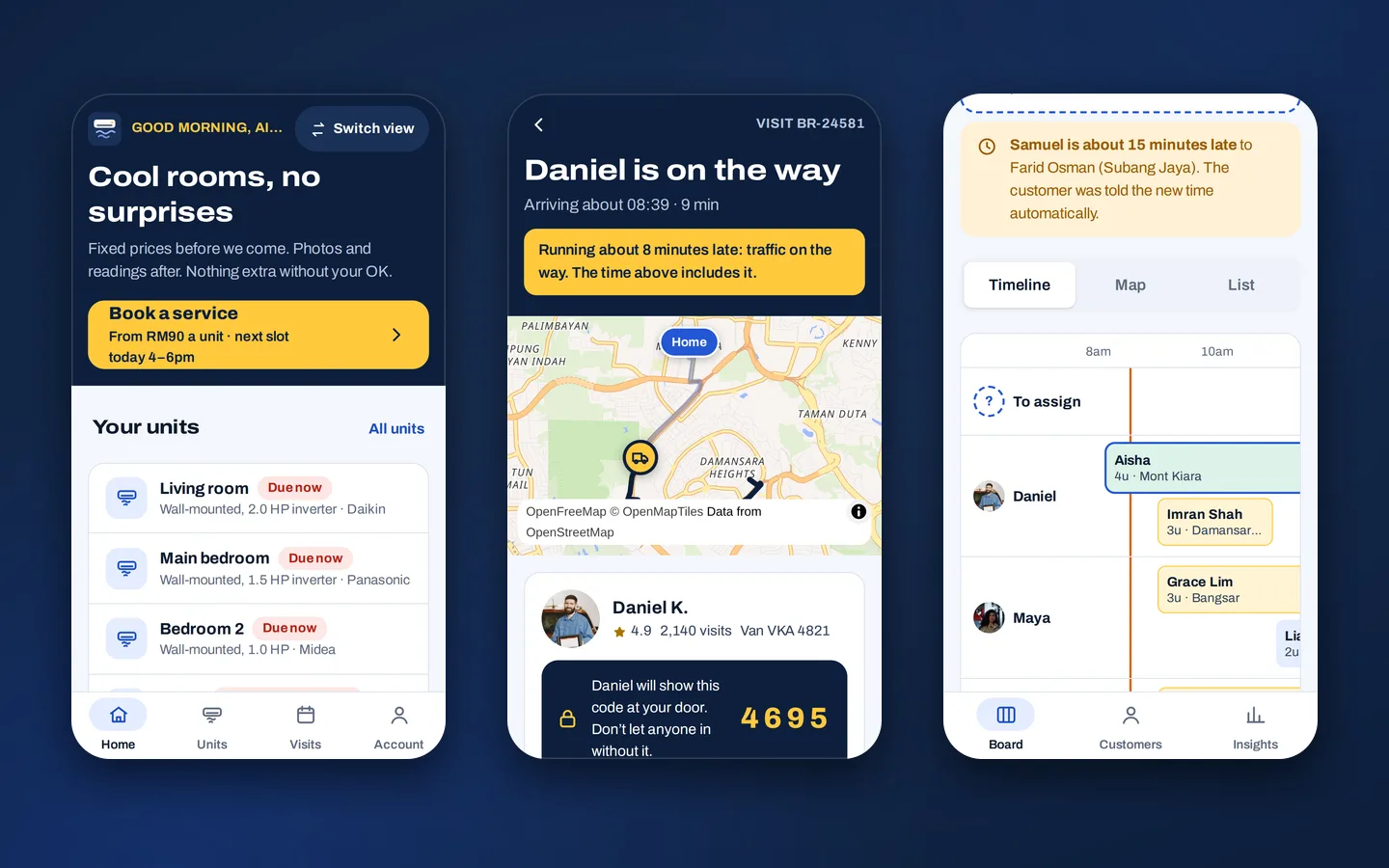
Brisa
Aircon service booking and technician app
See how it works →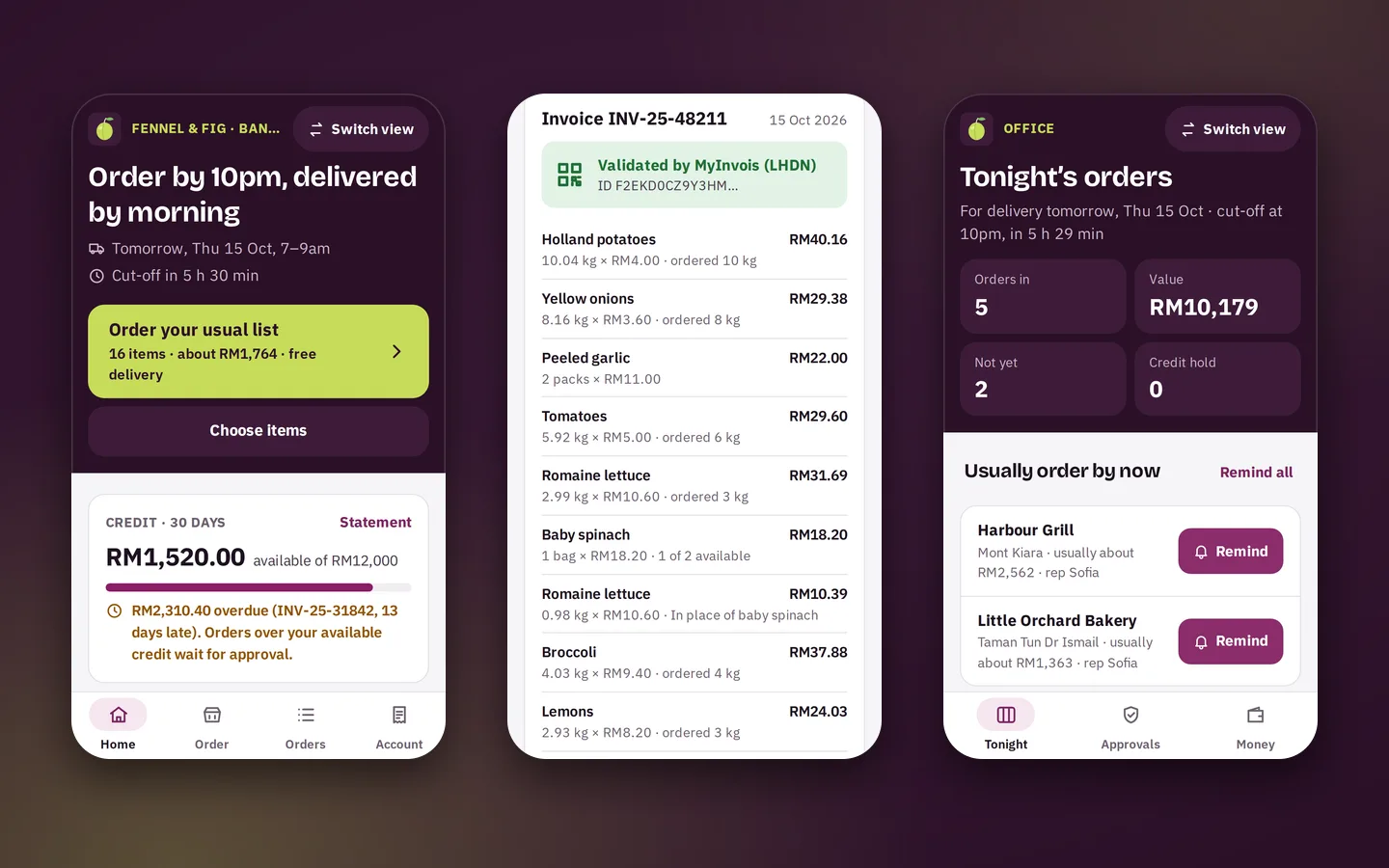
Greengage
Food supplier ordering and sales rep app
See how it works →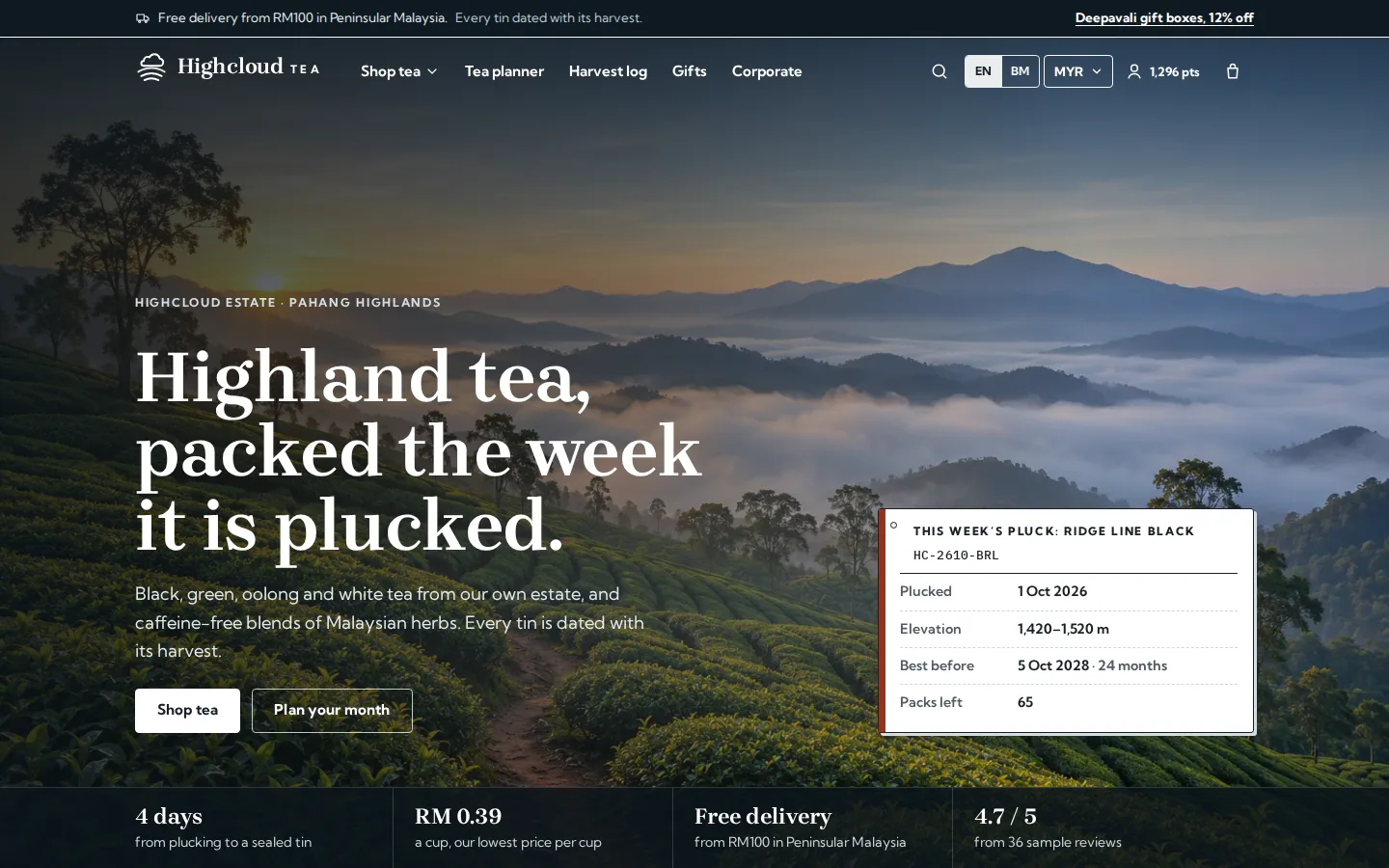
Highcloud Tea
Tea brand online store and back office
See how it works →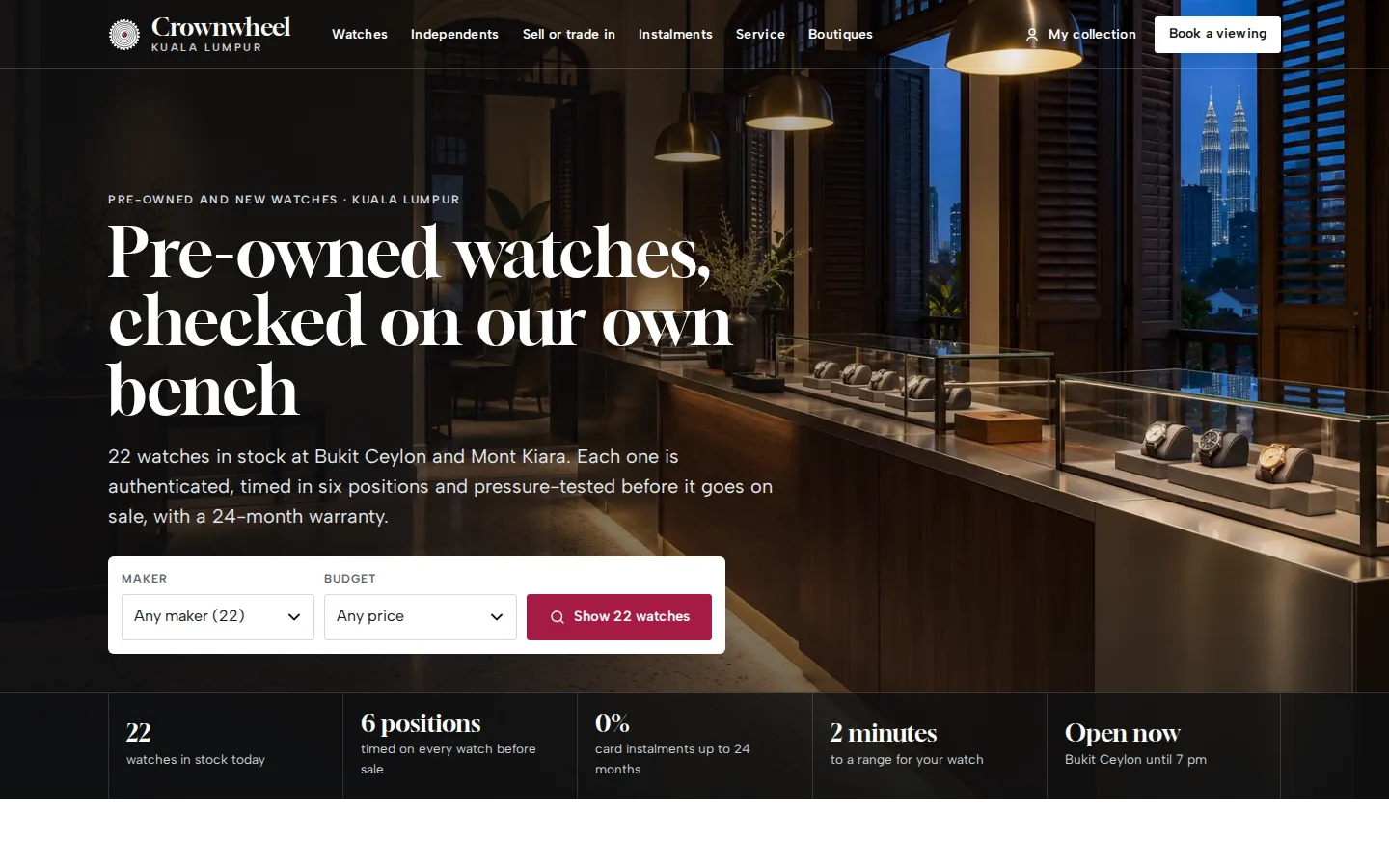
Crownwheel
Watch dealer website and sales desk
See how it works →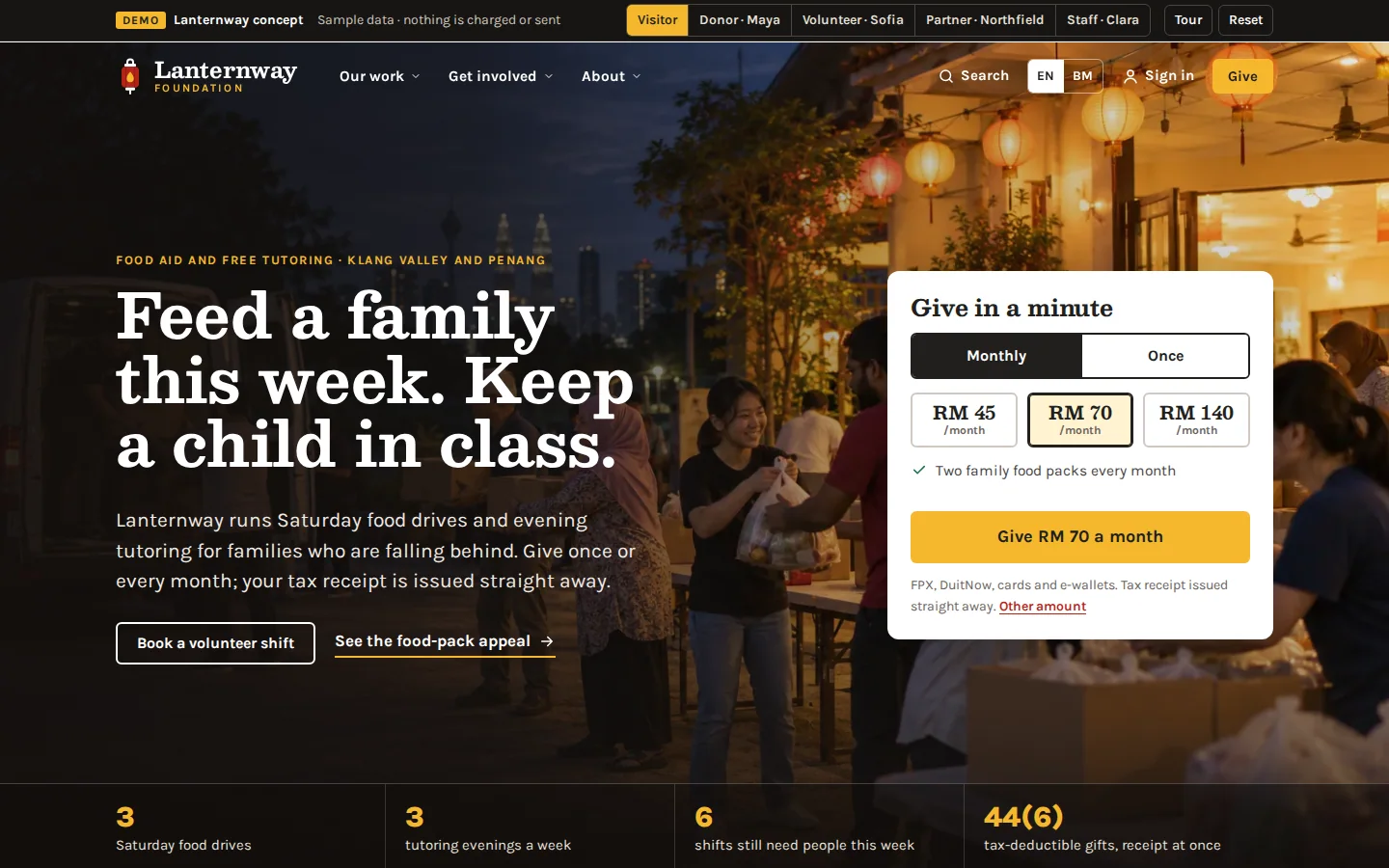
Lanternway Foundation
Charity website and giving system
See how it works →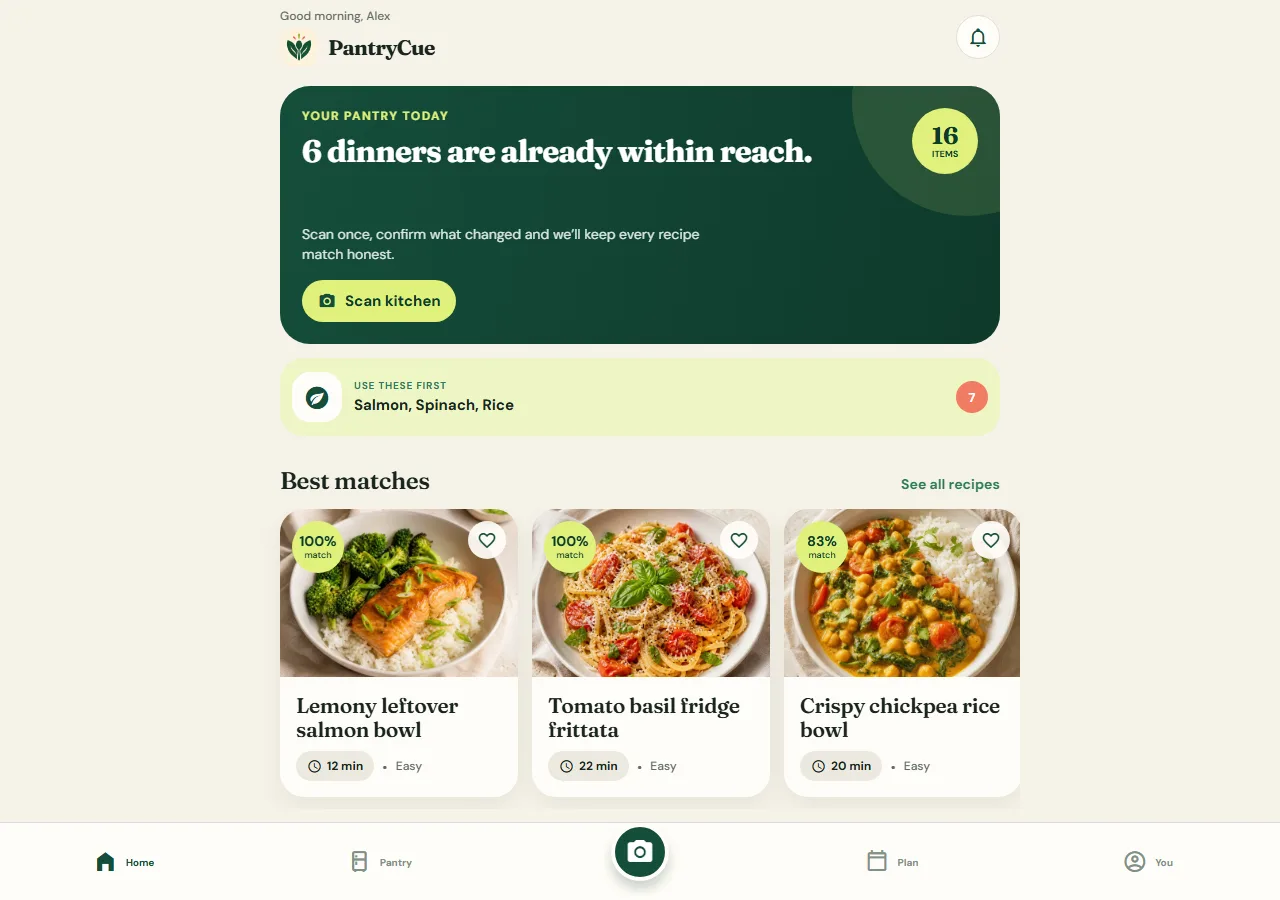
PantryCue
React Native app - camera, notifications, offline pantry
See how it works →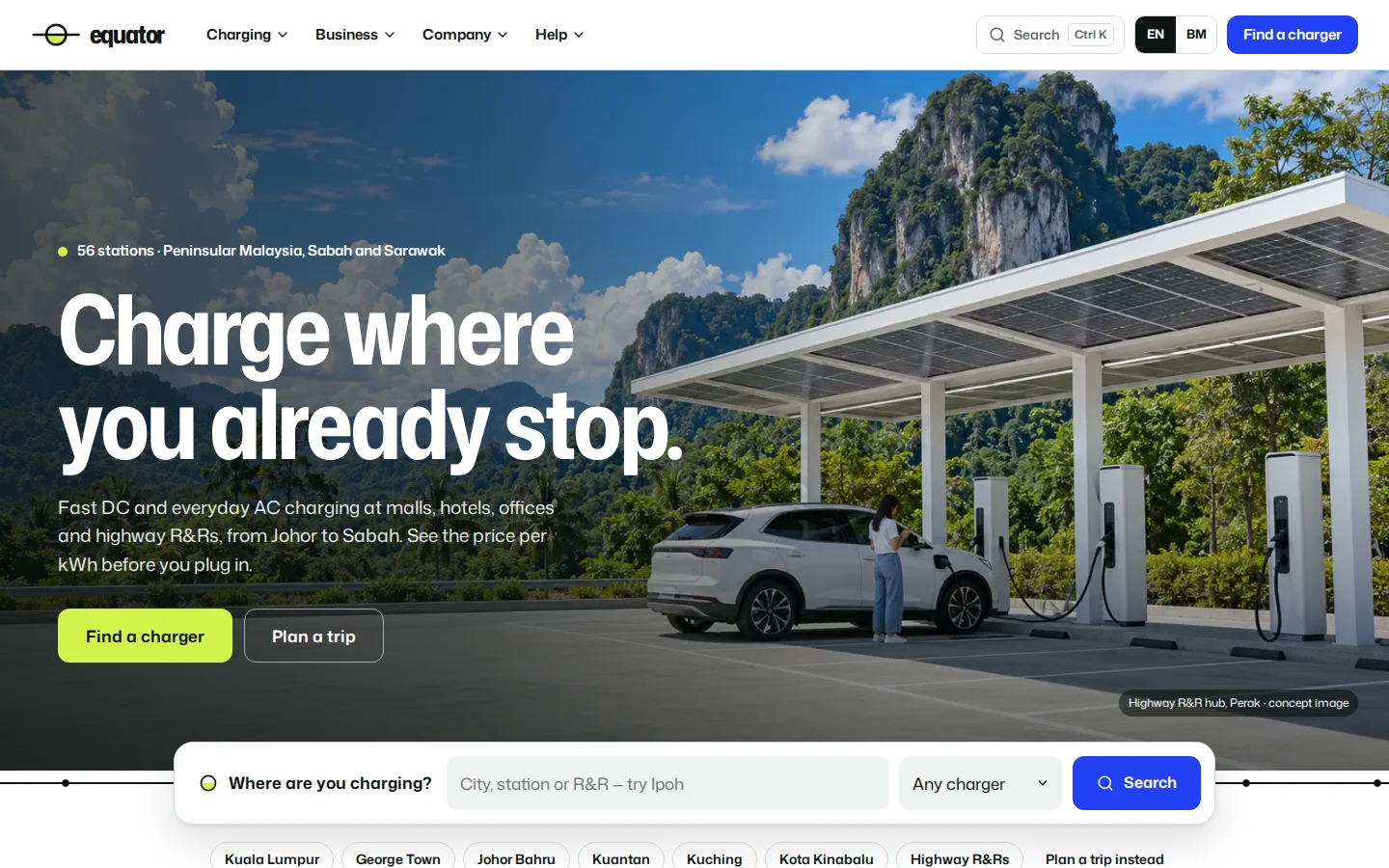
Equator
EV charging network website
See how it works →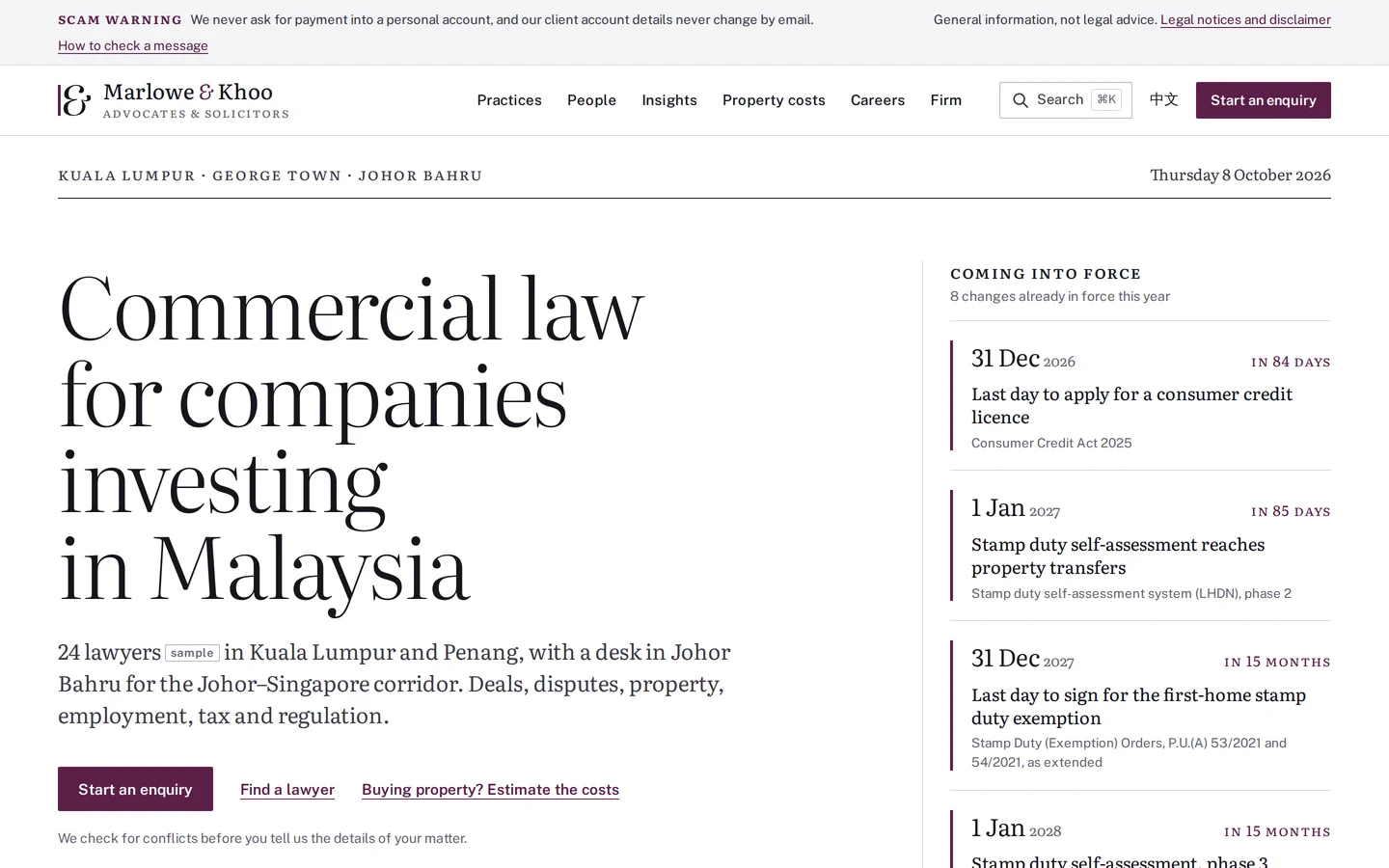
Marlowe & Khoo
Commercial law firm website
See how it works →Often built alongside
Questions
Asked about admin & dashboards
The questions that come up when we scope this system. Anything else, ask us directly.
Can different team members see different things?
Yes — role-based views are standard in our consoles. Finance sees payouts and reconciliation; operations sees queues and fulfilment; management sees the overview; and each role’s permissions are enforced server-side, not just hidden in the interface. Aruva runs six distinct role workspaces over one dataset, which is the same pattern at larger scale.
Can we export data for Excel or our accountant?
Every meaningful list in our consoles exports to CSV — filtered, so what you export is what you were looking at. For recurring needs, like a monthly reconciliation file, we build the specific export rather than leaving your team to reassemble it by hand each time. Where an external system needs the data continuously, that becomes an integration instead of an export.
Is the data live or updated on a schedule?
The console reads the same database the platform writes to, so records are current the moment you load them, and high-tempo views like check-in consoles or activity feeds refresh themselves. We deliberately avoid overnight-sync architectures — a dashboard your team distrusts because “it hasn’t updated yet” stops being used within a month.
Can it replace the spreadsheets we run the business on?
That is usually exactly what it does — the spreadsheets are the requirements document. We map what each sheet actually tracks, build those records and queues into the console, and import the historical data so nothing is lost. The honest caveat: one or two spreadsheets usually survive because they are genuinely ad-hoc, and that is fine. The goal is that the operational core stops living in files only one person understands.
Can it email us a summary every evening?
Yes, at the time you choose: sales by outlet against last week, best sellers, refunds and anything that needs attention, sent to the owners and managers you list. See the daily summary email in Sundial.
Need this in your project?
Tell us what you are building and we will show you the closest thing we have already made — then quote the real version.
Tell us what you need built
You get a fixed quote for your project, and a working prototype to click through before you pay.