
Core systems
CRM & integrations
Making sure every enquiry lands where your team already works.
From RM 1,200For an accounting export; live links and other systems from RM 1,500All add-on prices
What it is
The plumbing between the website and everything else you run — CRM, spreadsheets, email, messaging. Enquiries stop living in an inbox and start appearing in the system your sales team already opens every morning, with retries when something upstream fails.

How we build it
What makes ours work
Store first, sync second — an enquiry is never lost
The cardinal sin of website-to-CRM integration is posting the enquiry straight to the CRM and hoping. CRMs go down, tokens expire, fields change. Every lead we capture is written to the platform’s own database first, then synced onwards — so an upstream failure delays a lead’s appearance in the CRM but can never lose it. The record of what happened, and when, lives on your side.
Field mapping is agreed like a contract
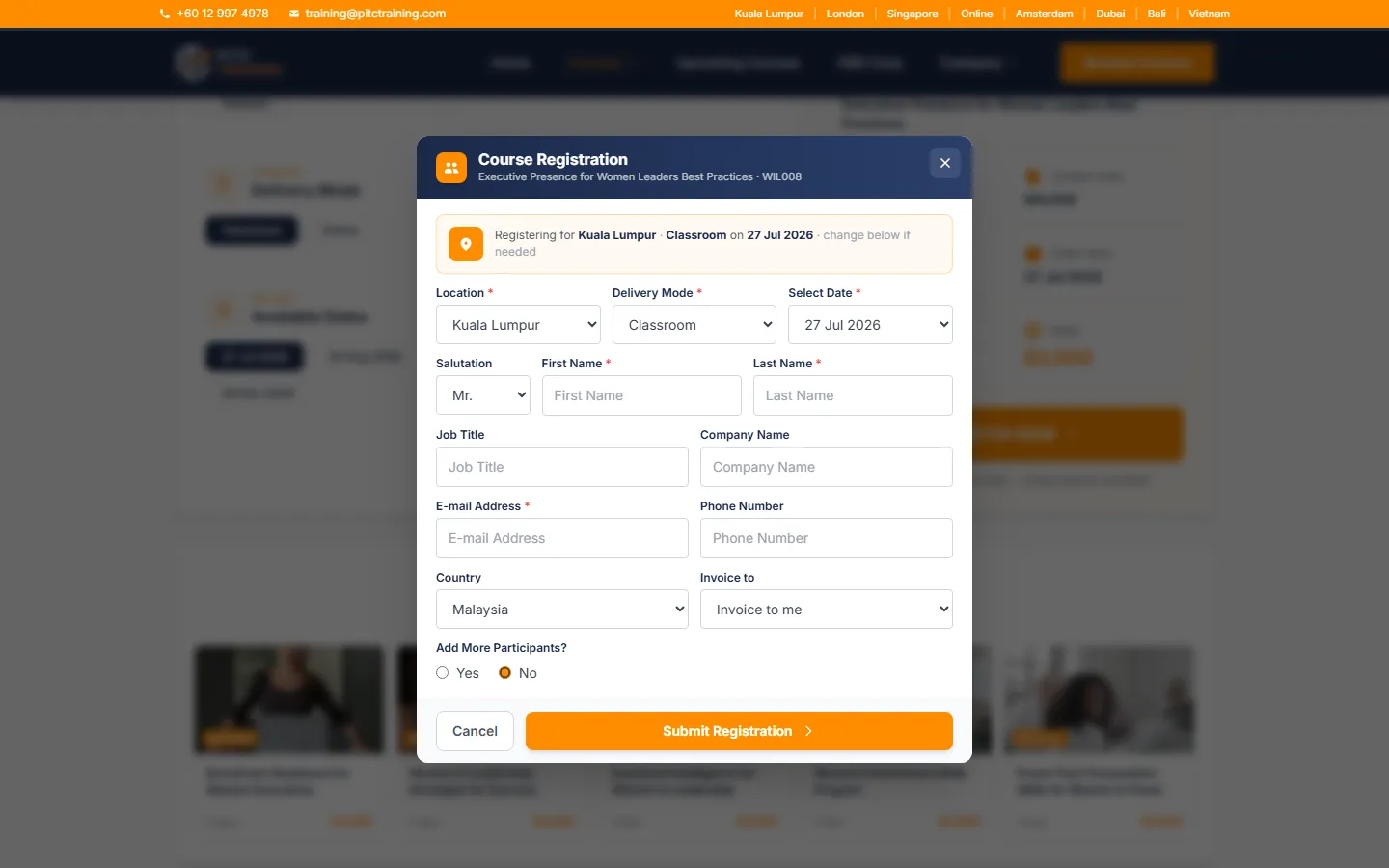
Integrations decay when nobody can say what maps to what. Before we write sync code, we document the mapping — this form field to this CRM field, this course selection to this deal property, this consent checkbox to this compliance flag — and review it with whoever owns the CRM. The PITC build sends registrations, brochure downloads and contact enquiries to the client’s CRM with a separate mapping for each form, because they mean different things to the sales team.
Sync status is visible, and retry is one click
When a sync fails silently, trust in the whole system dies. Our integrations surface their own health: an admin view shows each lead’s sync status, failures are flagged rather than swallowed, and re-sending is one click rather than a support ticket. In the PITC build the team can see which enquiries reached the CRM and resend any that did not.
Proof
Where we've built this
Every build below contains this system. Open any one to see how it works — the fastest way to judge whether we can do what you need.

iCAUR Singapore
Automotive website + digital experience
See how it works →
PITC Training
Course platform + CRM pipeline
See how it works →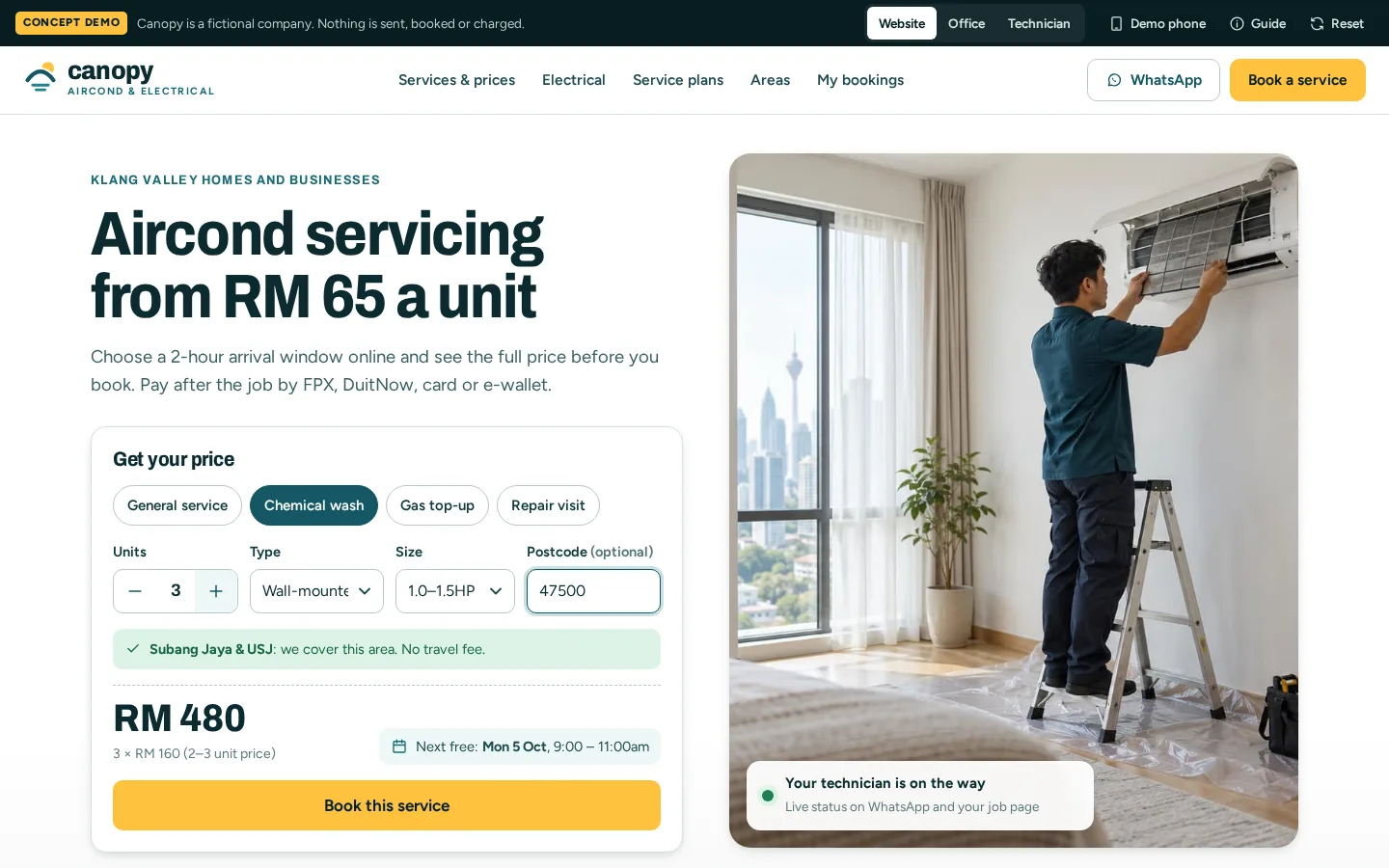
Canopy
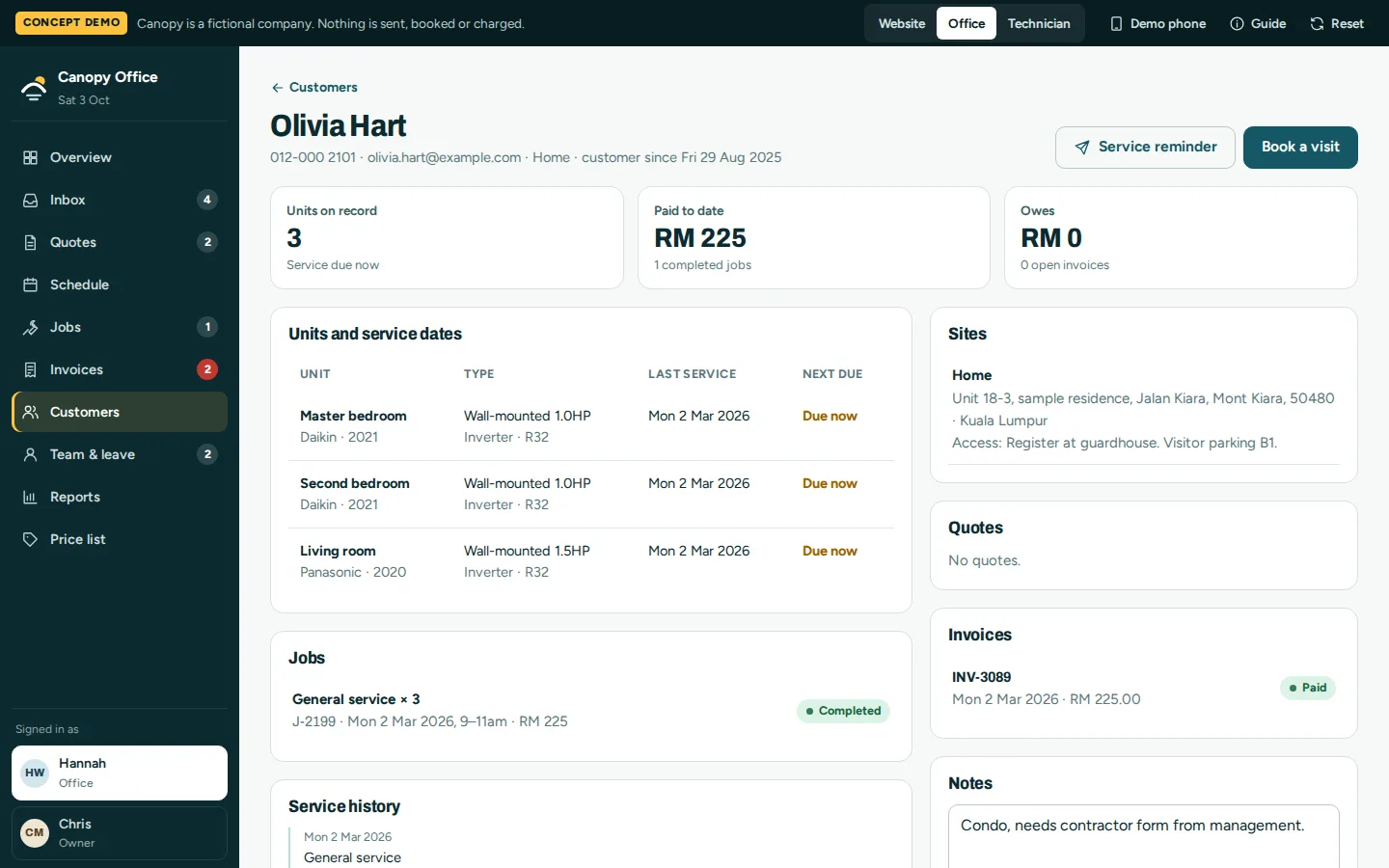
Field service system: quotes, jobs and invoices
See how it works →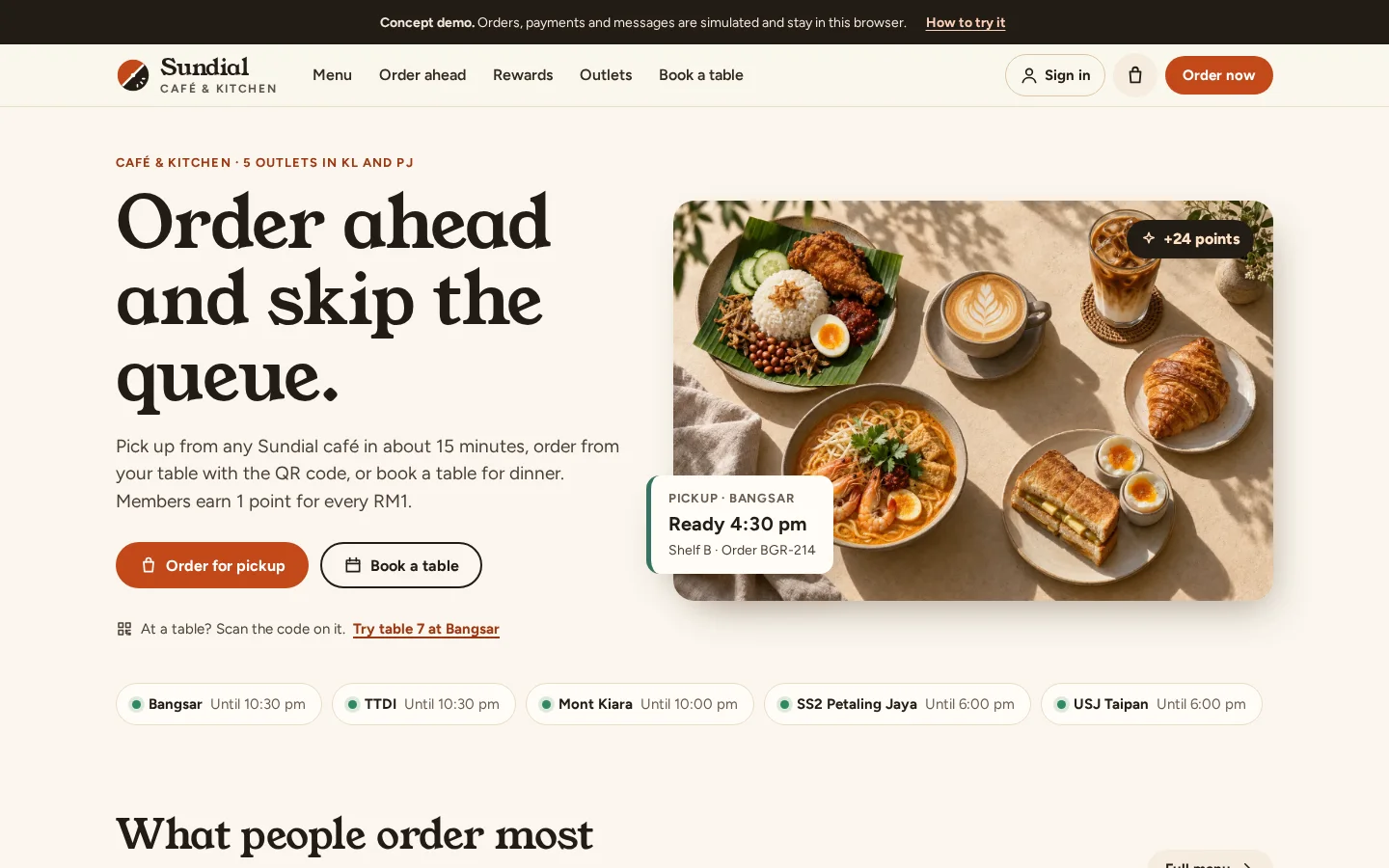
Sundial
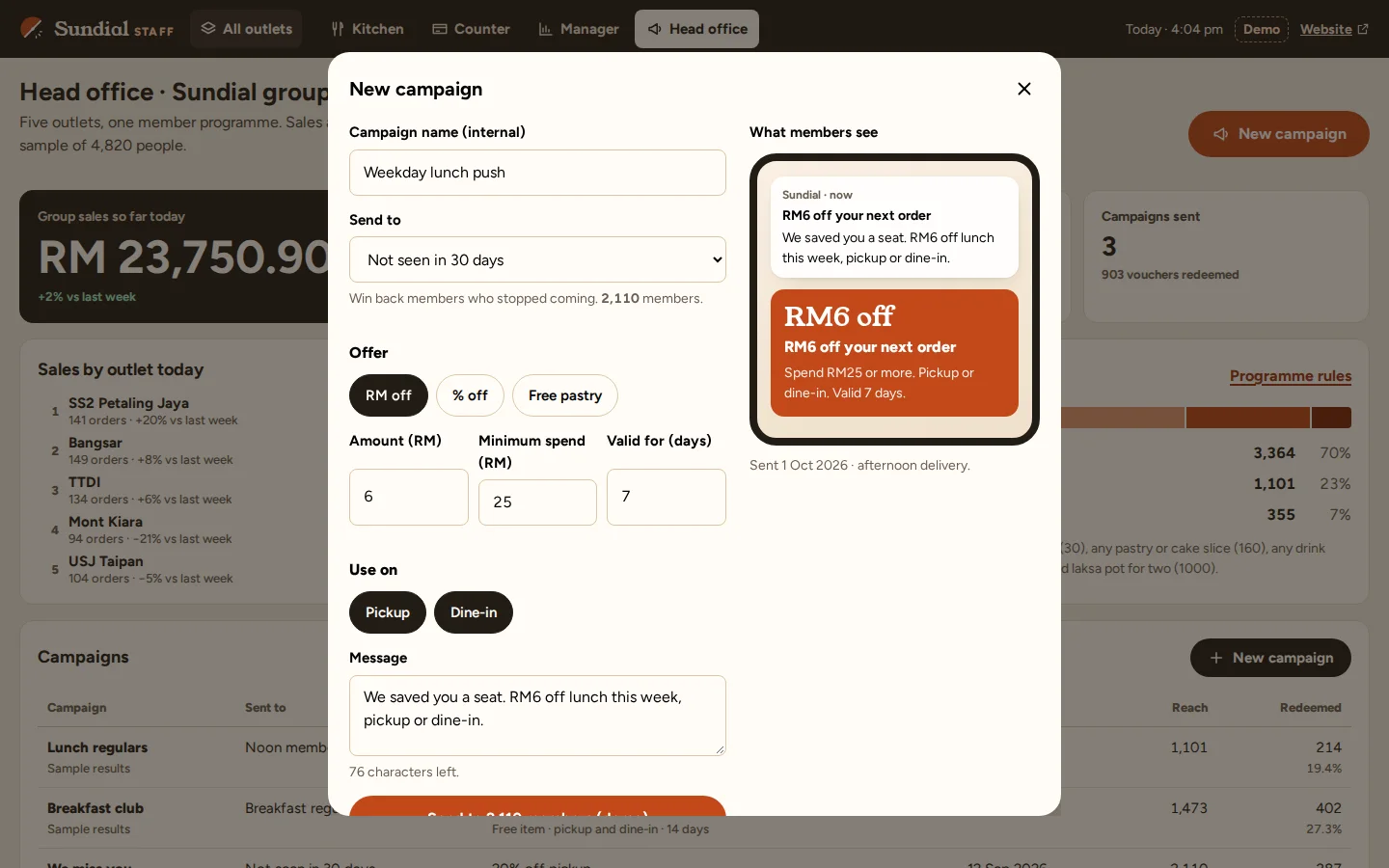
Restaurant ordering and loyalty app
See how it works →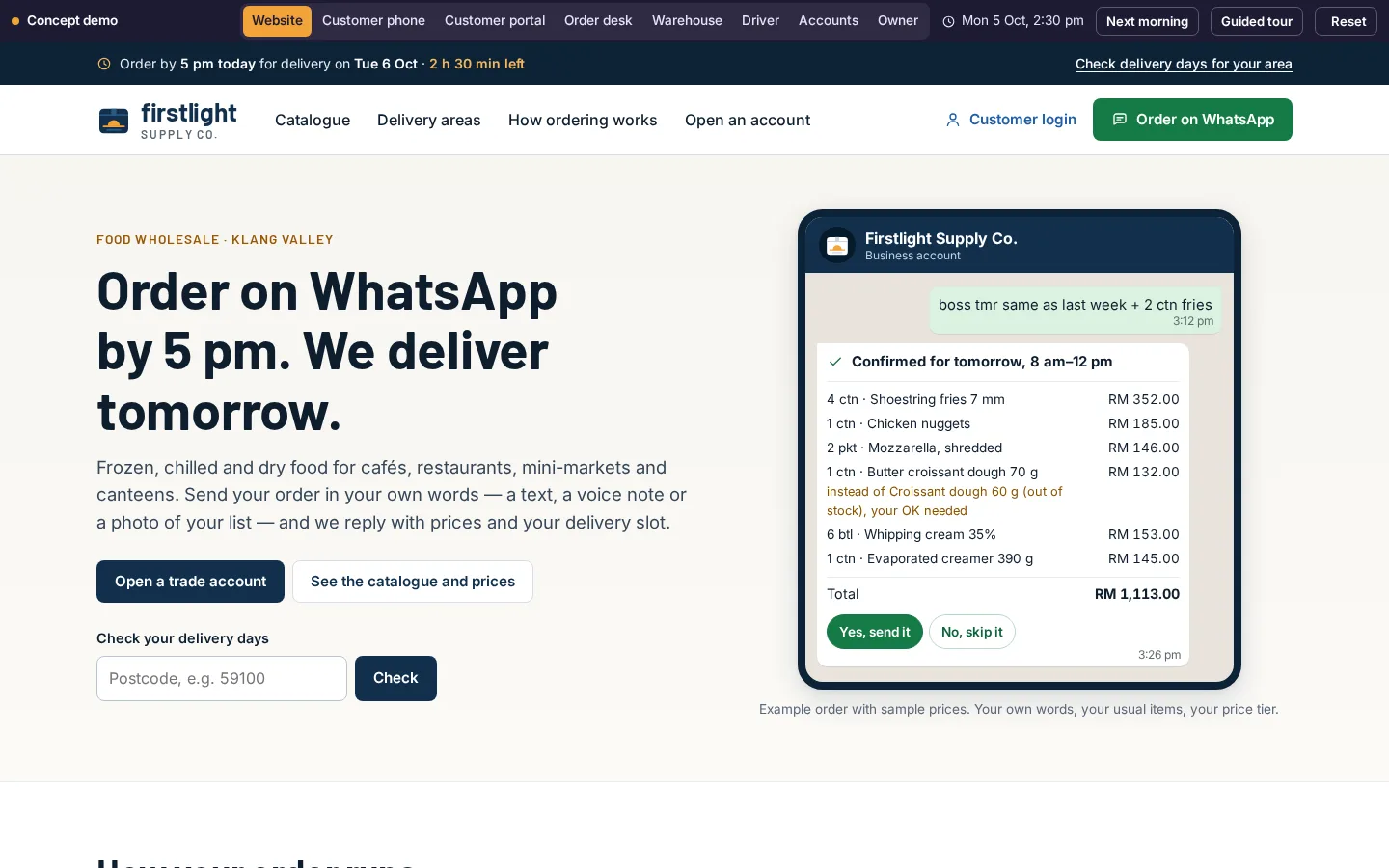
Firstlight Supply Co.
WhatsApp order desk for a food wholesaler
See how it works →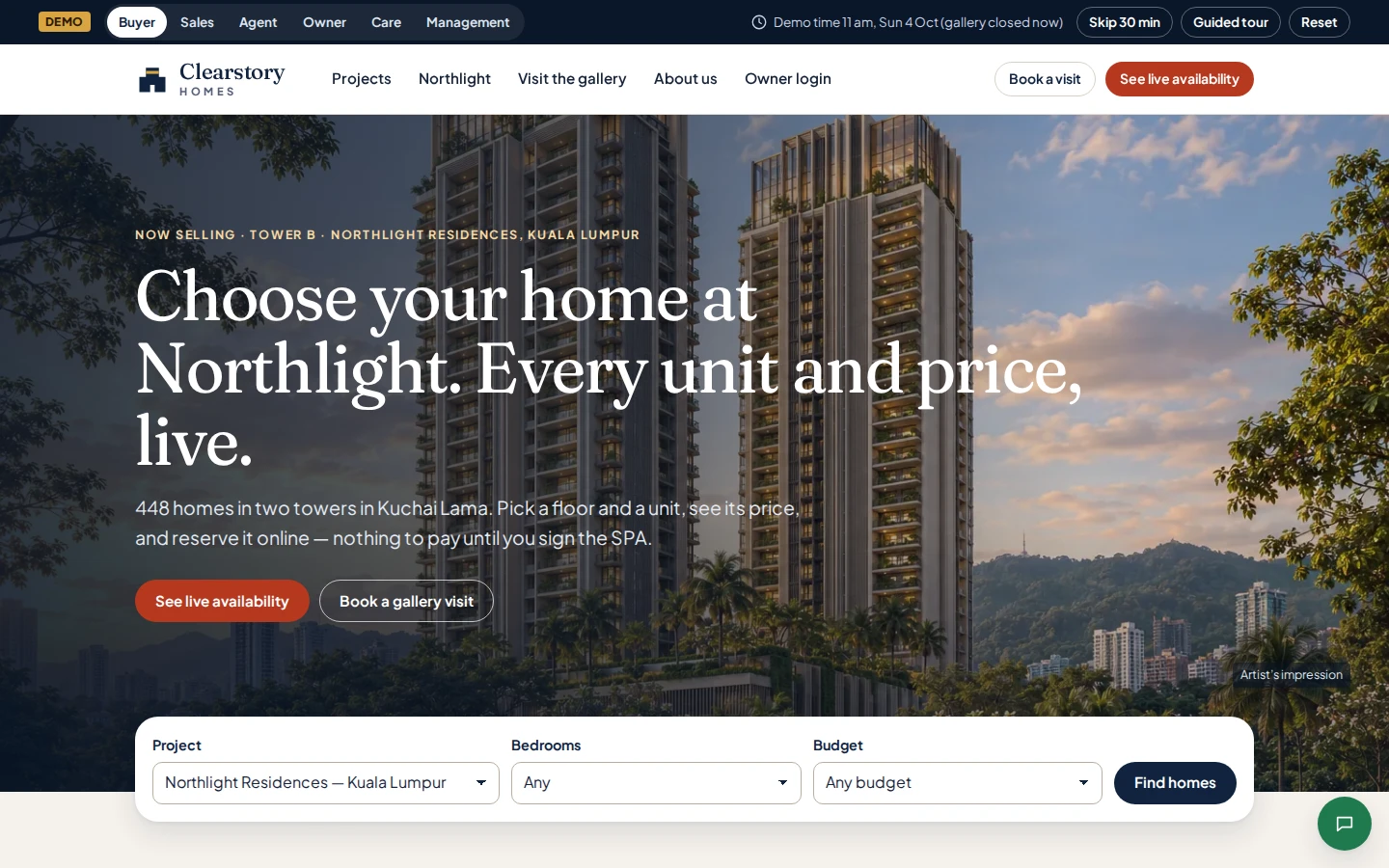
Clearstory Homes
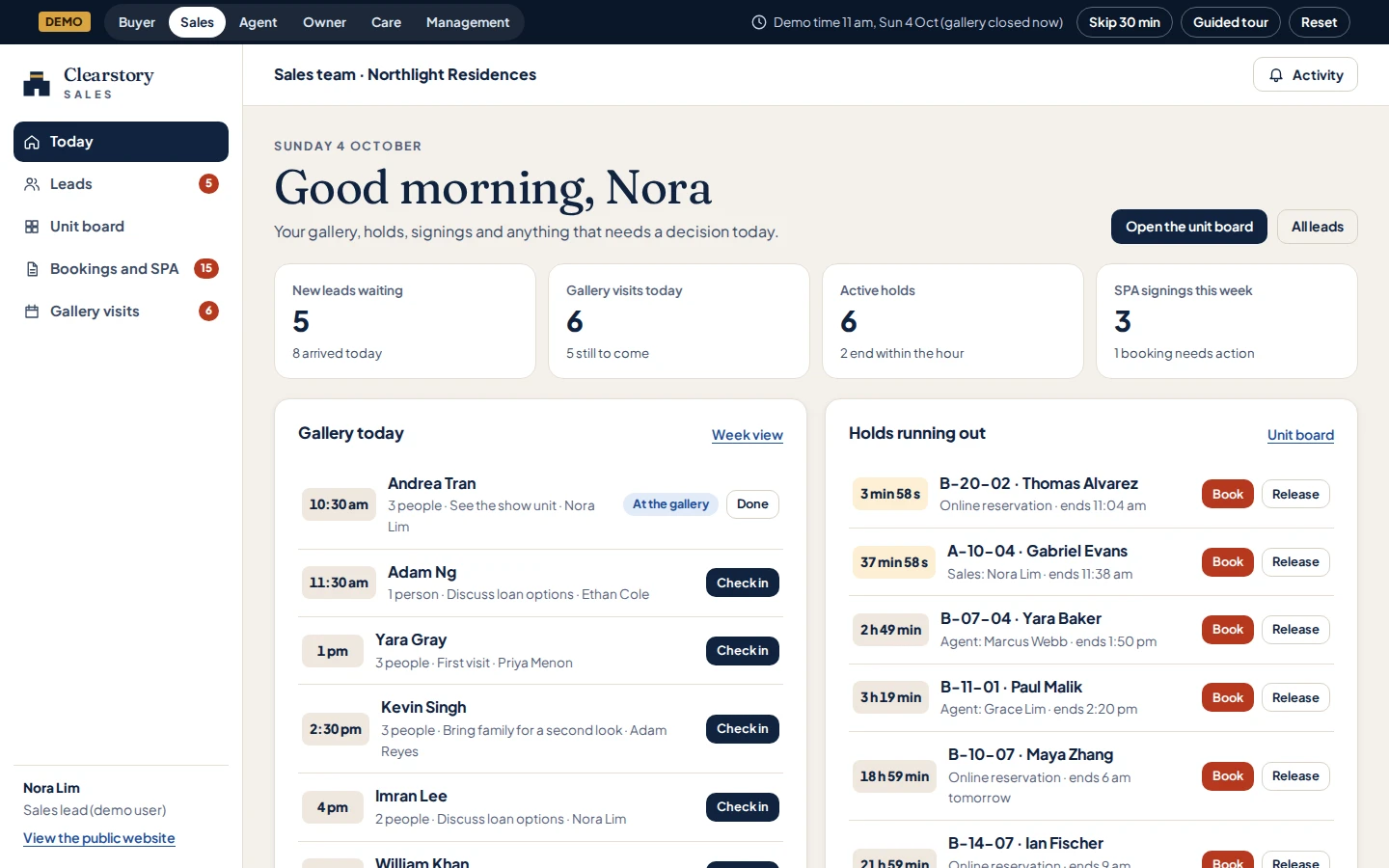
Property developer sales system and owner portal
See how it works →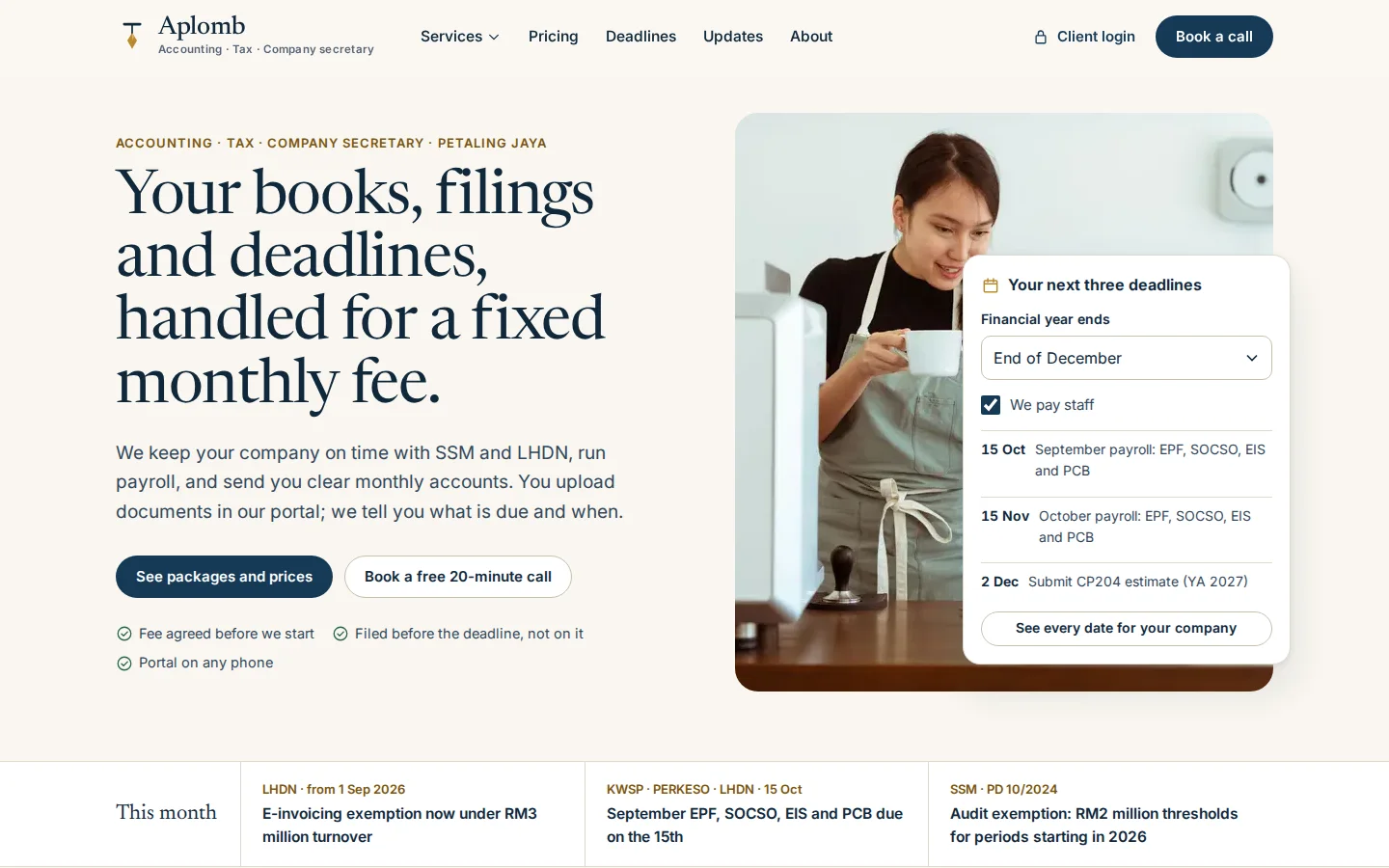
Aplomb Accounting
Accounting firm client portal and practice system
See how it works →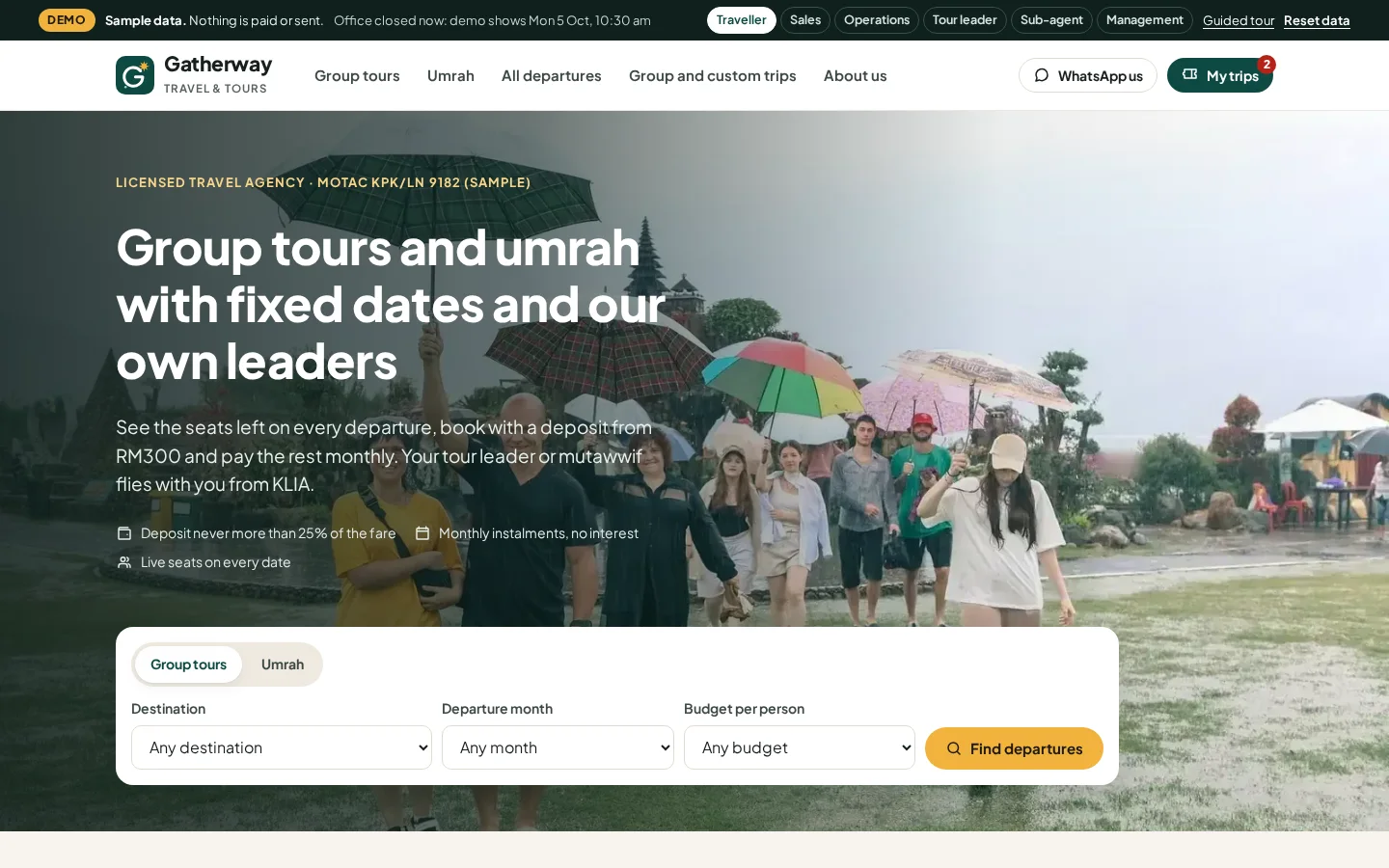
Gatherway Travel & Tours
Tour and umrah agency booking system
See how it works →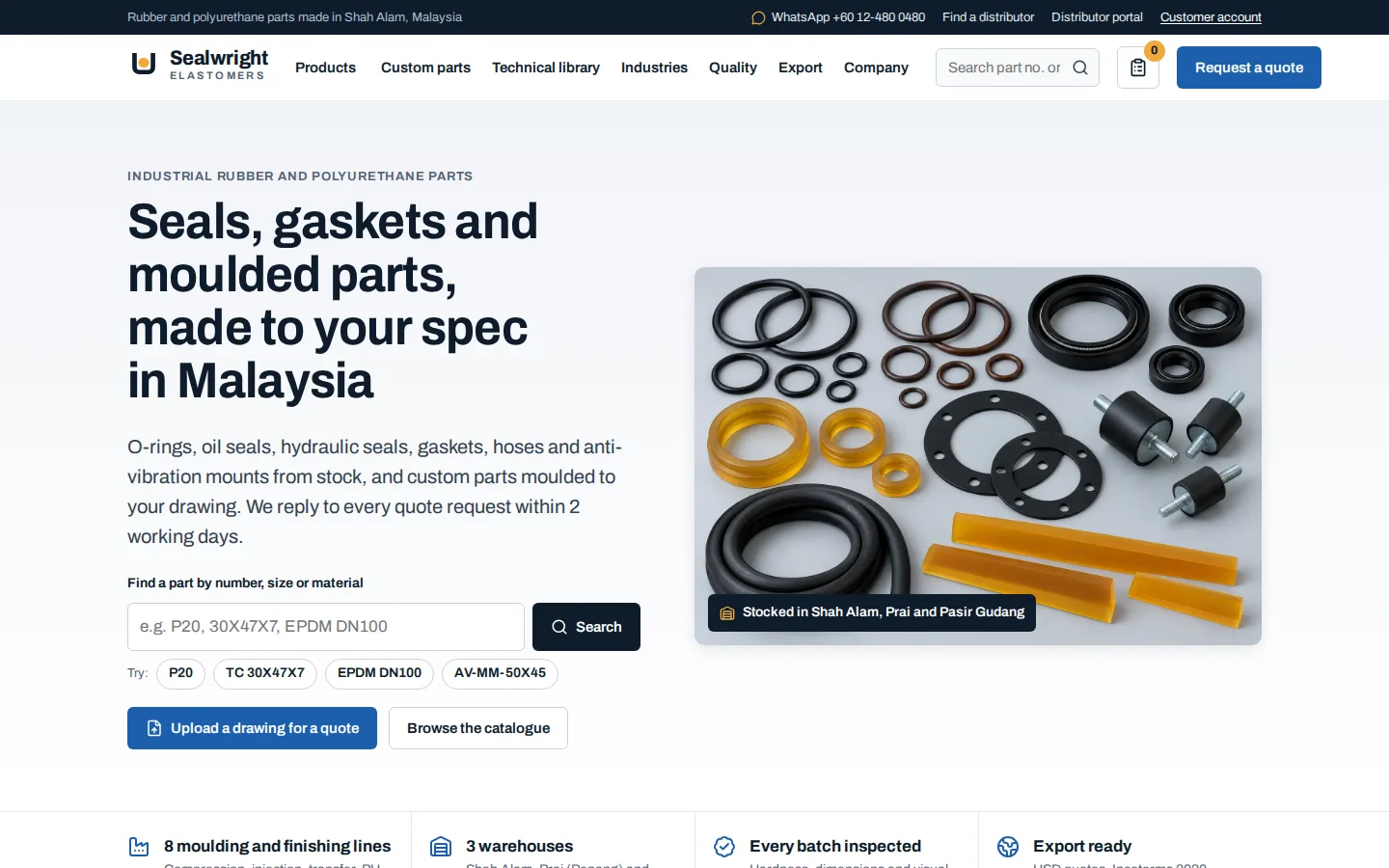
Sealwright Elastomers
Manufacturer quoting and distributor system
See how it works →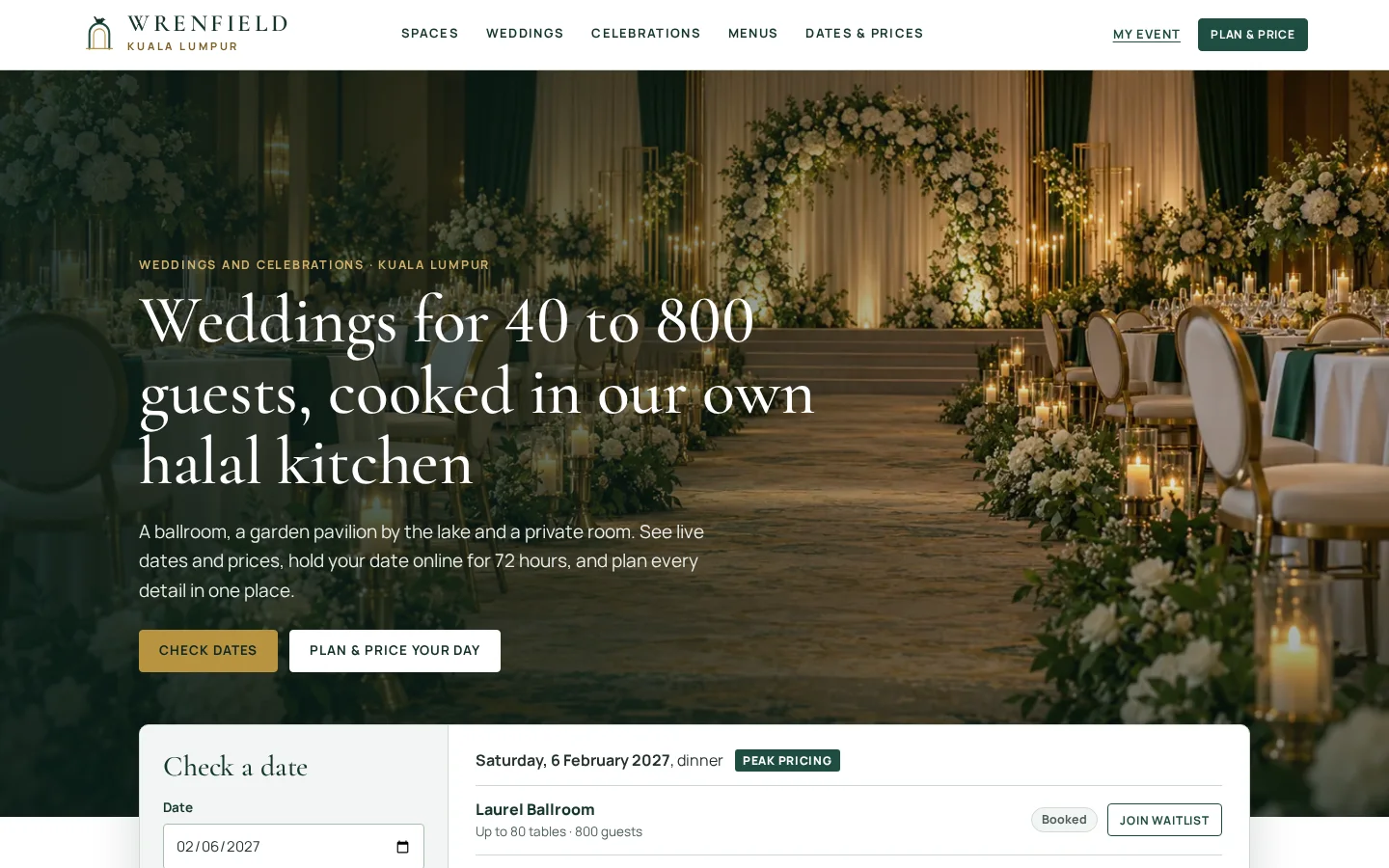
Wrenfield
Wedding and event venue booking system
See how it works →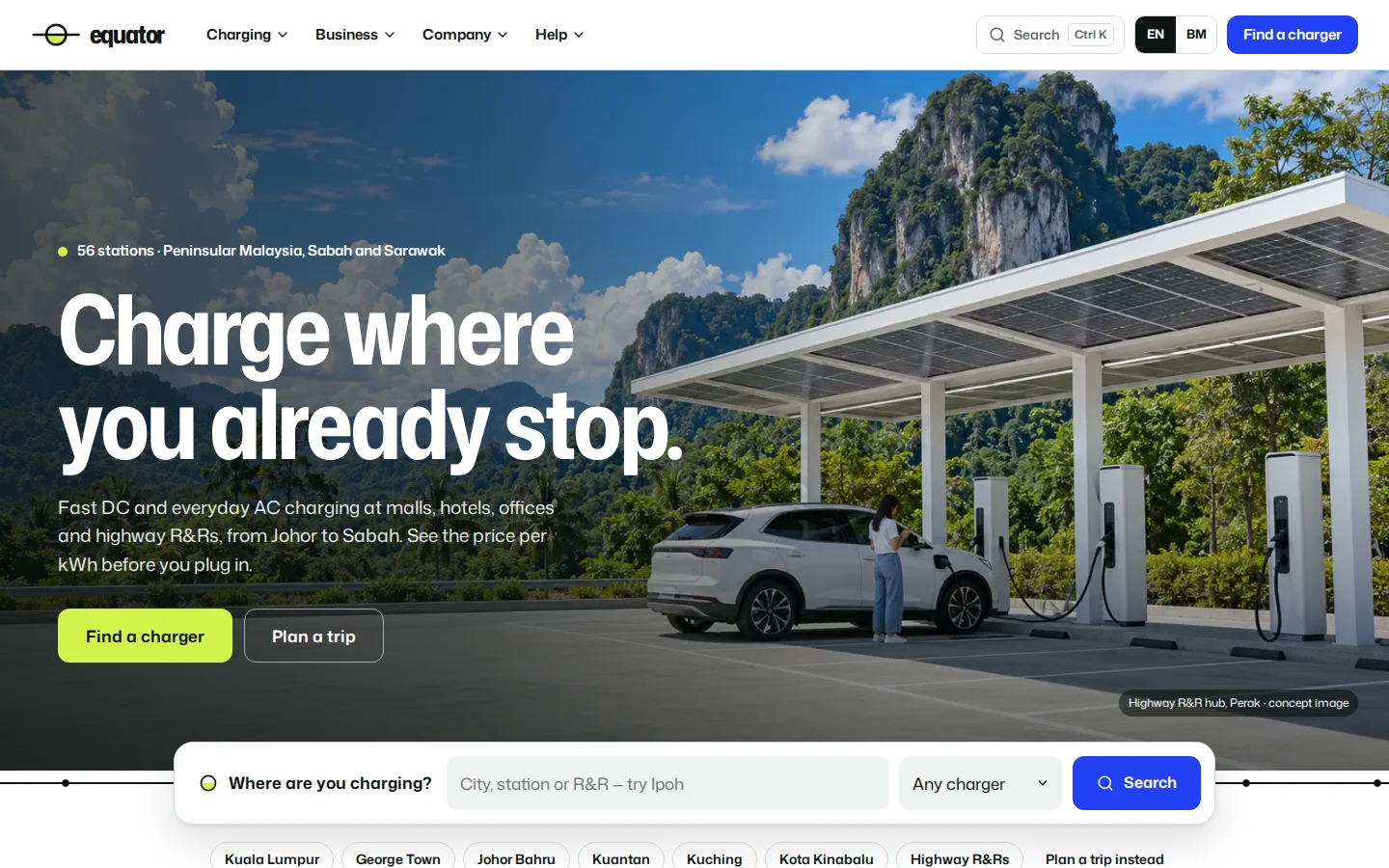
Equator
EV charging network website
See how it works →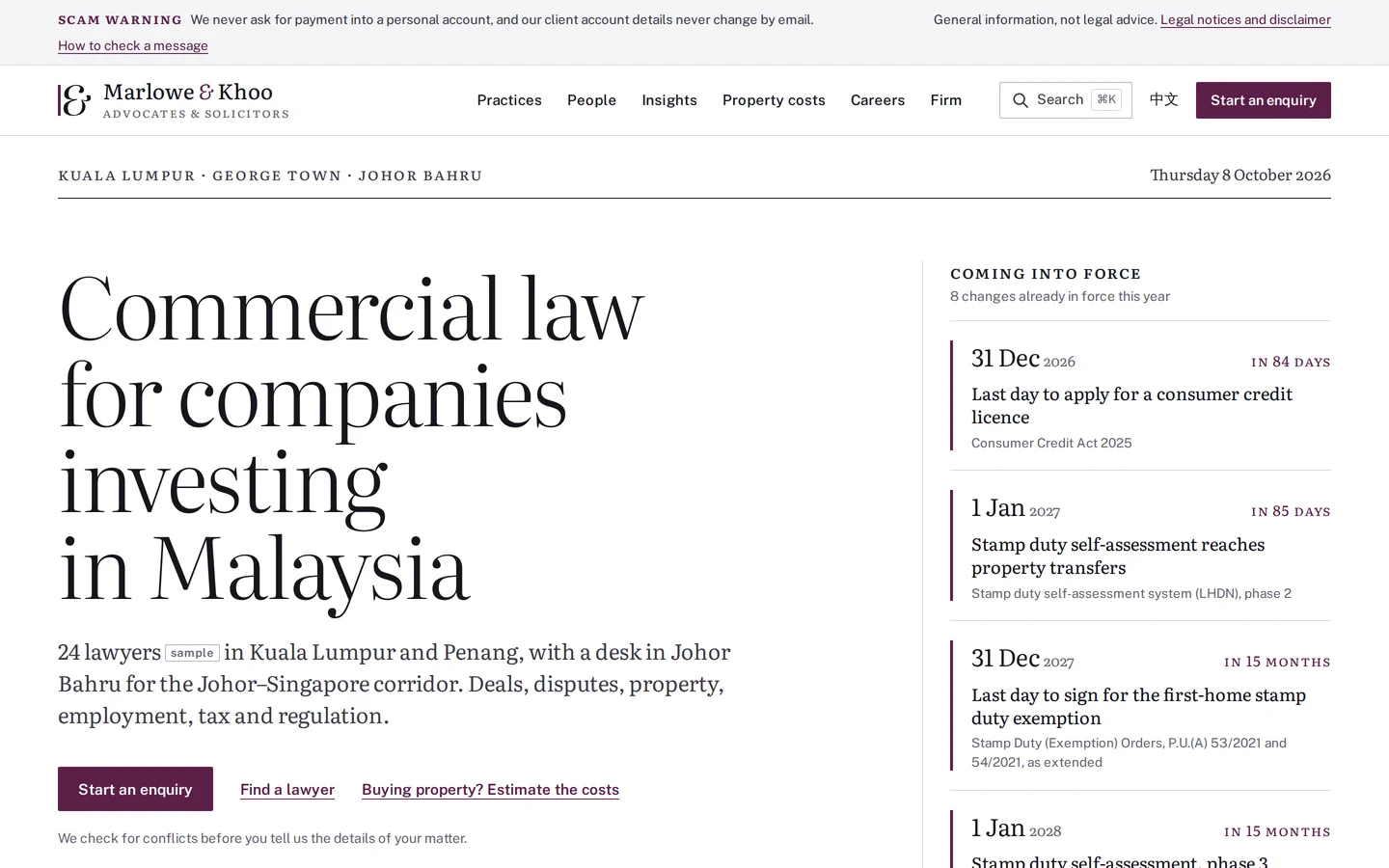
Marlowe & Khoo
Commercial law firm website
See how it works →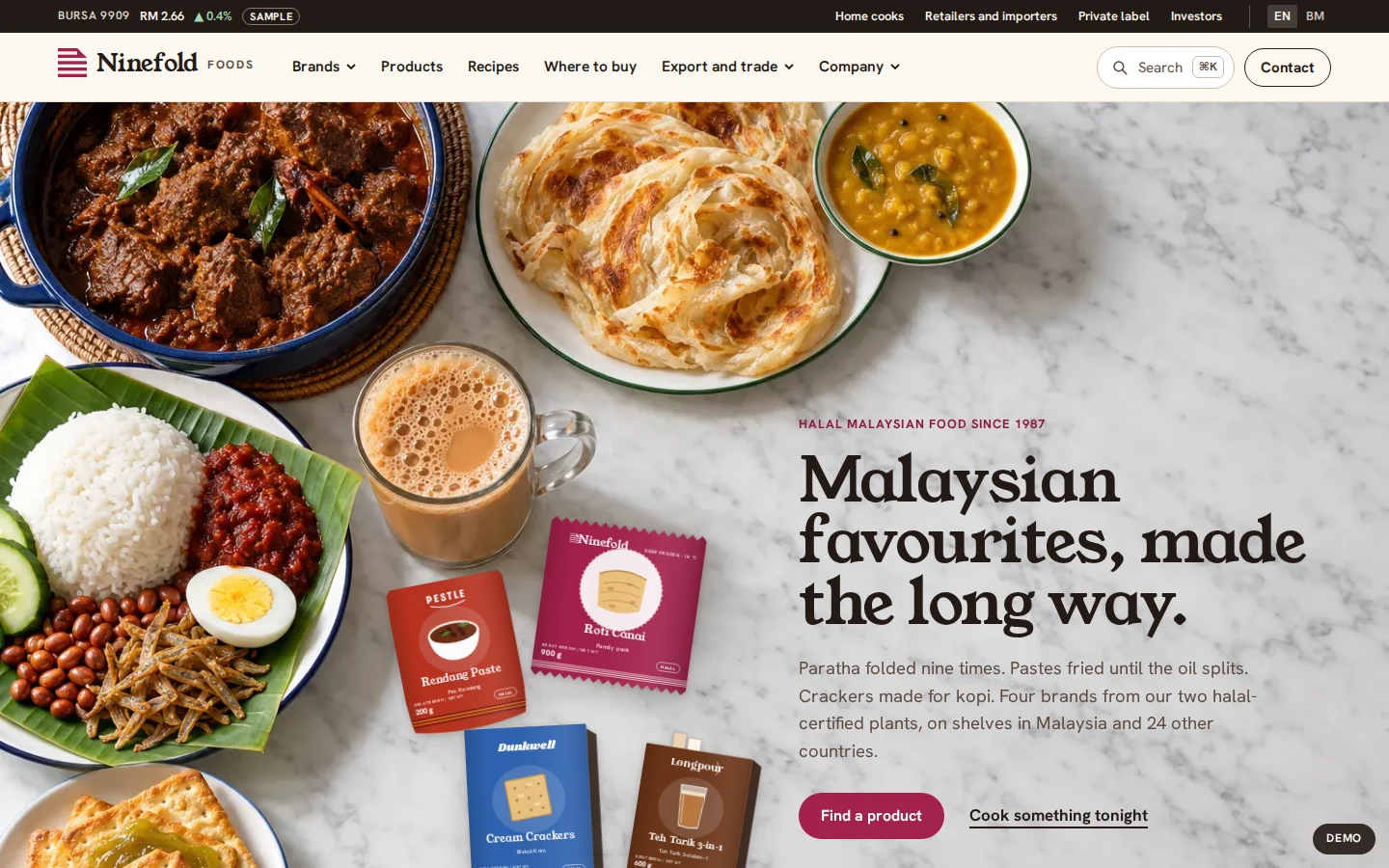
Ninefold Foods
Halal food brand house website
See how it works →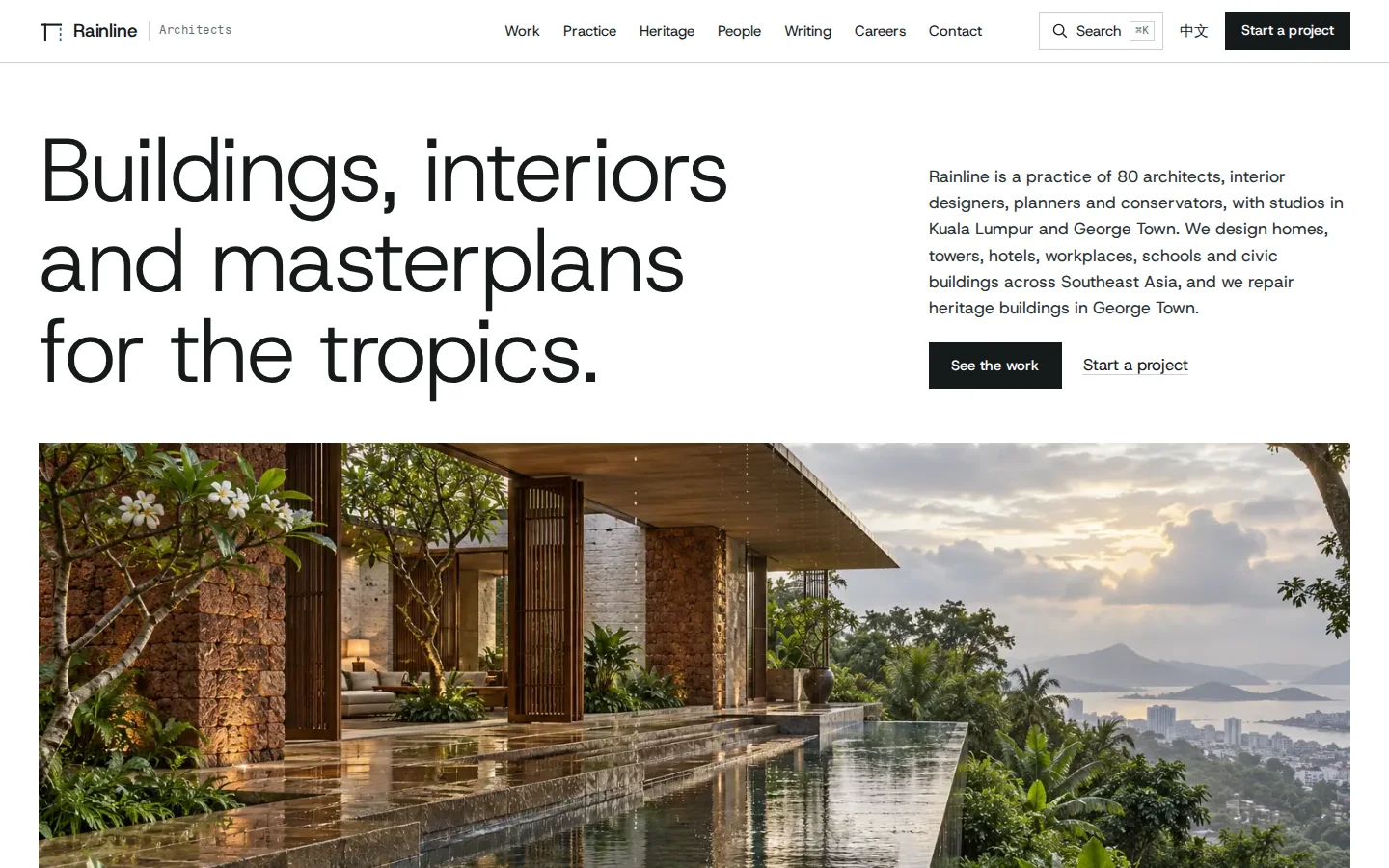
Rainline Architects
Architecture practice website
See how it works →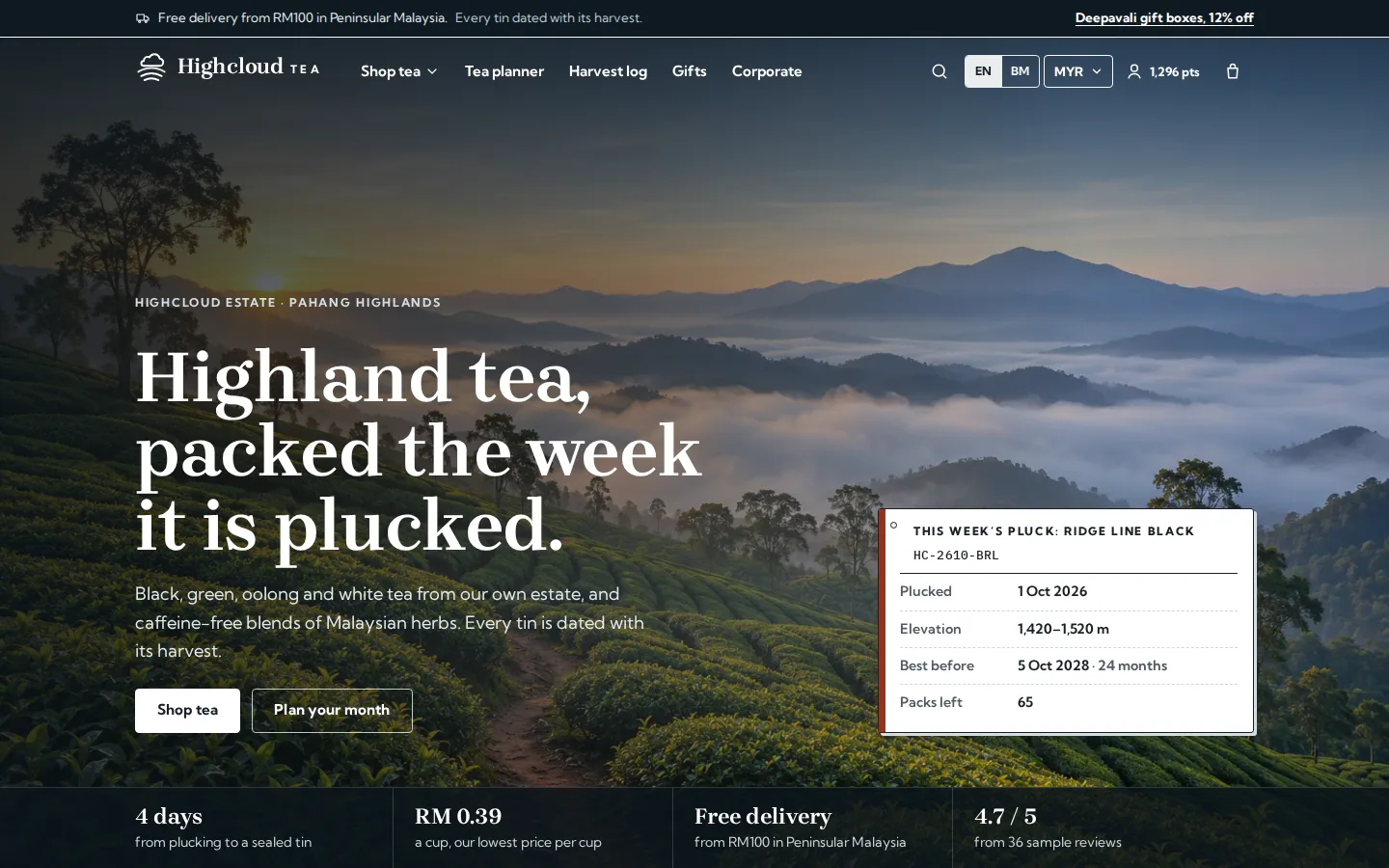
Highcloud Tea
Tea brand online store and back office
See how it works →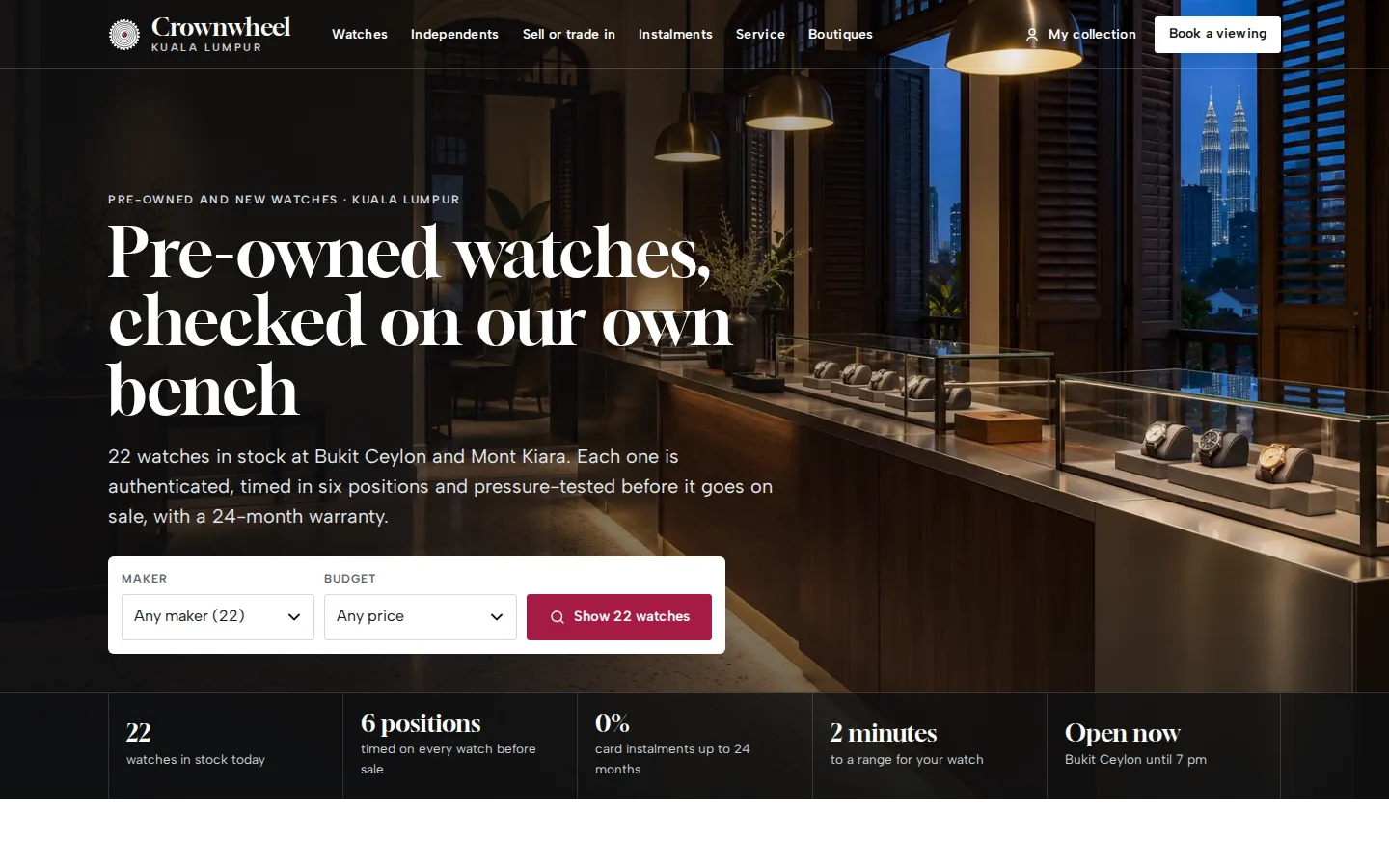
Crownwheel
Watch dealer website and sales desk
See how it works →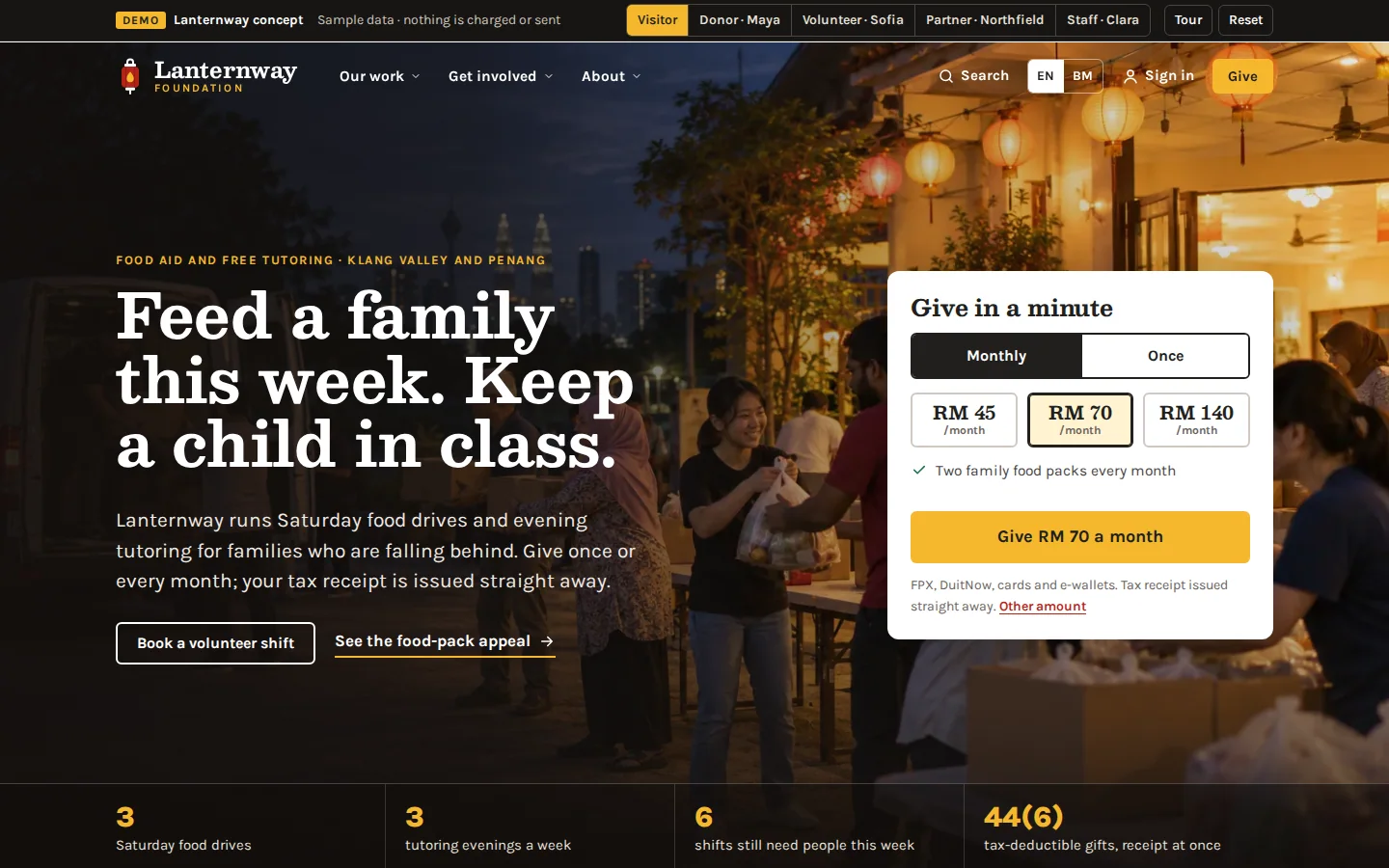
Lanternway Foundation
Charity website and giving system
See how it works →Often built alongside
Questions
Asked about crm & integrations
The questions that come up when we scope this system. Anything else, ask us directly.
Which CRMs do you integrate with?
We have integrated Zoho in production, and the same approach applies to HubSpot, Salesforce, Pipedrive and most systems with an API: our Marlowe & Khoo concept sends each enquiry to HubSpot or Zoho CRM with field mapping, a duplicate check and a sync log. Because leads are stored on the platform first and synced second, swapping or adding a CRM later is a change to the sync layer, not a rebuild of the capture. If your “CRM” is currently a spreadsheet, we sync to Google Sheets with the same reliability rules.
What happens if the CRM is down when someone enquires?
Nothing is lost. The enquiry is already stored on the platform; the sync retries automatically on a schedule, and the admin console shows it as pending rather than silently missing. Your team can also see and work the lead directly from the platform in the meantime — the CRM being down never means the lead is invisible.
Can we know which campaign or source each lead came from?
Yes — attribution is captured at the moment of enquiry and carried through the sync. UTM parameters, landing page and click identifiers are stored with the lead and mapped into CRM fields, so “which campaign produced this customer?” is answerable in the system your team already uses. This is also the foundation for feeding real outcomes back into ad platforms.
Can alerts go to WhatsApp instead of email?
Yes. Email alerts are standard, and for teams that live in WhatsApp we can deliver new-enquiry notifications there too, with enough of the lead’s details to act on immediately. The alert is a pointer to the stored record, not the record itself — so however it arrives, the lead is already safe in the system.
Can you connect to SQL Account or AutoCount?
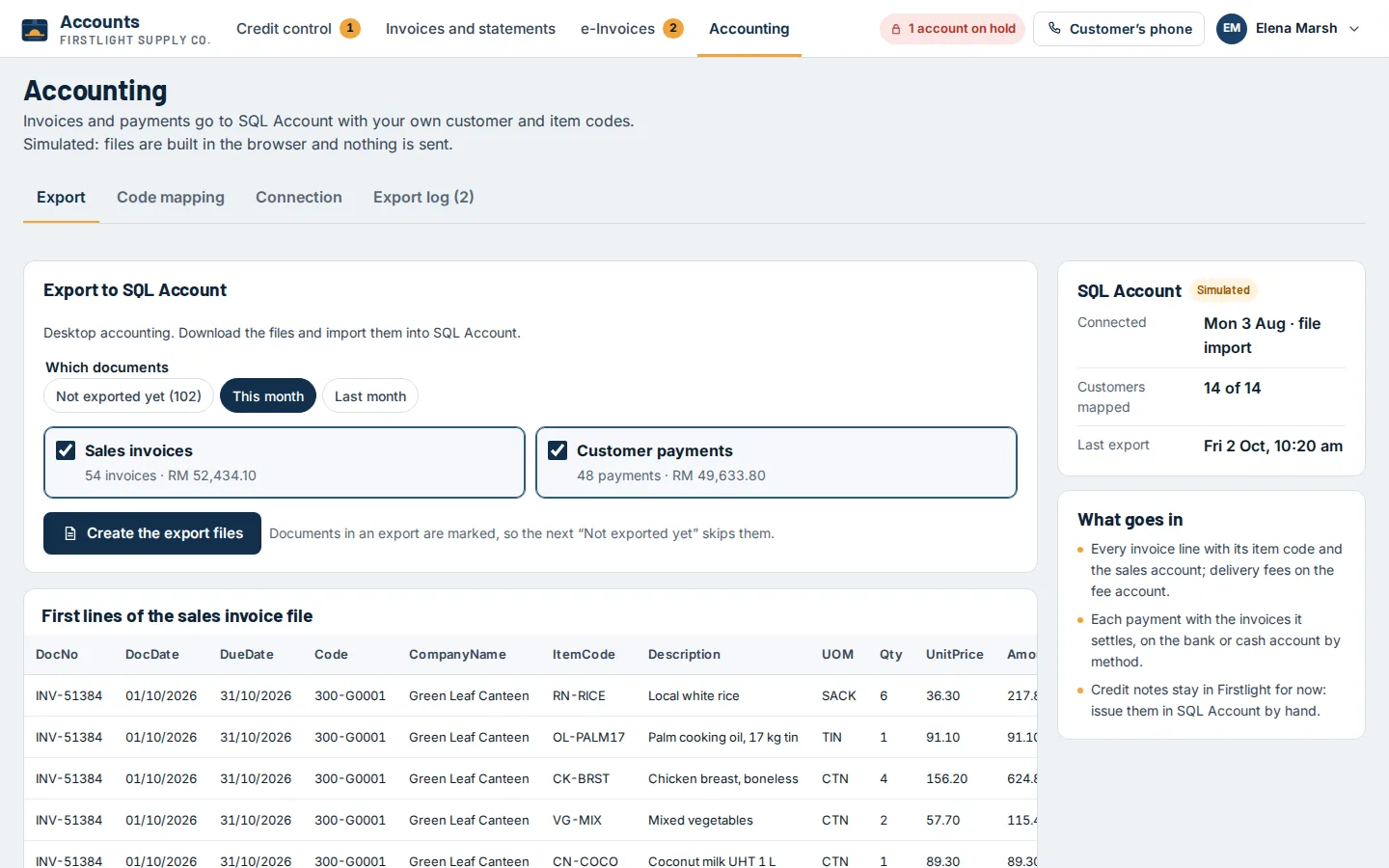
Yes. Both accept imports, and their newer versions offer an API; Xero and Bukku have APIs too. We start with the simplest reliable route, often a clean export your accounts team imports in a click, and move to a live link when the volume justifies it. Firstlight shows an export with your own customer and item codes.
Need this in your project?
Tell us what you are building and we will show you the closest thing we have already made — then quote the real version.
Tell us what you need built
You get a fixed quote for your project, and a working prototype to click through before you pay.