
PantryCue
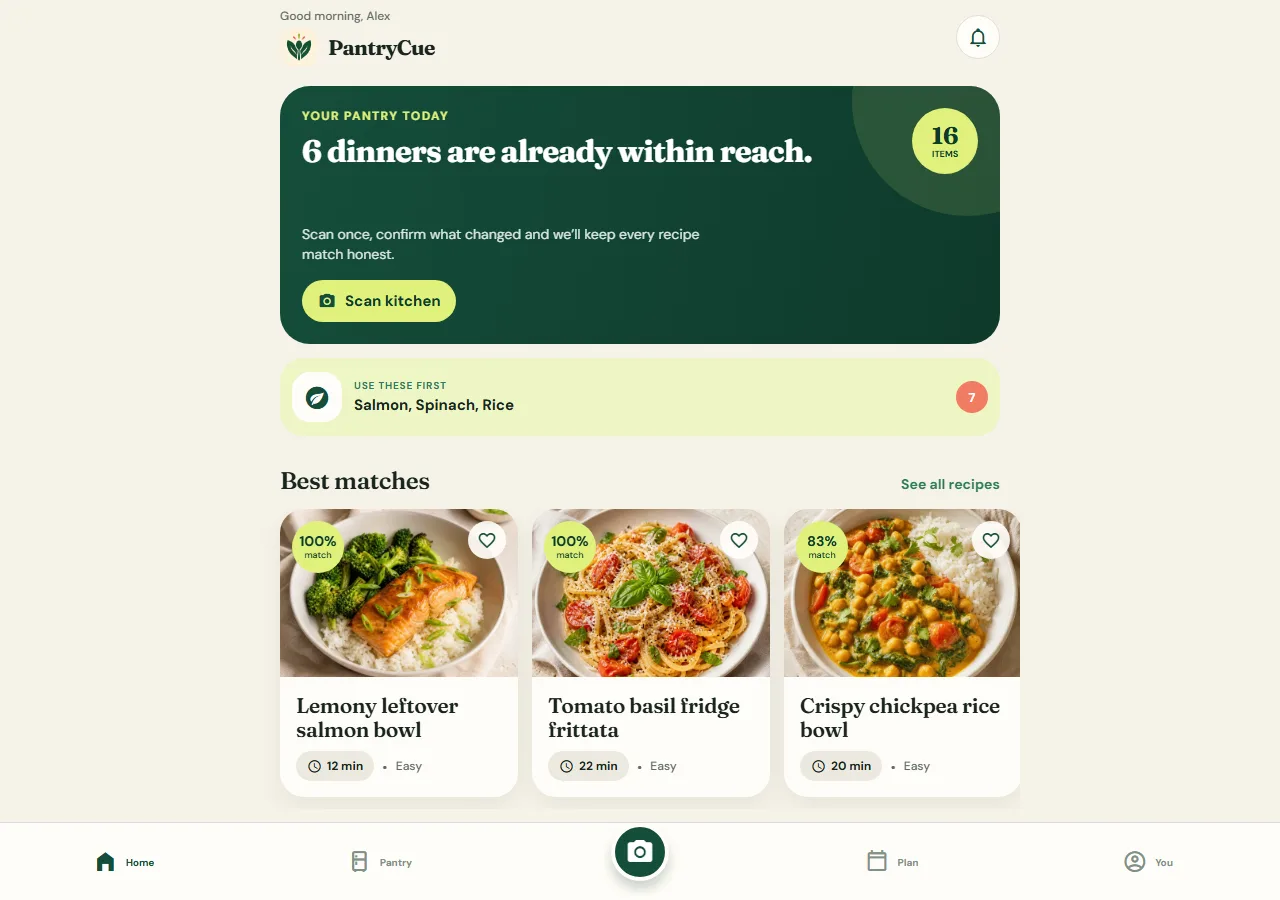
Our own cooking app: scan your shelves, get recipes from what you have and cook with spoken steps. It shows the mobile work we do.
The brief
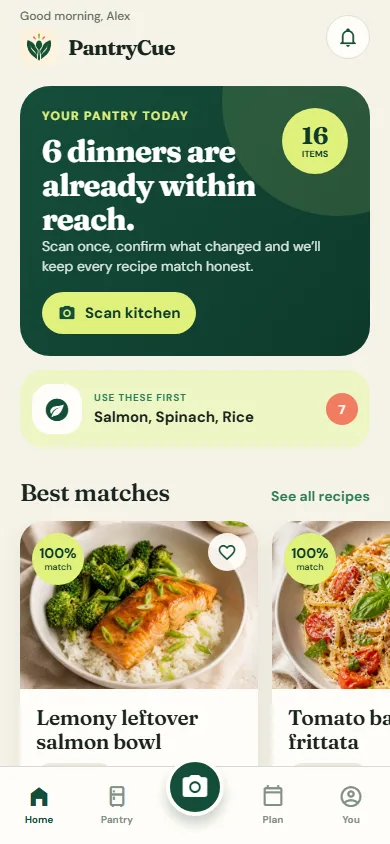
Most cooking apps make you type an inventory. PantryCue starts from a photo of your shelf, suggests recipes from what you already have and talks you through cooking.
What we shipped
Built by Perfect Design as our own product
Built for: Home cooks who want to use what they already have
Inside the build
Every part, and what it does
A closer look at what was actually built — screen by screen, so you can judge the depth for yourself.
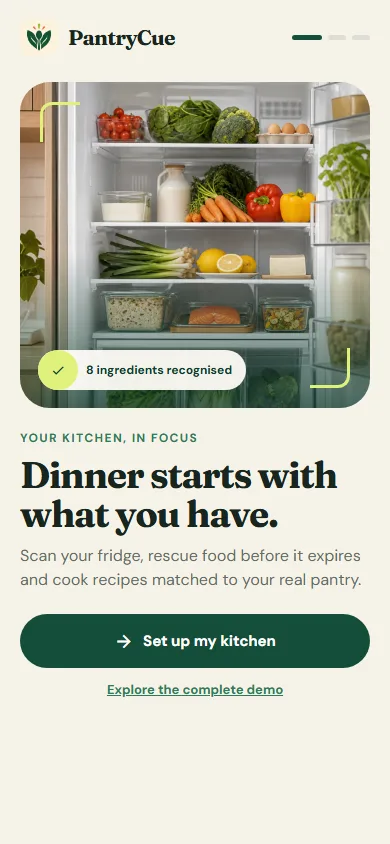
Straight into the app
Useful straight away, with no account needed. Sign-in and sync are optional.
- No account needed
- Optional sync
- Notification controls up front
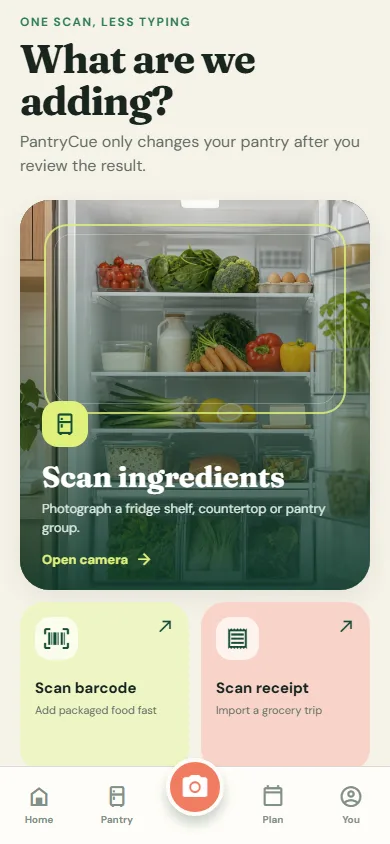
Scan a shelf
Photograph ingredients, scan barcodes or capture a receipt, then confirm what was found.
- Live camera
- Barcode and receipt capture
- Review before saving
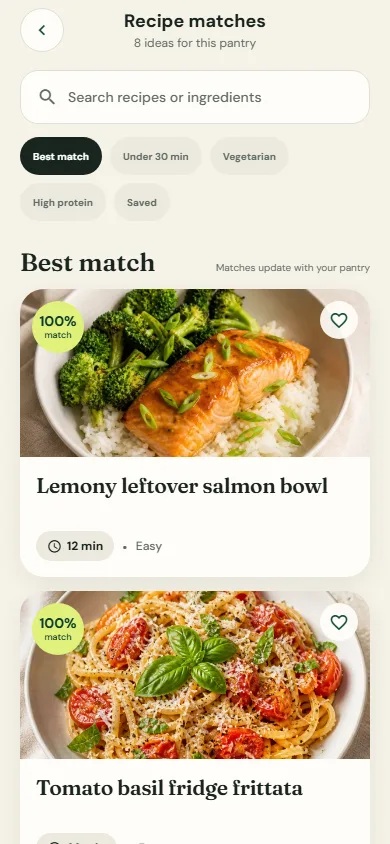
Recipes from what you have
Recipes are ranked by how much of them you already have, and missing items go on one shopping list.
- Pantry-match ranking
- Meal planning
- One shopping list
Works offline
Your pantry is stored on the phone, so the app works with no signal.
- Works without a connection
- Expiry date per item
- Reminders before food expires
Click through it yourself
Every screen above is interactive. No sign-up, nothing to install.
Services it proves
Where PantryCue is our example
Each of these service pages uses a part of PantryCue to show the work. Open one to see what we would build for you.
- Mobile appsShows: Scan a shelfA native camera flow: photograph ingredients, scan barcodes or capture a receipt, then confirm what was found.
- Android appsShows: Works offlineWorks with no signal: the pantry is stored on the phone, with expiry dates and reminders before food expires.
- Shopping appsShows: Recipes from what you haveA phone app that turns what you are missing into one shopping list.
- Mobile games
- iOS appsShows: Recipes from what you haveRecipes ranked by how much you already have, with missing items on one shopping list.
- Cross-platform appsShows: Straight into the appOne React Native codebase: useful straight away with no account, with sign-in and sync as options.
- Fitness and wellness apps
Core systems
What this build is made of
These are systems we build repeatedly — each links to every other project that contains it, so you can compare implementations before deciding what you need.
Unique to this build
Built specifically for this project rather than assembled from the shelf.
Shelf scanning with review
Camera, barcode and receipt capture, checked by you before anything is saved.
Cook Mode
Steps read aloud, the screen kept awake and several timers at once.
Expiry reminders
Notifications before food goes off.


Want a build like this for your business?
Tell us what you have in mind and we'll put together a functional prototype of your project — free.