

In this section7 sections
- 01What business task should the app improve?
- 02Which users, devices and operating systems matter?
- 03What existing systems must connect?
- 04Which app use case is needed?
- 05Do you actually need an app, or a mobile website?
- 06What evidence is needed before committing to build?
- 07What to bring to a first conversation
What business task should the app improve?
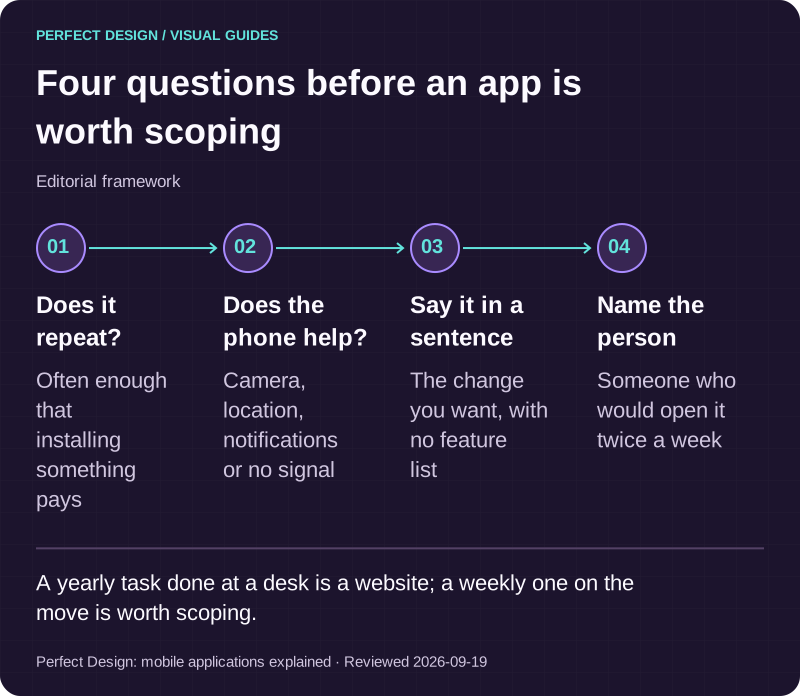
An app earns its keep when a task repeats. Test yours against three questions. Does someone do it often enough to install something for it. Does the phone itself change the job, through notifications, the camera, location, a saved login or working offline. And can you describe the change you want in a sentence, without listing features. A task done once a year at a desk is a website. One done weekly, on the move, by the same people, is worth scoping as an app.
A product problem and a feature list are not the same thing. The list is easy to write and expensive to build, because every item carries roles, permissions, states, testing and upkeep. The problem tells you what can wait.
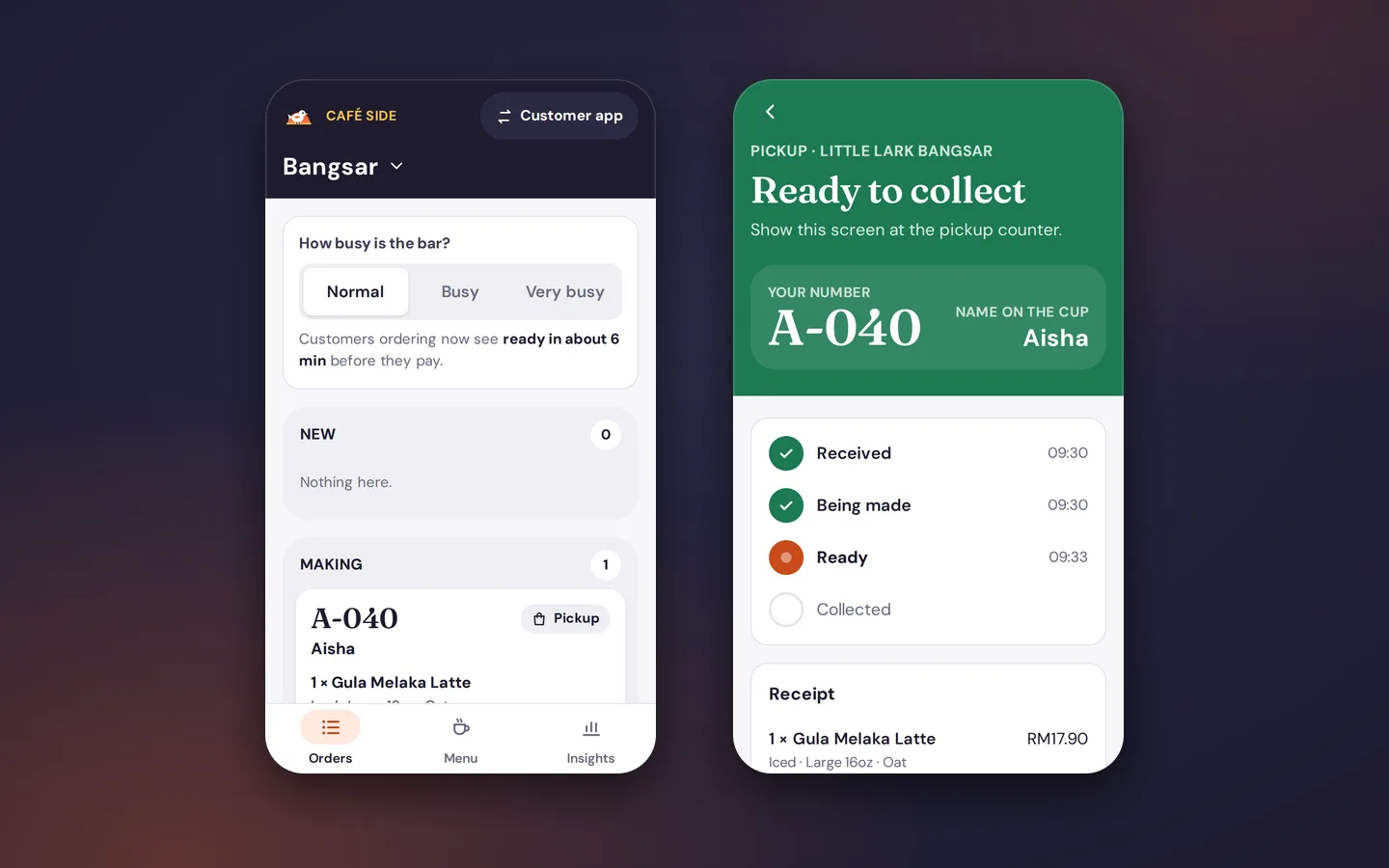
One assumed example runs through this page: a fictional appointment business whose customers request a time and whose coordinator confirms it. It is invented for illustration and no live system is represented. The rest of the page follows the order the decisions arrive in: users and conditions, systems, use case, platform, evidence before committing, and ownership. The table works that example through three steps of a booking.
Booking request
- Assumed actor
- Assumed customer
- Proposed system response
- The app records a requested appointment and shows the request state
- Exception
- The requested slot is unavailable
- Acceptance evidence to collect
- A test trace showing the unavailable-slot message, the input preserved and a clear next action
Confirmation and coordination
- Assumed actor
- Assumed coordinator
- Proposed system response
- The staff workflow reviews the request and records a confirmation state
- Exception
- Two requests compete for the same slot
- Acceptance evidence to collect
- A state-transition test showing the chosen outcome, the permission that acted and the notification the customer receives
Interruption or connectivity loss
- Assumed actor
- Assumed customer
- Proposed system response
- The app shows an explicit pending or retry state and never presents an unconfirmed booking as complete
- Exception
- The connection drops after submission
- Acceptance evidence to collect
- A test trace covering retry, duplicate prevention and final reconciliation of the record
| Workflow step | Assumed actor | Proposed system response | Exception | Acceptance evidence to collect |
|---|---|---|---|---|
| Booking request | Assumed customer | The app records a requested appointment and shows the request state | The requested slot is unavailable | A test trace showing the unavailable-slot message, the input preserved and a clear next action |
| Confirmation and coordination | Assumed coordinator | The staff workflow reviews the request and records a confirmation state | Two requests compete for the same slot | A state-transition test showing the chosen outcome, the permission that acted and the notification the customer receives |
| Interruption or connectivity loss | Assumed customer | The app shows an explicit pending or retry state and never presents an unconfirmed booking as complete | The connection drops after submission | A test trace covering retry, duplicate prevention and final reconciliation of the record |

Four questions before an app is worth scoping
Editorial framework. A yearly task done at a desk is a website; a weekly one on the move is worth scoping.
Basis: Perfect Design: mobile applications explained. Reviewed .
Read the graphic as text
- Does it repeat?. Often enough that installing something pays
- Does the phone help?. Camera, location, notifications or no signal
- Say it in a sentence. The change you want, with no feature list
- Name the person. Someone who would open it twice a week
Which users, devices and operating systems matter?
Define users and usage context
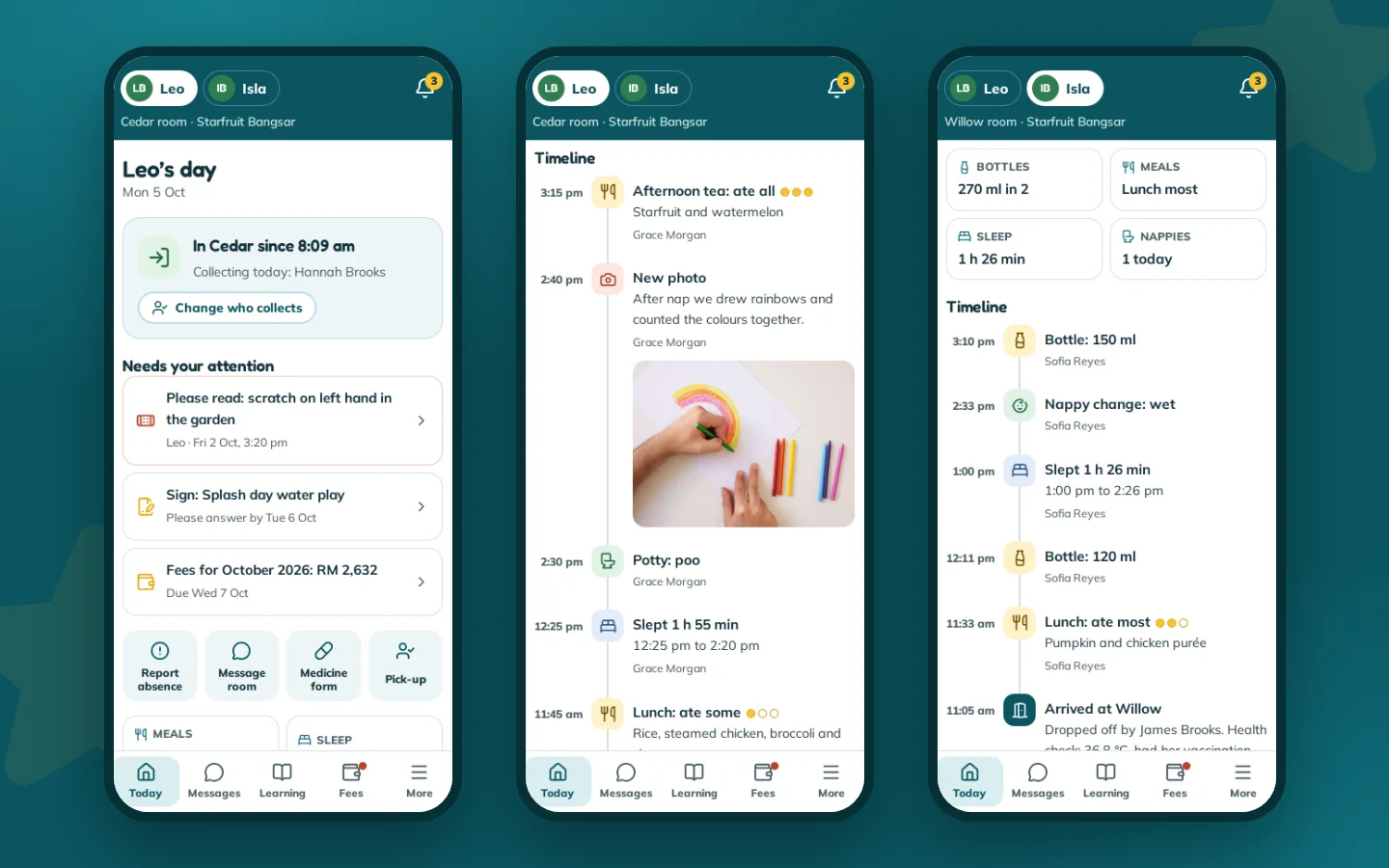
Turn the task into observable conditions. Who are the primary users, and which staff or administrator roles sit behind them. How long is a session. Are people walking, driving between jobs, standing at a counter or sitting down. How often are they interrupted, and what should happen when they return. Do they need anything to work without a signal, and which devices do they hold.
In the assumed example the two flows diverge. The customer opens the app rarely, on their own phone, and needs one uninterrupted path to a request. The coordinator handles many requests an hour on a shared device and needs speed, undo and a visible queue. Each condition becomes a requirement and then an acceptance question: what should the screen do when the signal drops there.
Plan UX, accessibility and interruptions
Six things shape scope more than any visual decision: touch target size, readable content, permission timing, what happens when a call interrupts, whether the app resumes where the user left off, and whether actions give feedback. Android's core app quality guidance, read on 18 September 2026, is a useful checklist: touch targets of at least 48 dp, contrast of 4.5:1 for small text, interface elements described for screen readers, and state preserved when the app leaves the foreground. That is dated platform guidance, not a guarantee of quality or store approval, and accessibility stays a requirement to test rather than a badge to claim. Task-specific accessibility testing goes deeper than this page and belongs in the test plan.

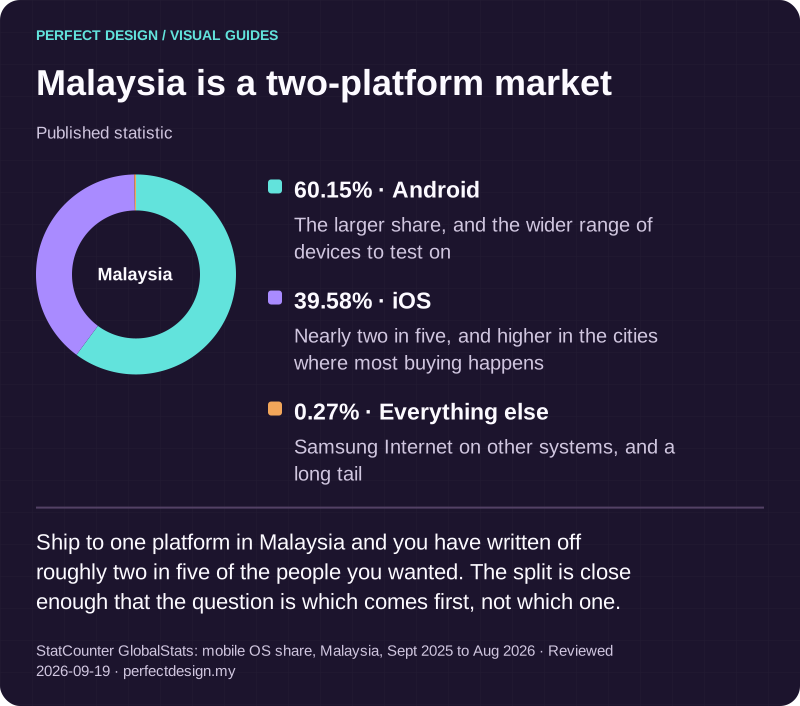
Malaysia is a two-platform market
Published statistic. Ship to one platform in Malaysia and you have written off roughly two in five of the people you wanted. The split is close enough that the question is which comes first, not which one.
Source: StatCounter GlobalStats: mobile OS share, Malaysia, Sept 2025 to Aug 2026. Reviewed .
Read the graphic as text
Malaysia
- Android: 60.15%. The larger share, and the wider range of devices to test on
- iOS: 39.58%. Nearly two in five, and higher in the cities where most buying happens
- Everything else: 0.27%. Samsung Internet on other systems, and a long tail
What existing systems must connect?
Map data, roles and system boundaries
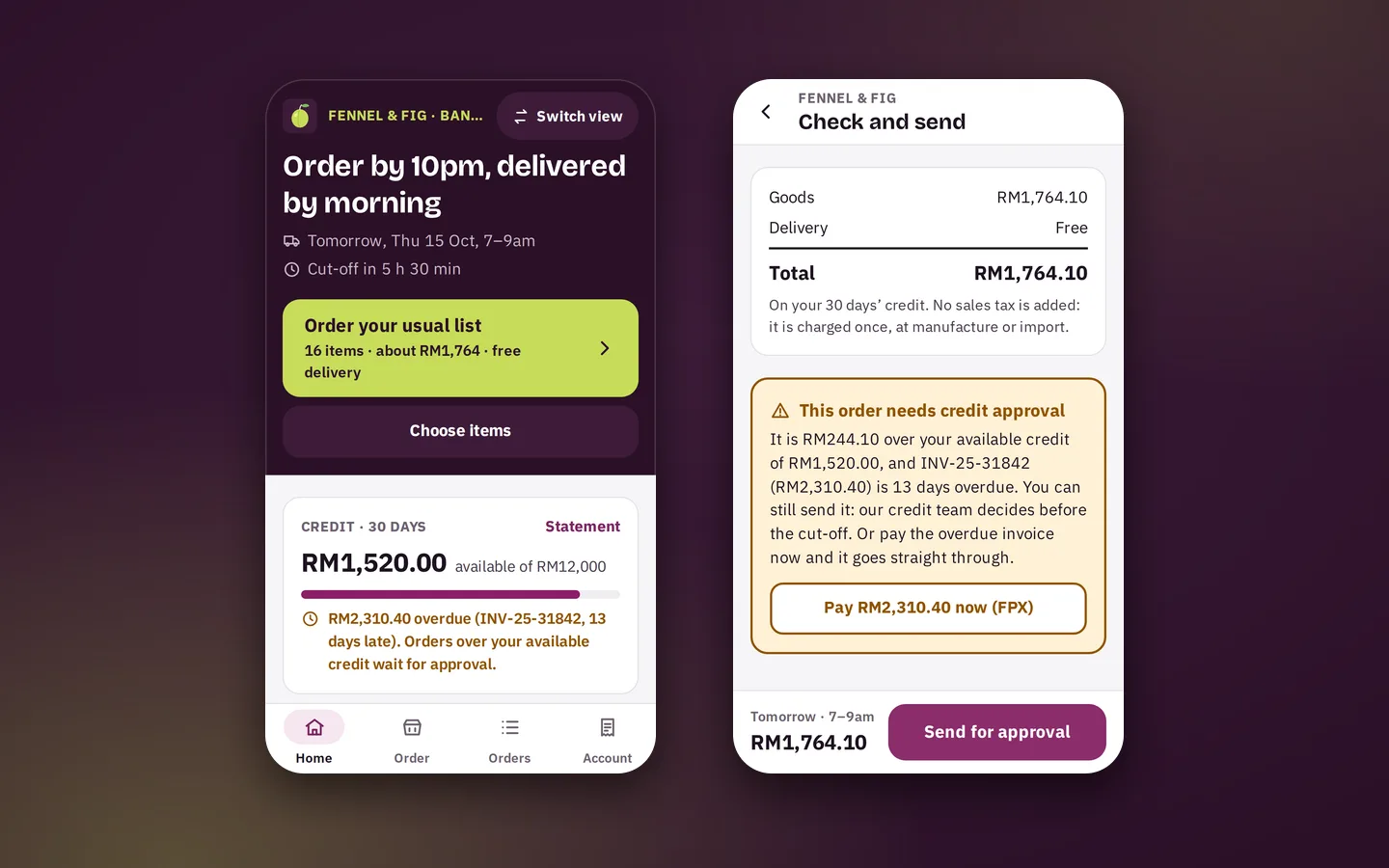
A mobile product is rarely just the customer-facing screen. Staff tools, backend services, permissions and the operational workflow behind them usually need defining too, and the boundary depends on the project. Work through four questions. Who owns each record. Who may act on it. Which system is authoritative when two disagree. And what the app must display against what it may change.
In the assumed example that means naming which system owns availability, which owns customer identity, which owns booking state and which sends notifications. If availability lives in a calendar you already run, the app reads it and the calendar stays authoritative, which changes permissions, data flow and evidence. Our Aruva Marketplace and VITALE builds are concept prototypes, not client work, and both carry several role workspaces over one set of records.
Specify integration evidence and exceptions
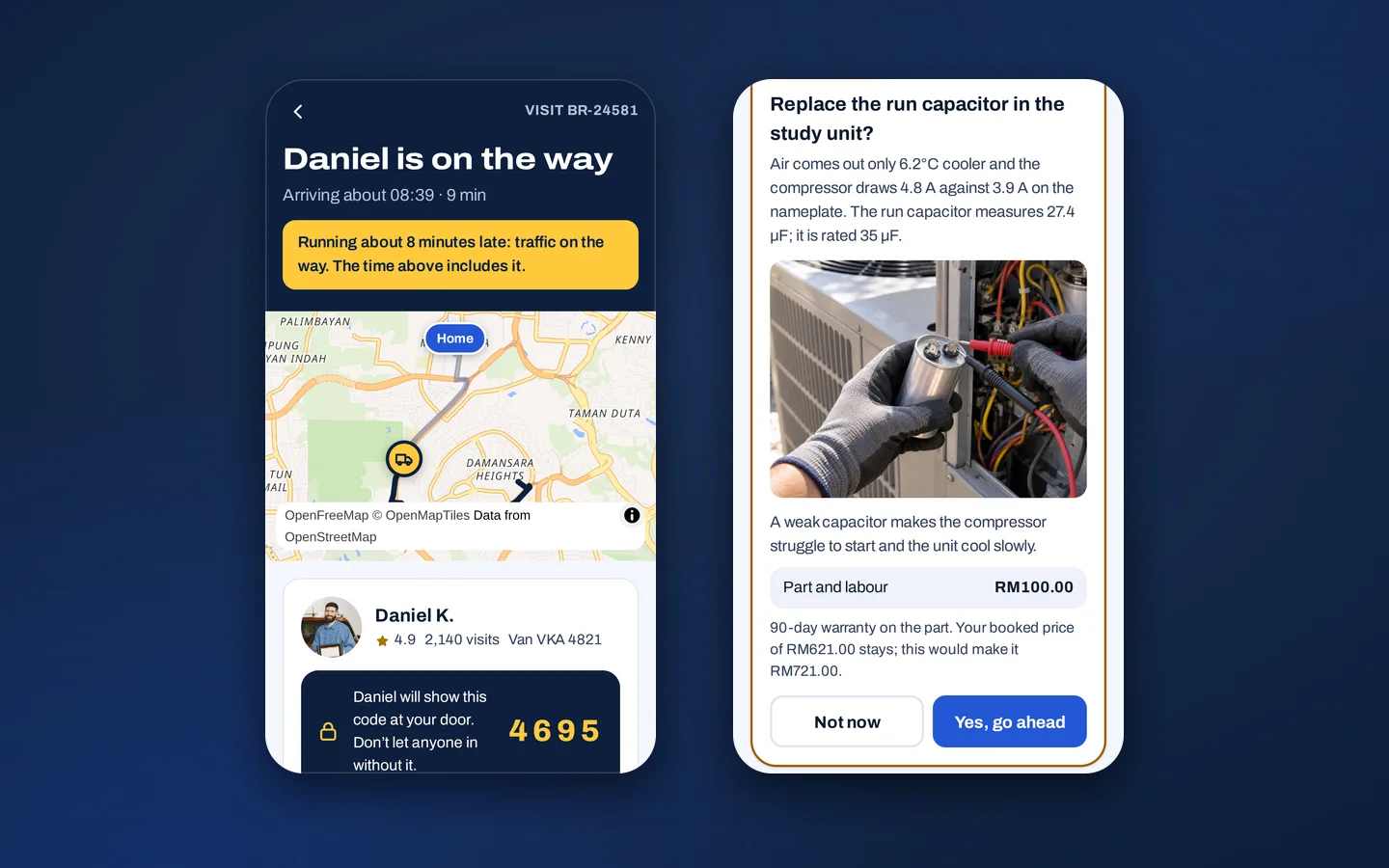
Whether an integration is feasible depends on four things outside the app: whether an interface exists, who can grant access, whether the data is clean enough to rely on, and what the third party's terms allow. Confirm those before they enter a scope. Then plan the exceptions, because a demonstration of the normal path proves very little. The unavailable slot and the dropped connection in the table are where the real design sits. Deeper backend and API design is its own discipline, and the core systems we build shows what usually sits behind an app.

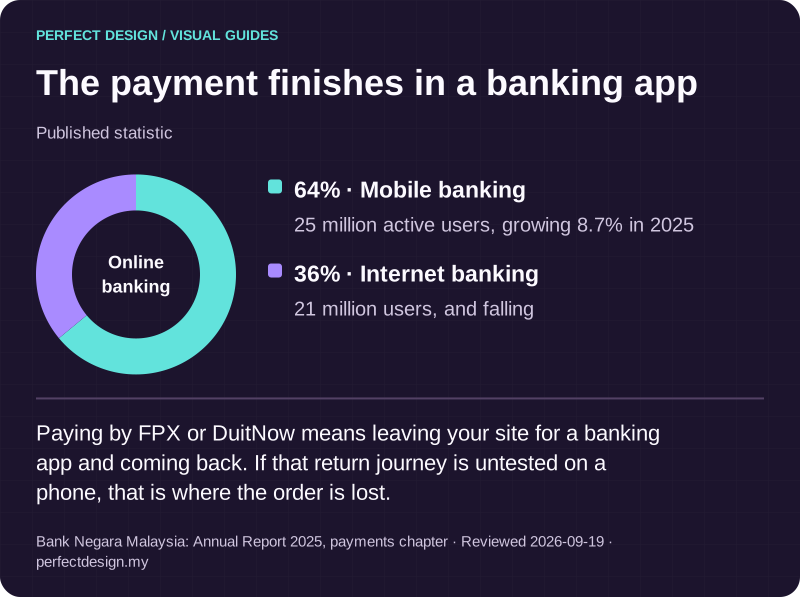
The payment finishes in a banking app
Published statistic. Paying by FPX or DuitNow means leaving your site for a banking app and coming back. If that return journey is untested on a phone, that is where the order is lost.
Source: Bank Negara Malaysia: Annual Report 2025, payments chapter. Reviewed .
Read the graphic as text
Online banking
- Mobile banking: 64%. 25 million active users, growing 8.7% in 2025
- Internet banking: 36%. 21 million users, and falling
Which app use case is needed?
Classify the recurring task and operating model
Classify by the job, not the industry. Name the primary user, the recurring task, the states a record moves through, the operational roles behind it, the device conditions, and the evidence you would need to accept it. That sequence usually lands on one of ten families. Shopping moves a buyer from browsing to paying for your own stock. Booking reserves time or capacity that can run out. A marketplace introduces a second business you have to onboard, police and pay. Delivery tracks a job moving through drivers and needs proof it arrived.
Loyalty recognises a returning customer and settles what they have earned. Education carries a learner through lessons and keeps progress. Field service puts work orders in the hands of people with poor signal. Community depends on members posting and on someone moderating. Fitness logs the same activity repeatedly and only becomes useful over months. Games are built around sessions, progression and in-app purchases. Whichever family you land in, the foundations are shared: user context, data and roles, integrations, accessibility, testing, release and ownership. The type decides the workflow, not the groundwork.
Route type-specific scope to the right owner
This page owns the cross-type qualification: enough to tell which family you are in and what that choice implies. The detailed workflow for each family, shopping through games, is a subject in its own right, and this page stops once the family is clear. Naming your family does not settle the platform, the integrations, the testing or the ownership questions, all of which come after. Most real projects sit across two families, usually a customer app and the staff tool behind it, which is a scoping decision rather than a naming one.
Do you actually need an app, or a mobile website?
Separate product surface from implementation choice
These are two questions, often confused. The product surface question is whether people install something or open a browser. The implementation question is what it is built with. Answer the first on its own. An installed app is worth investigating when you need notifications people actually receive, camera or location access, a saved identity, or real use without a signal. A responsive website is usually the better answer when none of those apply: nothing to install, nothing to update, no store in the way.
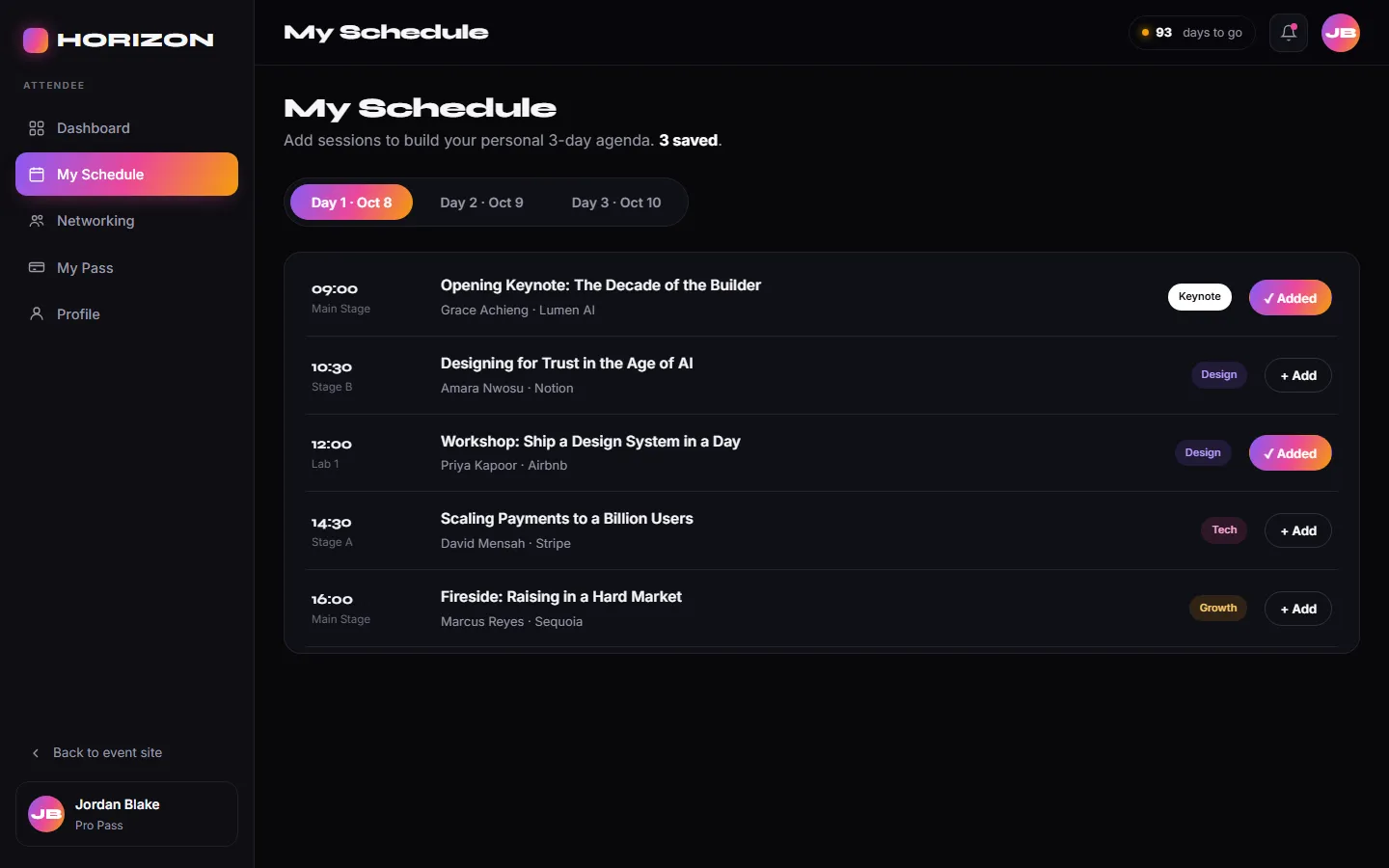
In the assumed example the customer books twice a year, so asking them to install adds a step before the one you want. The coordinator opens that workflow forty times a day, which is where an installed tool pays. Many businesses need a website for one and an app for the other. Our own HORIZON 2026 concept shows the distinction: its attendee app and door check-in console run as web applications, not store-published apps, and nothing we have built is on the App Store or Google Play yet. More app samples are being built.
Compare platform and implementation implications
Four decisions hide behind the word app: the use case, the product surface, the operating system and the implementation approach. Cross-platform React Native is our default, so one codebase serves Android and iOS, and we use native Swift or Kotlin when a feature genuinely needs it. Let the devices your users hold, the capabilities you require and how you intend to distribute decide the platform, then test on representative devices rather than one handset. Android projects declare their components, permissions, minimum platform version and required hardware or software features, and those declarations decide which devices can install from Google Play.

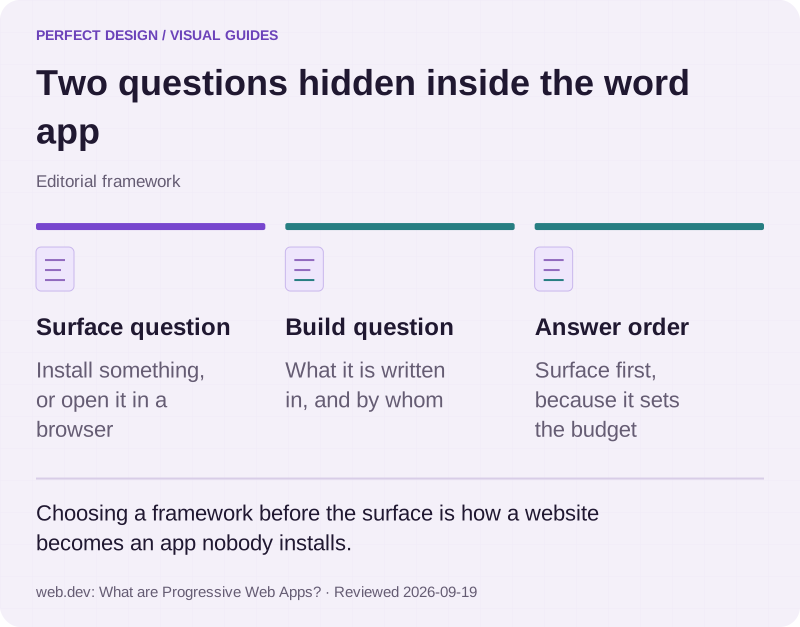
Two questions hidden inside the word app
Editorial framework. Choosing a framework before the surface is how a website becomes an app nobody installs.
Basis: web.dev: What are Progressive Web Apps?. Reviewed .
Read the graphic as text
- Surface question. Install something, or open it in a browser
- Build question. What it is written in, and by whom
- Answer order. Surface first, because it sets the budget
What evidence is needed before committing to build?
Use a scope and acceptance checklist
Before committing, a scope should name the users and their roles, the workflows end to end, the normal and exception states for each, the integrations with their access and terms confirmed, the acceptance criteria, and the release evidence you expect to receive. The right-hand column of the table is the short version: a trace for the unavailable slot, a state-transition test for the competing bookings, and a retry and reconciliation test for the dropped connection. Sequencing, timelines and release acceptance each go deeper than a commercial page can, and we work through them with you once the scope is real.
Who owns the app, accounts, source code and maintenance?
Settle five questions in writing. Who holds the store accounts. Where the source code lives. Who controls the environments and the renewals. Who ships updates when the operating systems move. And how an extra change is agreed and charged. Our answer is consistent: your business owns the Apple Developer and Google Play accounts, we set them up in your name, prepare certificates and signing and submit builds for you, and the code is handed over in your repository. We maintain apps after launch, covering operating-system updates, crash monitoring and dependency upgrades, scoped per project and quoted with the work.

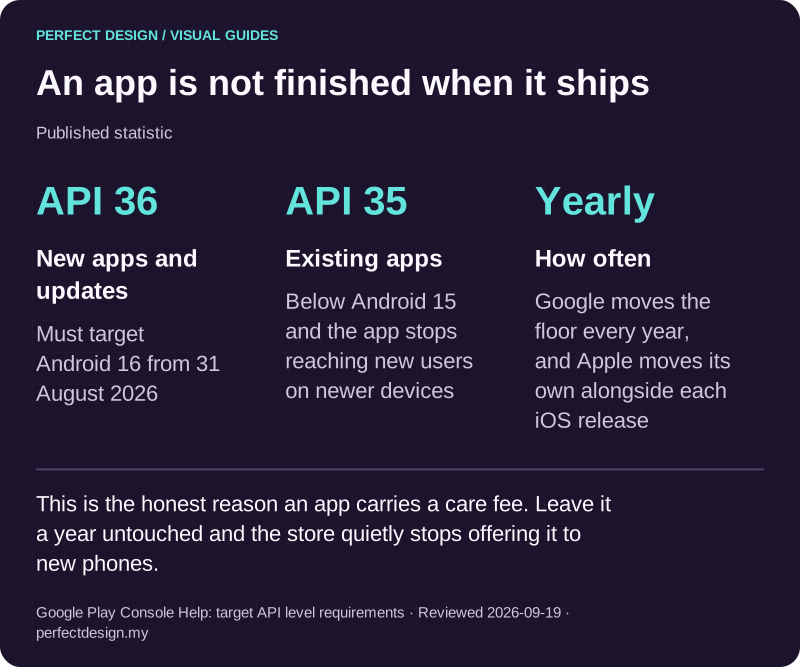
An app is not finished when it ships
Published statistic. This is the honest reason an app carries a care fee. Leave it a year untouched and the store quietly stops offering it to new phones.
Source: Google Play Console Help: target API level requirements. Reviewed .
Read the graphic as text
- New apps and updates: API 36. Must target Android 16 from 31 August 2026
- Existing apps: API 35. Below Android 15 and the app stops reaching new users on newer devices
- How often: Yearly. Google moves the floor every year, and Apple moves its own alongside each iOS release
What to bring to a first conversation
The sequence is the method: the task the app should improve, the users and their conditions, the systems it must connect to, the use case, the platform, the evidence you need before committing, and who owns each part. You do not need answers to all of it. Four things make a first conversation useful: the problem in a sentence, who does that task today, what they use now, and any constraint you know about, such as a system that cannot change or a date you are working to.
Bring those to a scoped enquiry and we will tell you which parts look solid, which need confirming before anything could be built, and whether the honest answer is a mobile website instead. If you are still comparing what to build first, the services catalogue sets an app beside the website and system work it sits next to.