
Core systems
Booking & scheduling
Taking bookings without the WhatsApp back-and-forth or the double-booking.
Get a quote
Tell us how your bookings work
Leave your details and we will WhatsApp you with a few questions about your services, staff and rules, and a price range. No obligation, and we reply within an hour between 9 am and 9 pm.
What it is
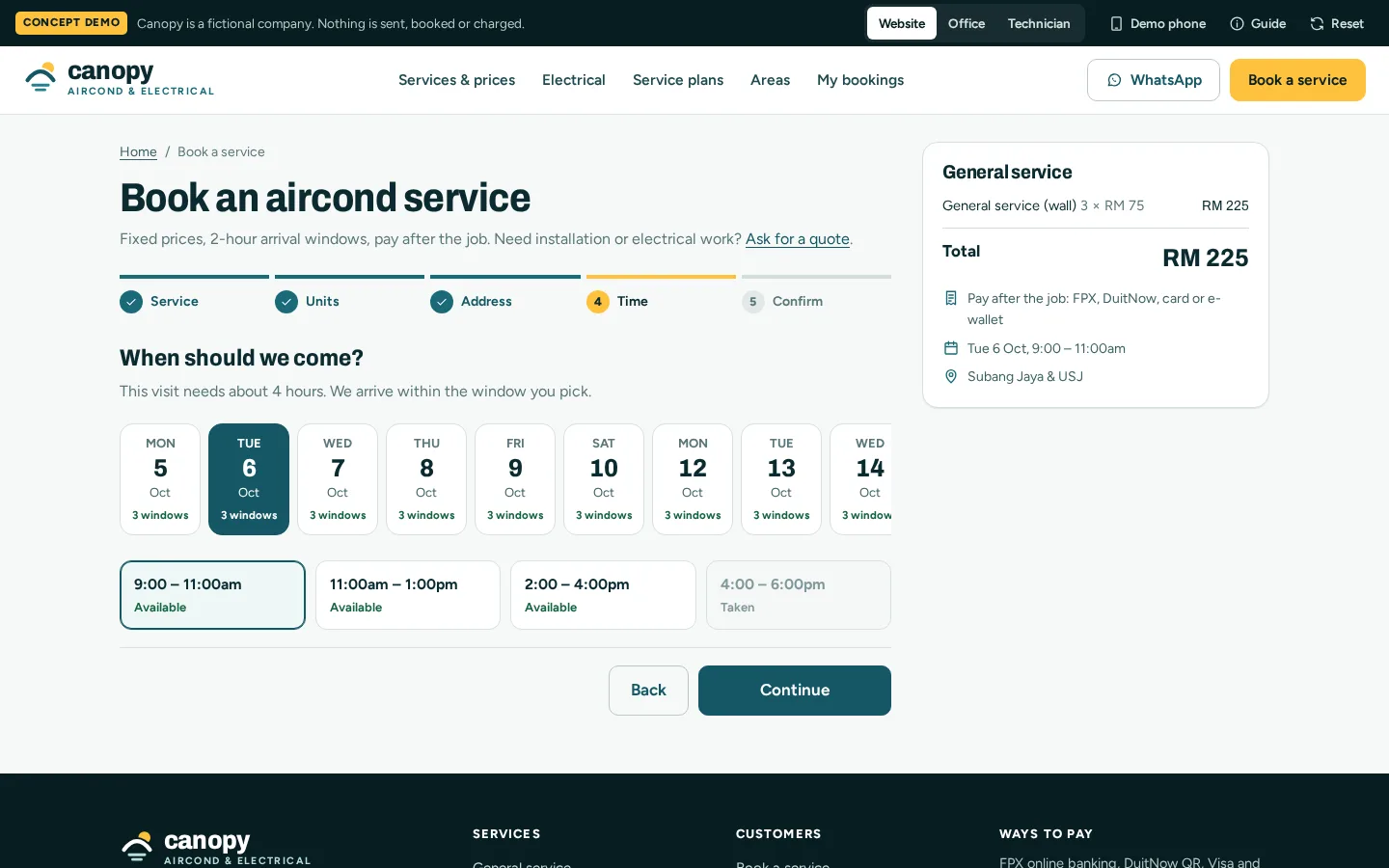
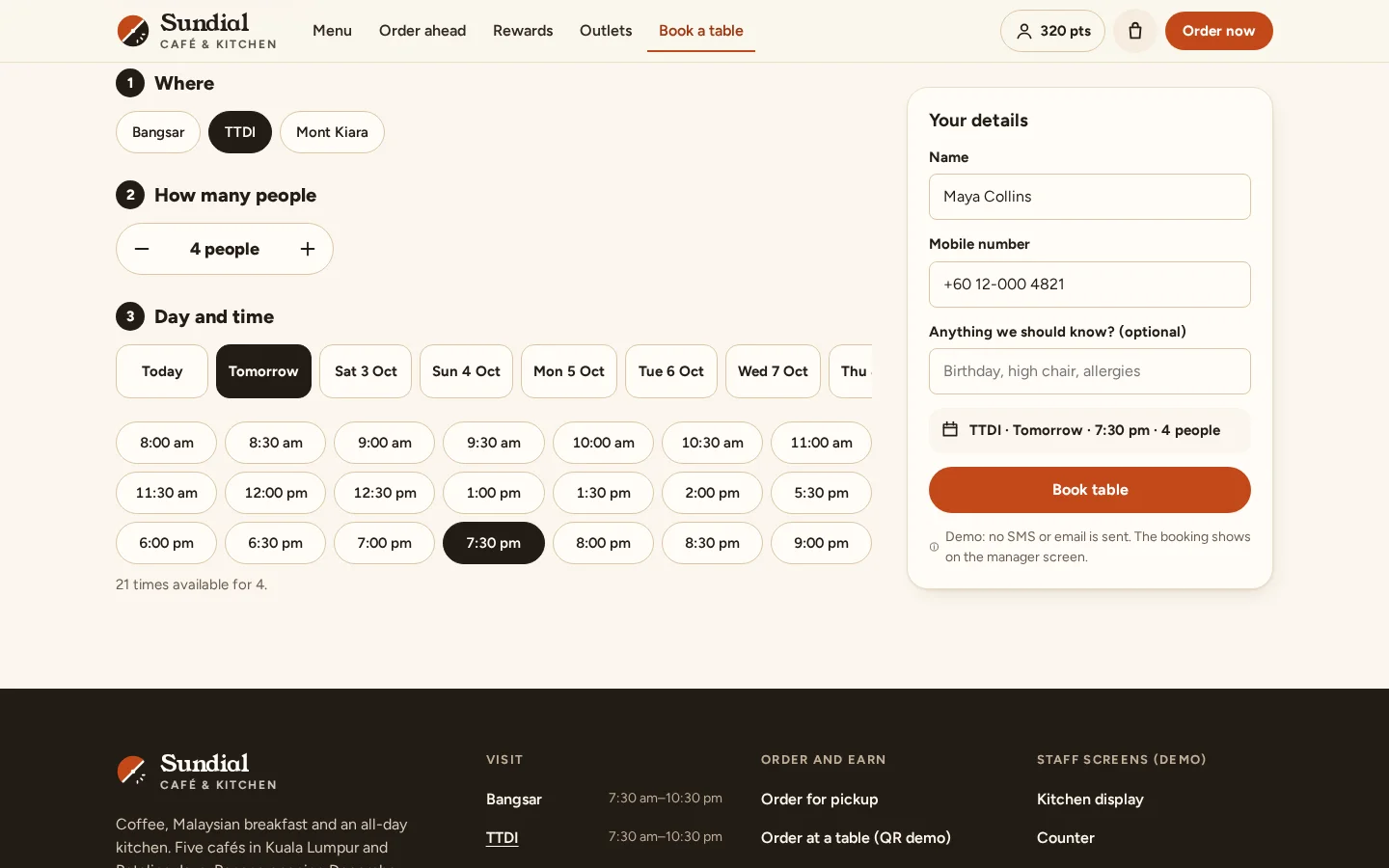
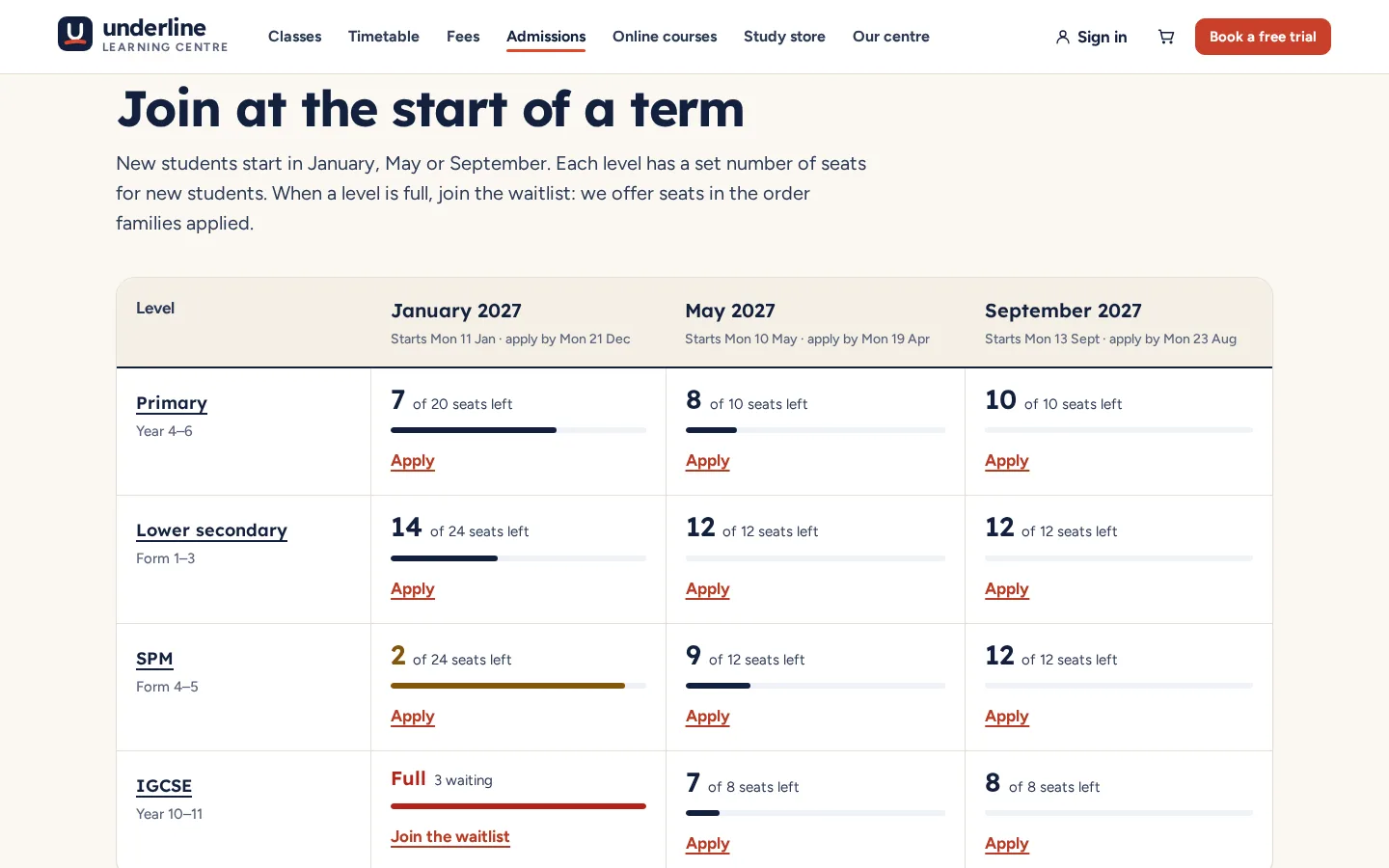
Availability that is real rather than advertised, and a booking path a customer can finish alone. What is being booked varies — an appointment, a seat, a booth, a test drive, a course session — but the machinery underneath is the same: inventory, availability, a reservation, and a confirmation.
How we build it
What makes ours work
We model the inventory honestly before building any interface
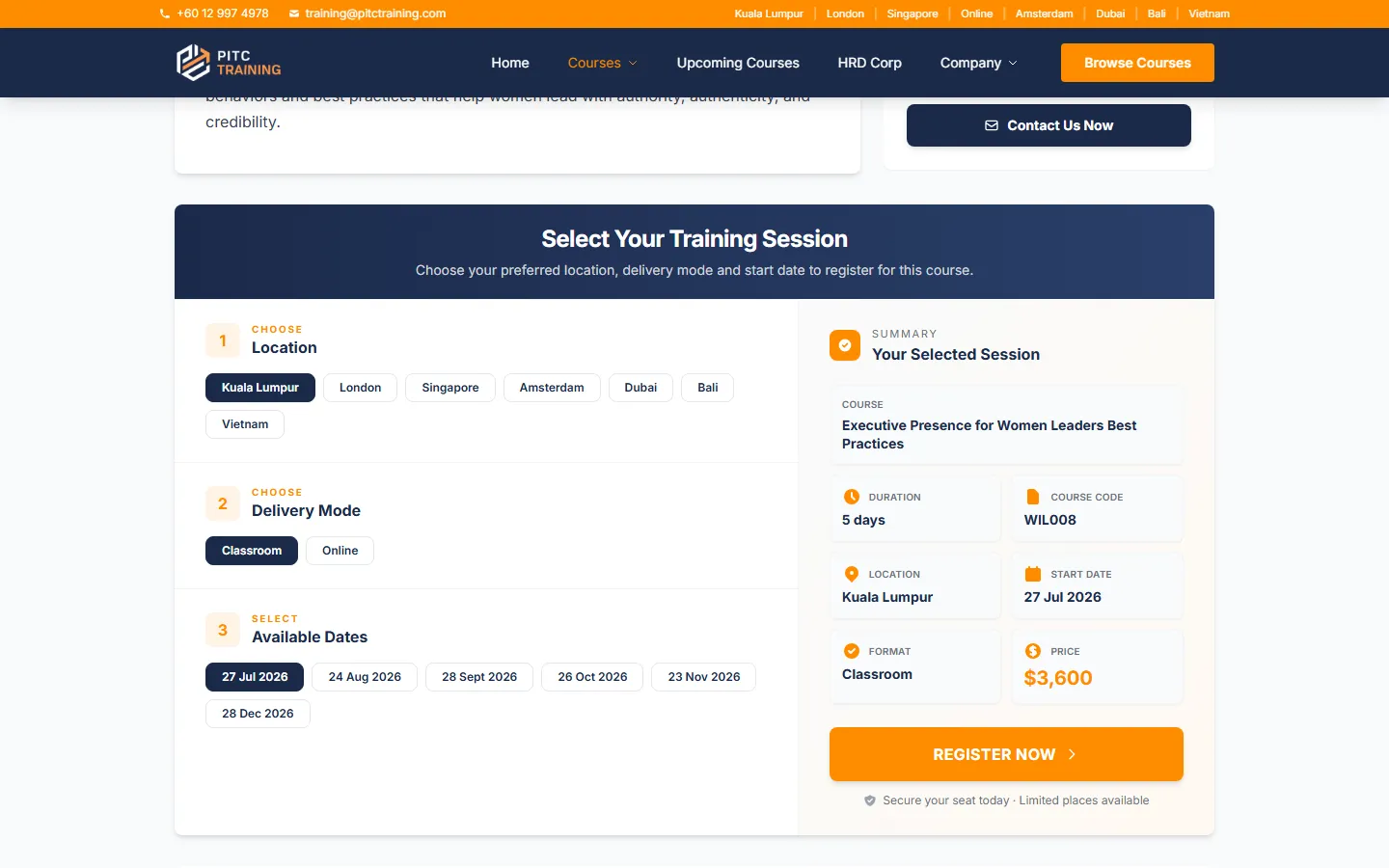
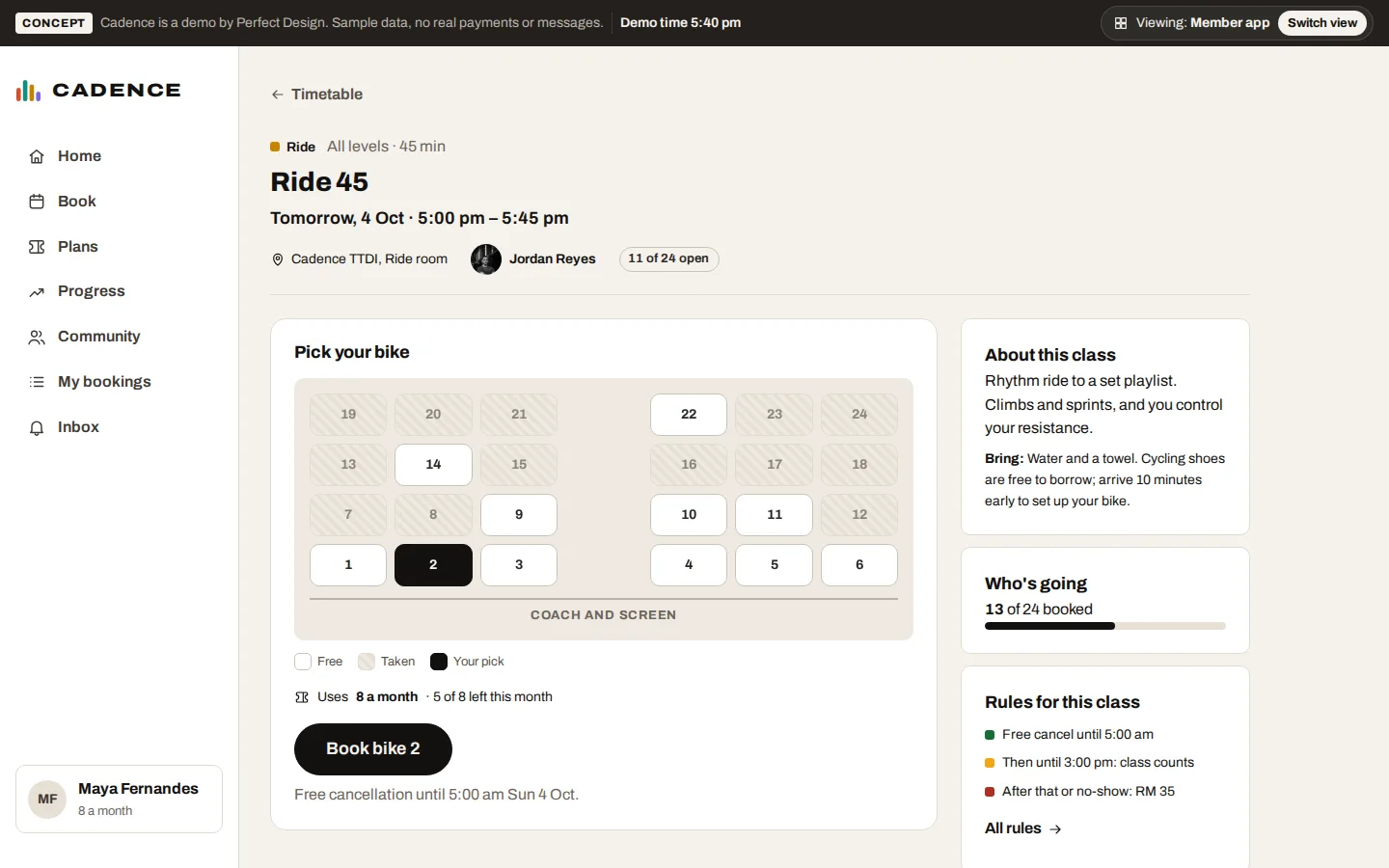
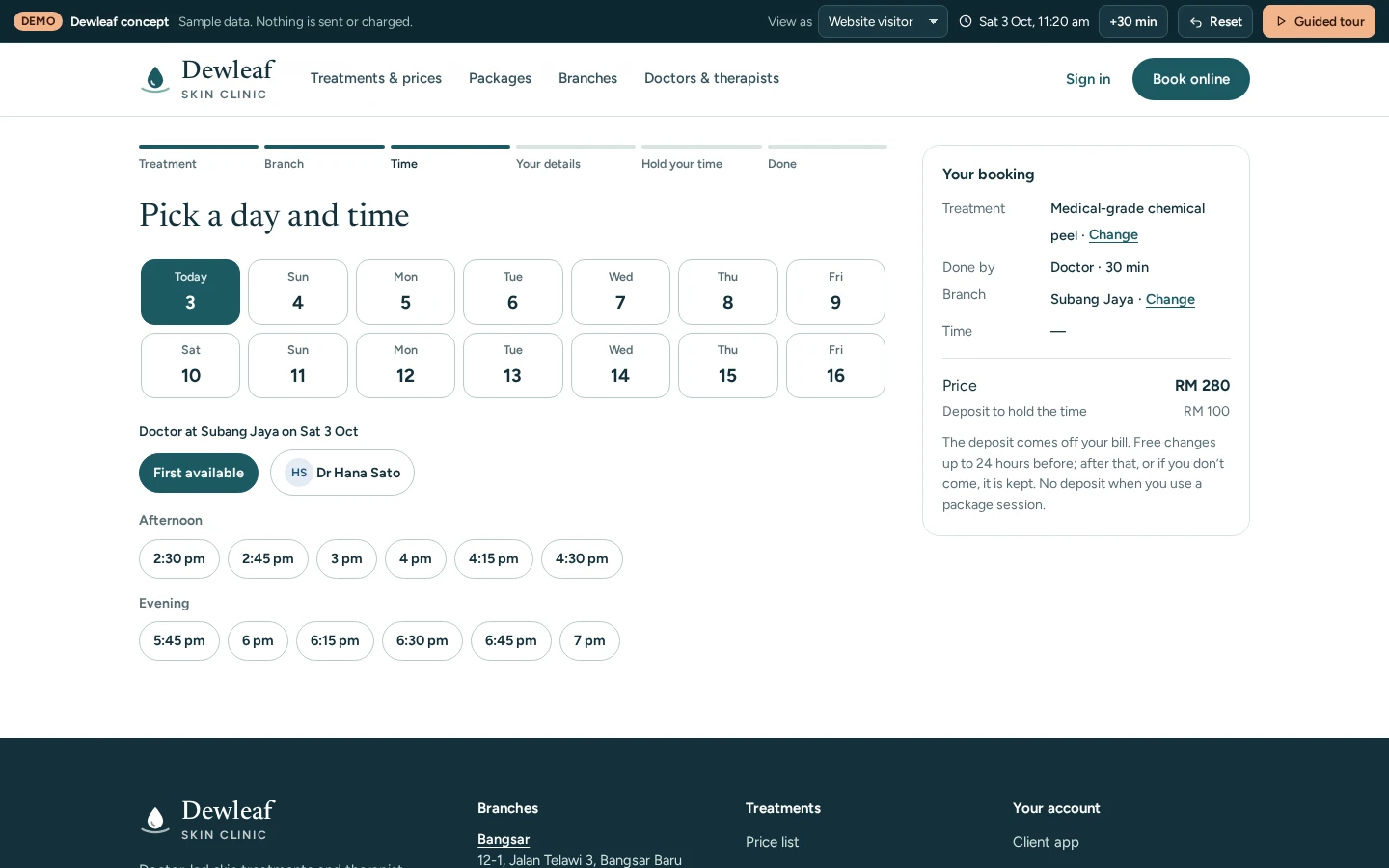
Every booking system is really an inventory system: an hour of a therapist’s day, a booth in a festival hall, a seat at a launch event, a slot at a showroom. Getting that model right — what exactly is being reserved, what makes it unavailable, what happens to it on cancellation — is most of the engineering. The interface then follows the inventory: a calendar for time slots, a floor plan for booths, a session picker for courses. PestaHub’s cinema-seat booth selection and PITC’s venue-and-date selector are the same machinery wearing different clothes.
Hold first, confirm second
The gap between choosing and paying is where double-bookings are born. Our booking flows hold the reservation the moment a customer commits to it, keep it held through the payment or details step, and release it automatically if they walk away. Availability is re-checked server-side at confirmation, never trusted from the page the customer loaded ten minutes ago. It is unglamorous logic, and it is the difference between a booking system and a booking-shaped form.
The owner side is half the build
A booking system that only takes bookings is half finished. The owner side answers the daily questions: what is booked today, who has not paid, which slots are empty next week. It also handles the real world — walk-ins and phone bookings entered manually, a customer who needs to move, a slot that must be blocked for maintenance. In the PestaHub build, the organiser can hold or release any booth for sponsor deals and watch the public floor plan update instantly.
Proof
Where we've built this
Every build below contains this system. Open any one to see how it works — the fastest way to judge whether we can do what you need.
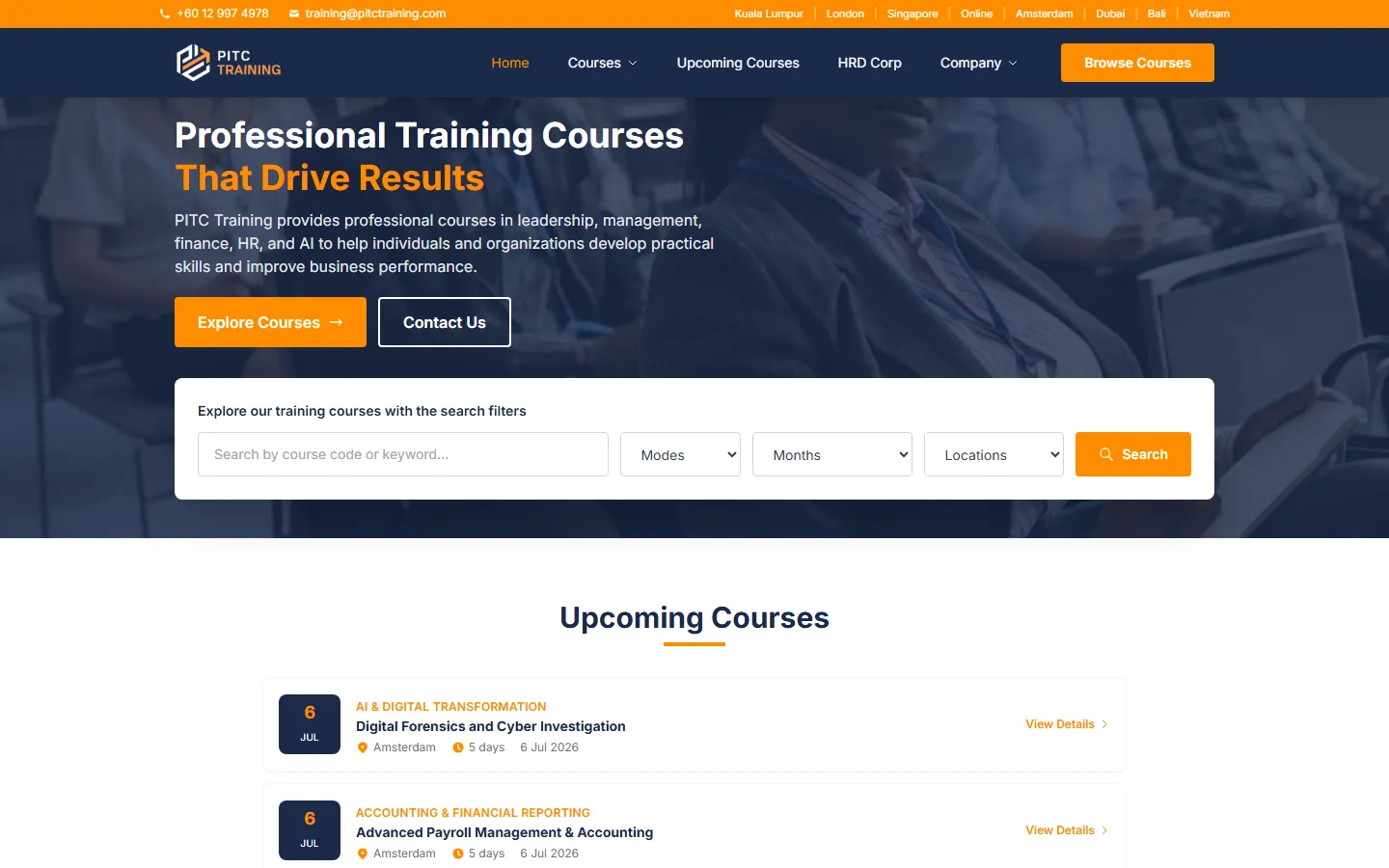
PITC Training
Course platform + CRM pipeline
See how it works →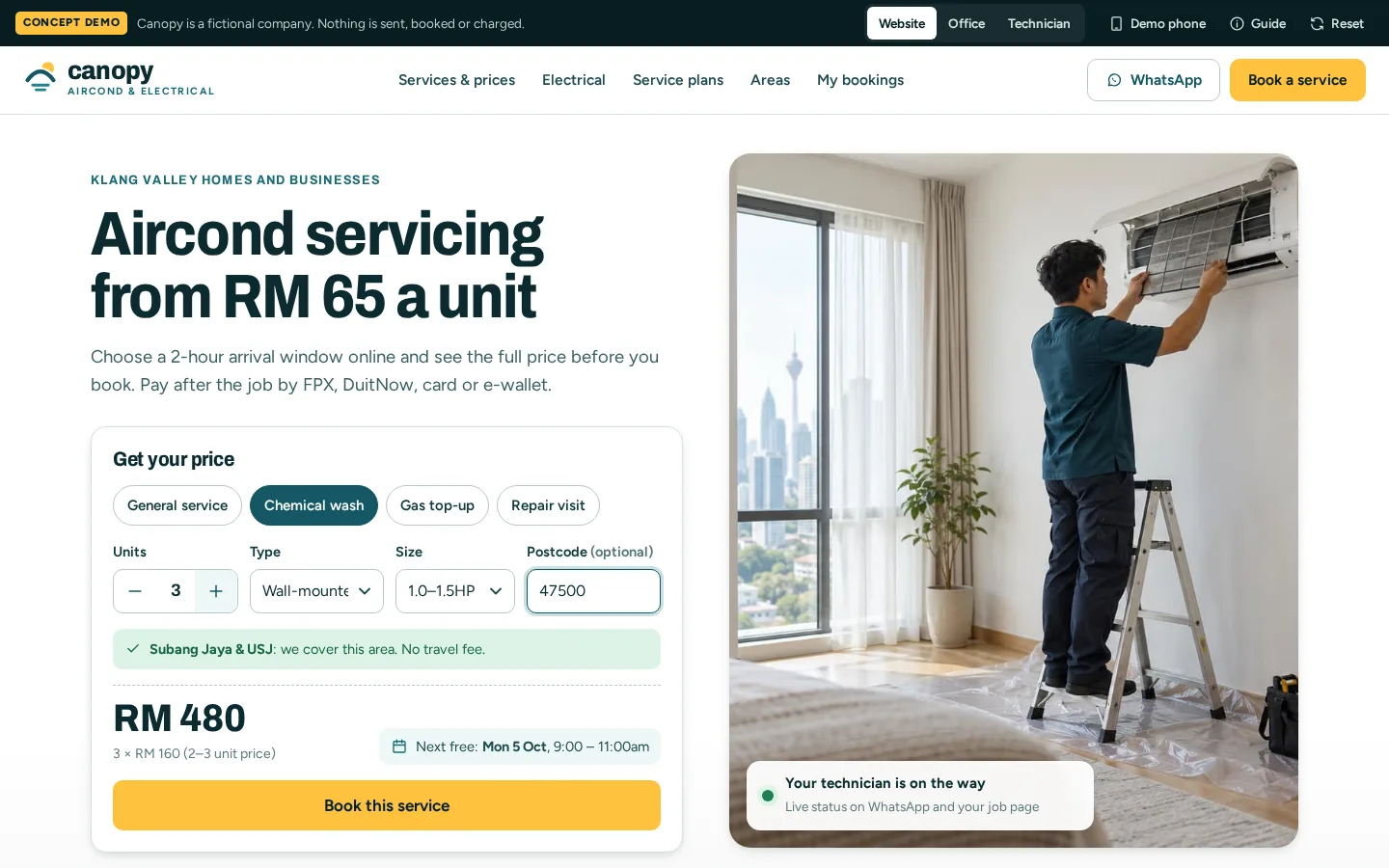
Canopy
Field service system: quotes, jobs and invoices
See how it works →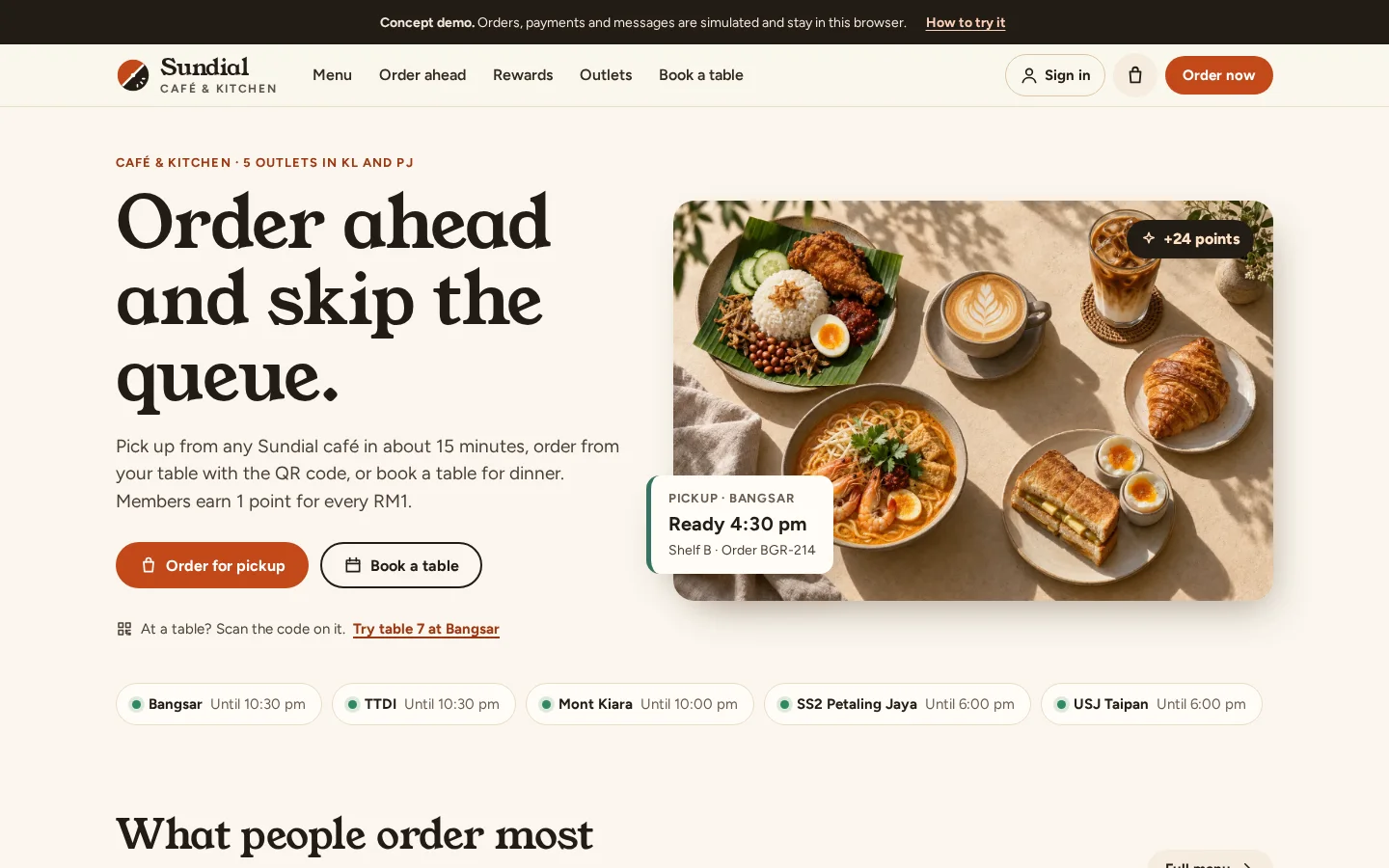
Sundial
Restaurant ordering and loyalty app
See how it works →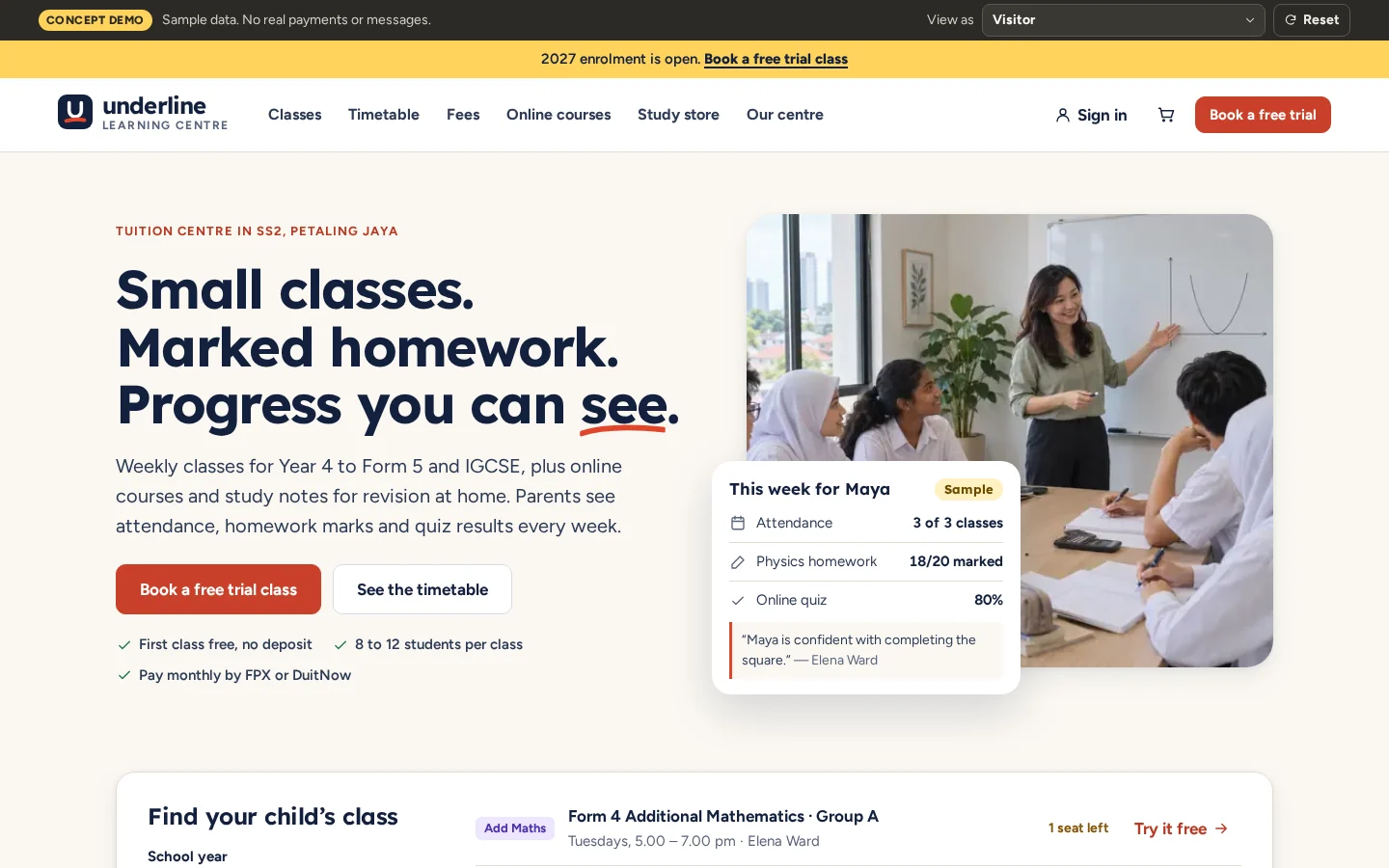
Underline
Tuition centre with online courses and a study store
See how it works →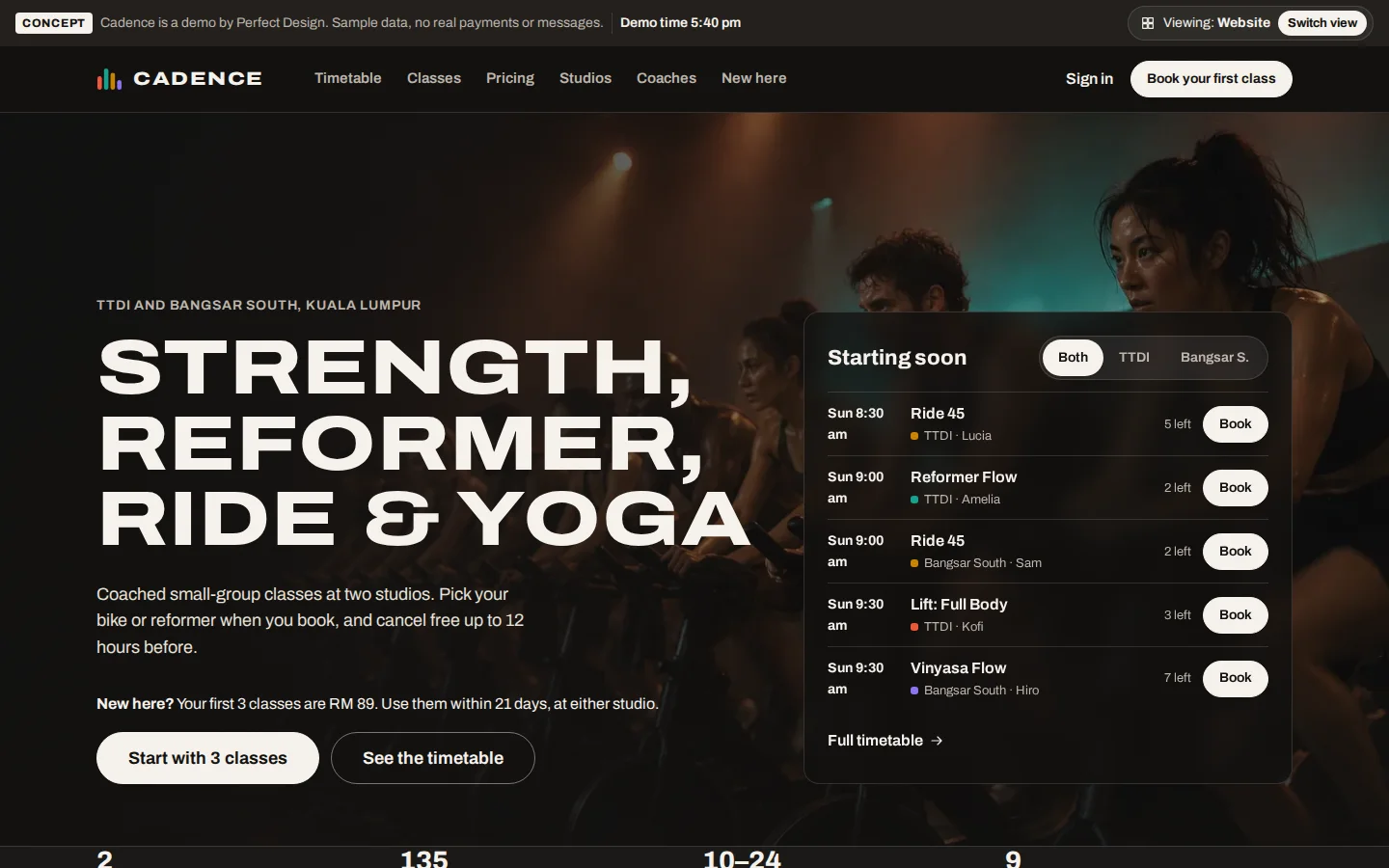
Cadence
Fitness studio booking and membership app
See how it works →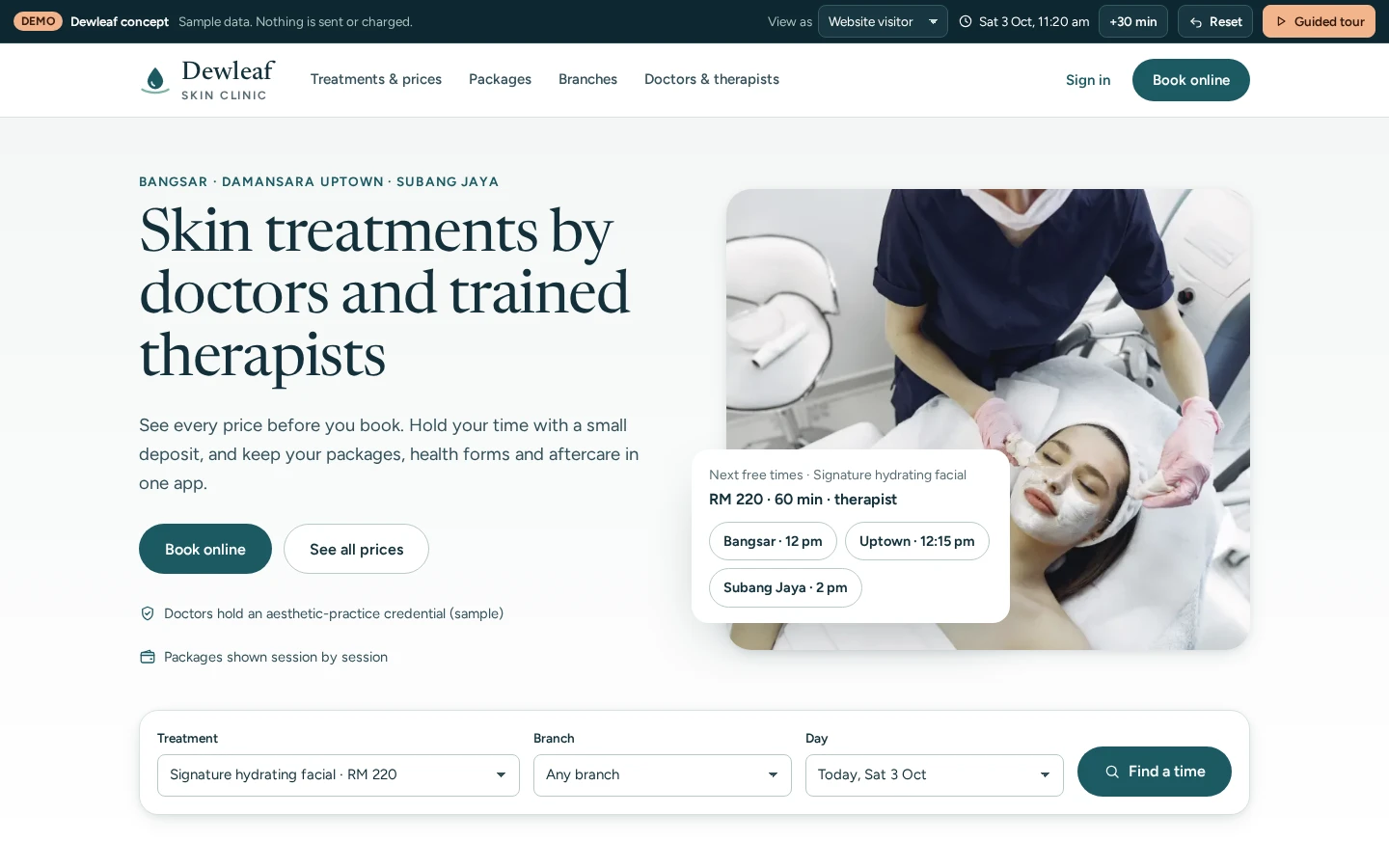
Dewleaf Skin Clinic
Clinic group booking, packages and consent
See how it works →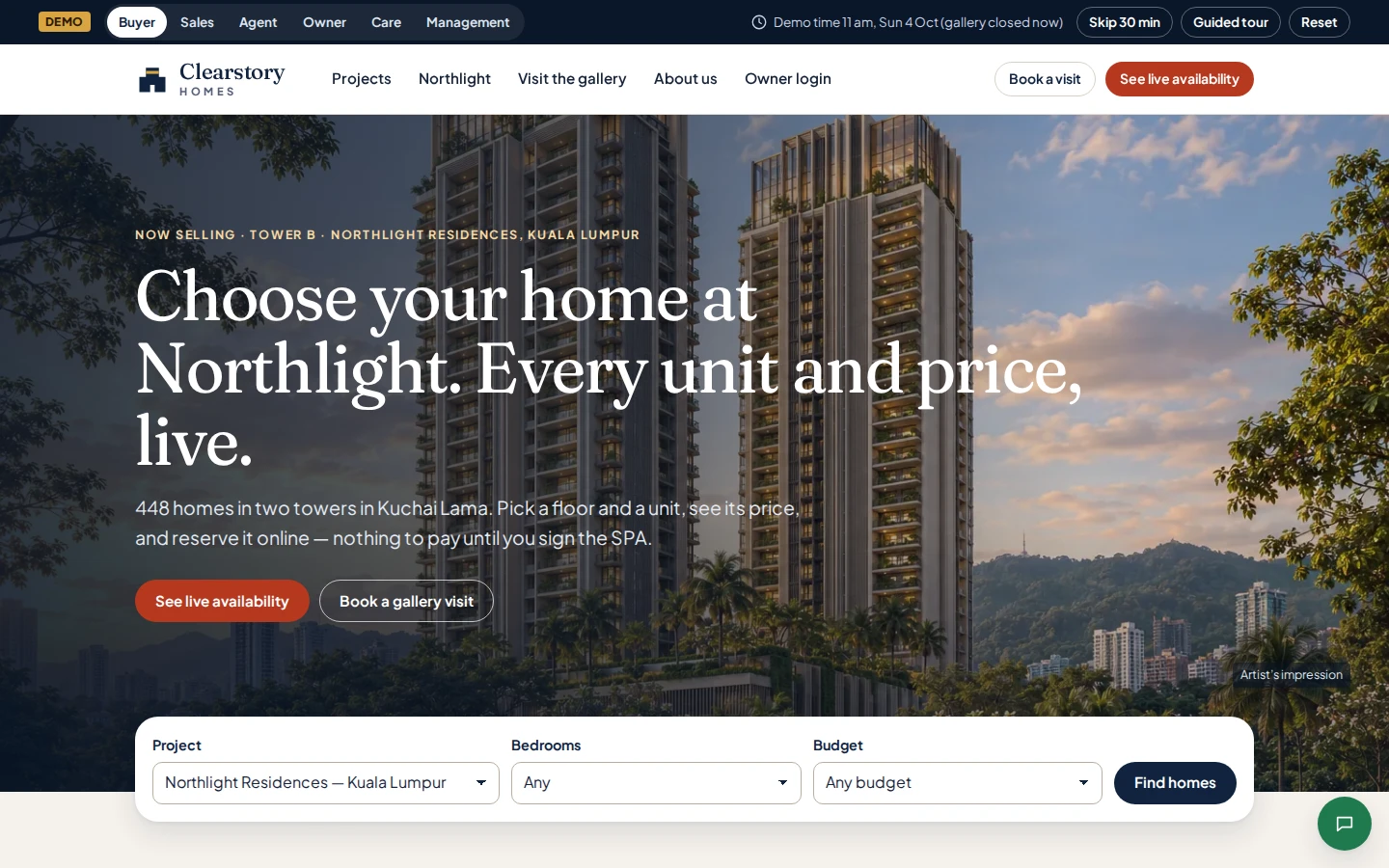
Clearstory Homes
Property developer sales system and owner portal
See how it works →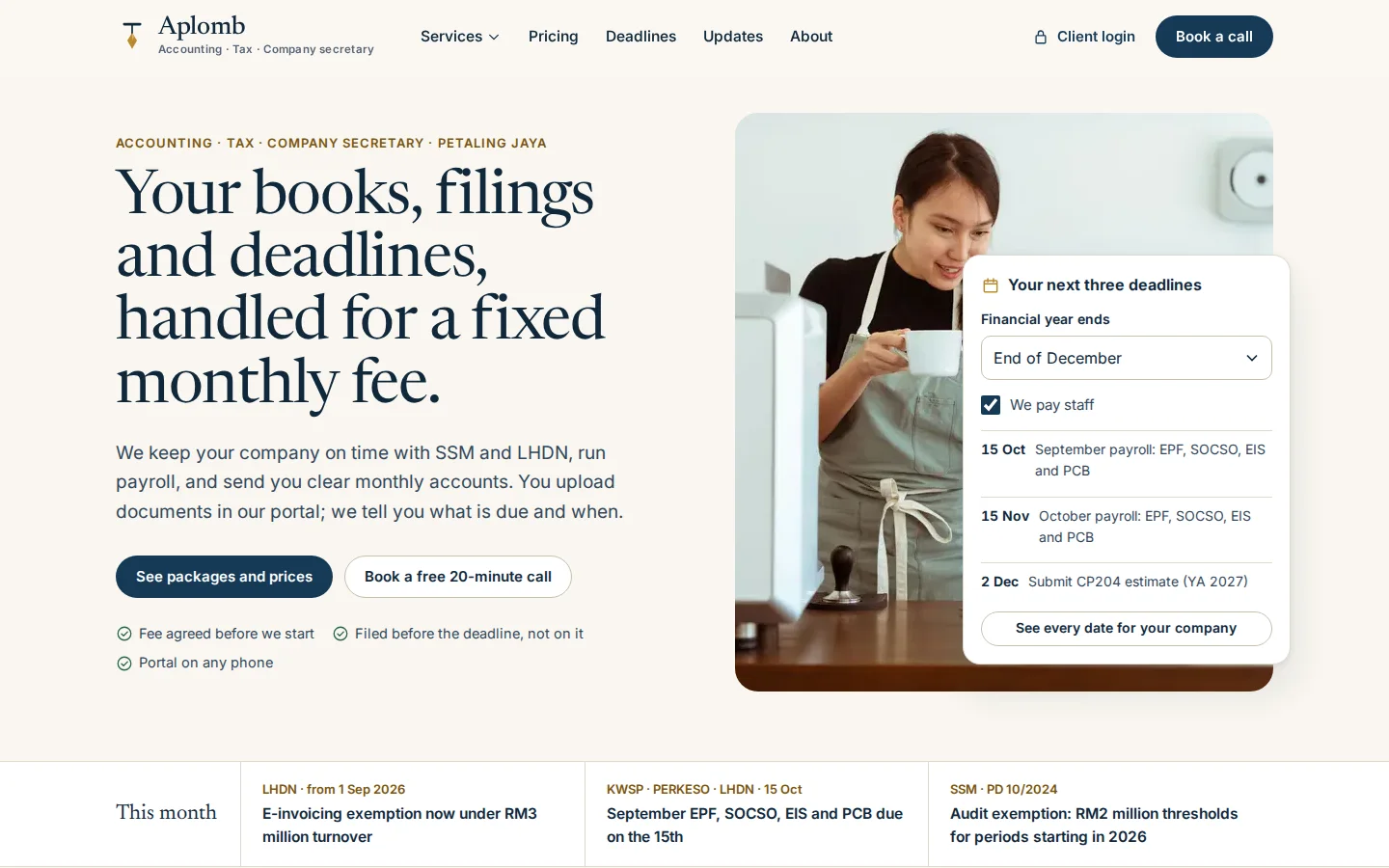
Aplomb Accounting
Accounting firm client portal and practice system
See how it works →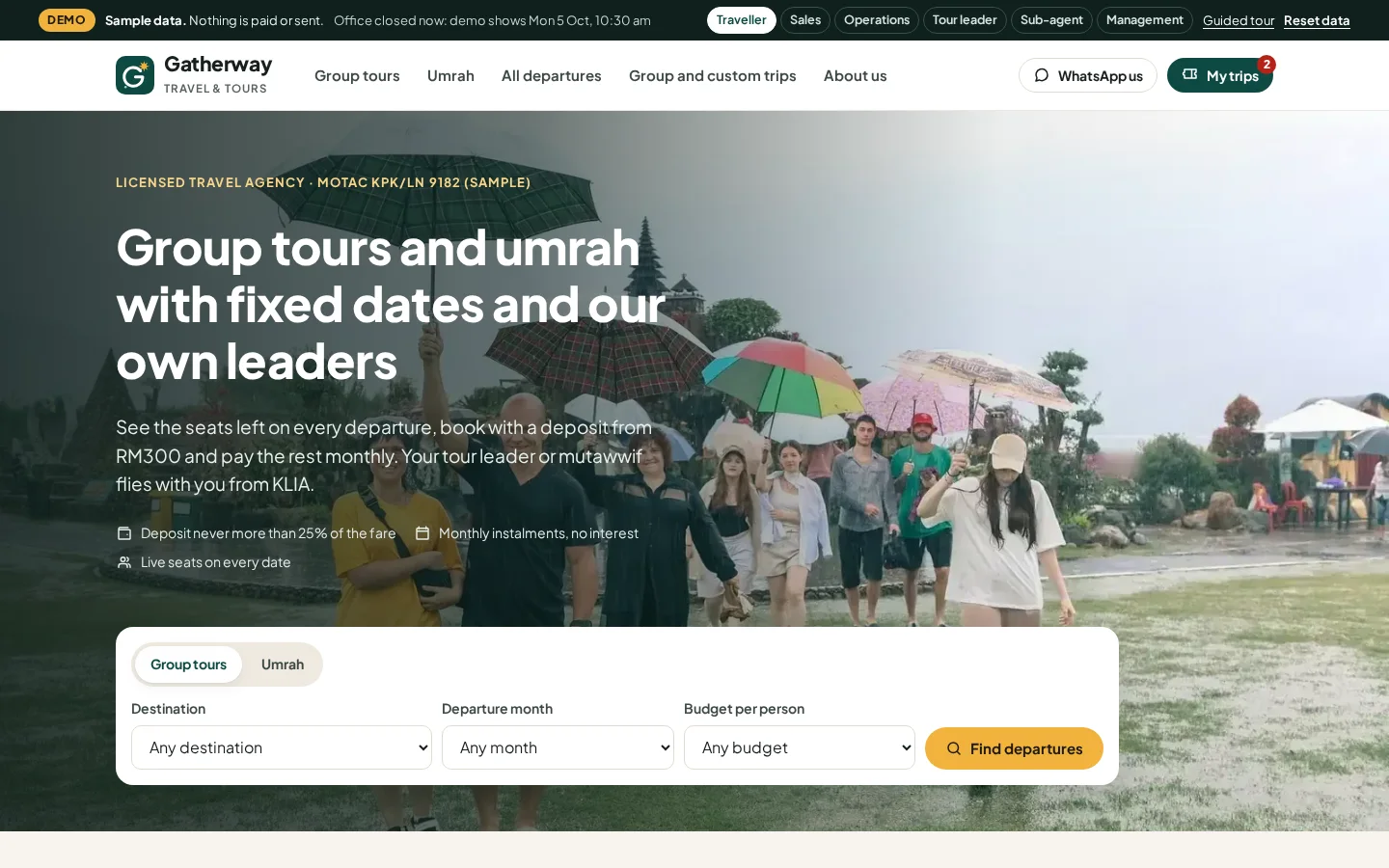
Gatherway Travel & Tours
Tour and umrah agency booking system
See how it works →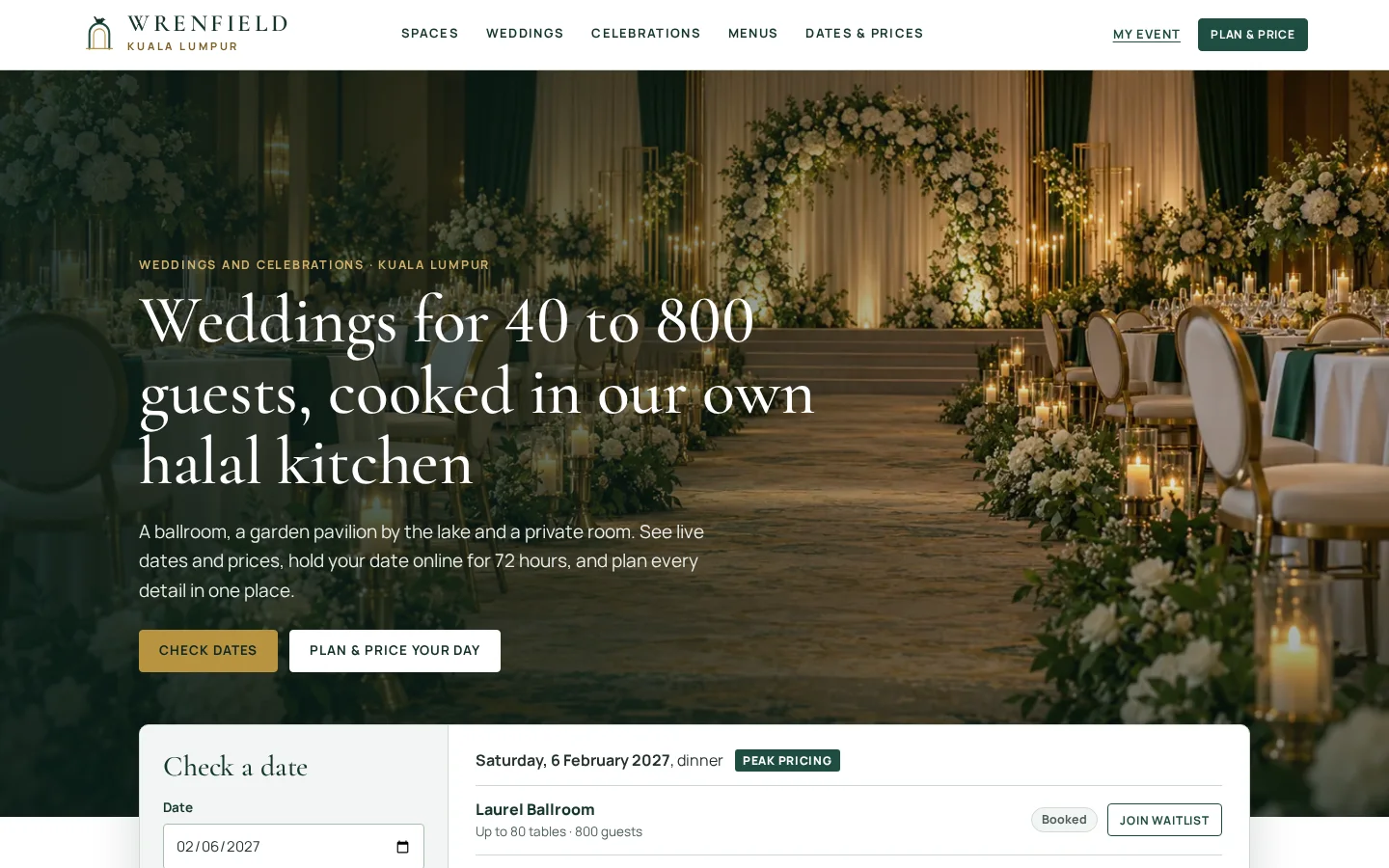
Wrenfield
Wedding and event venue booking system
See how it works →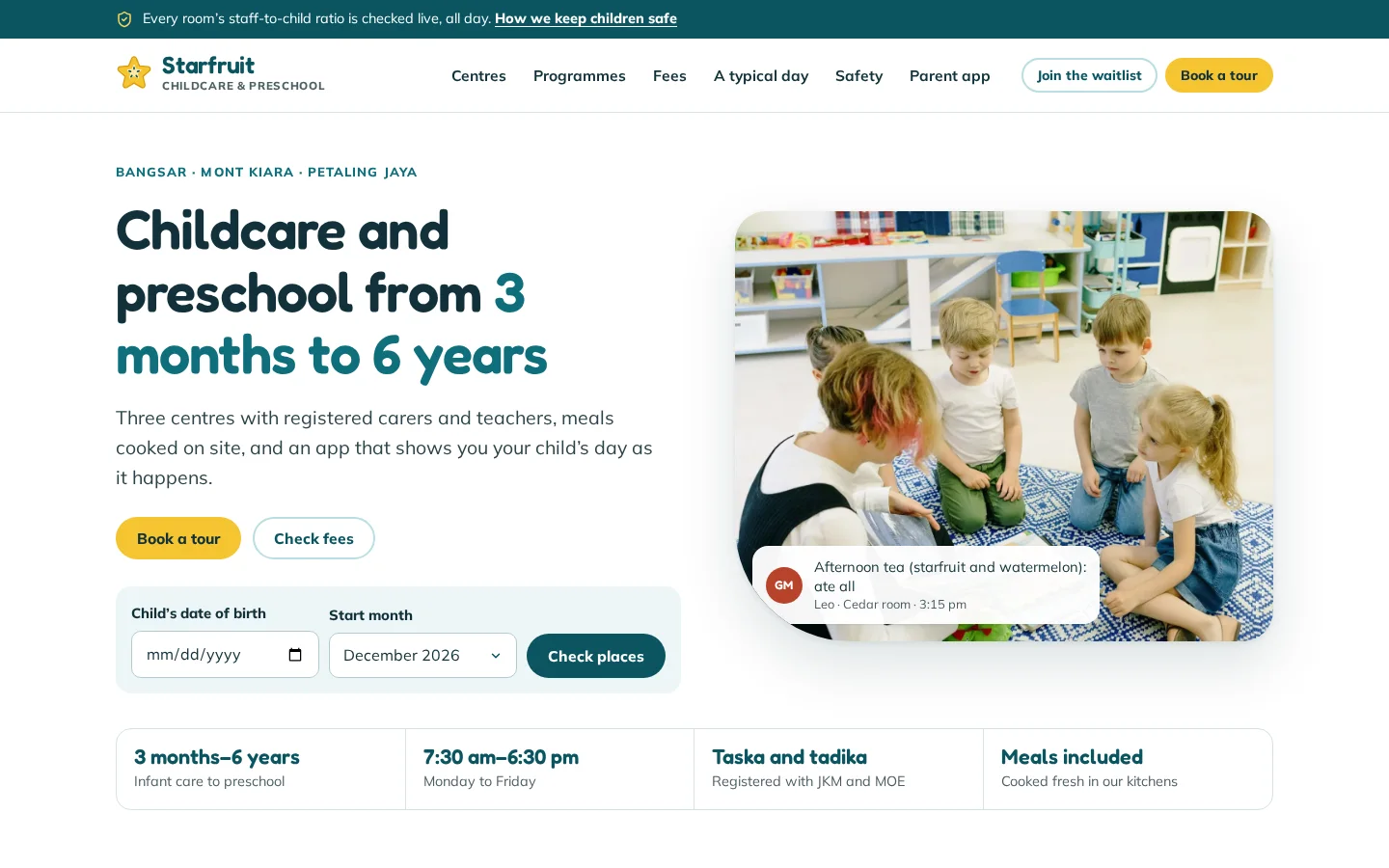
Starfruit Childcare & Preschool
Childcare parent app, teacher app and centre office
See how it works →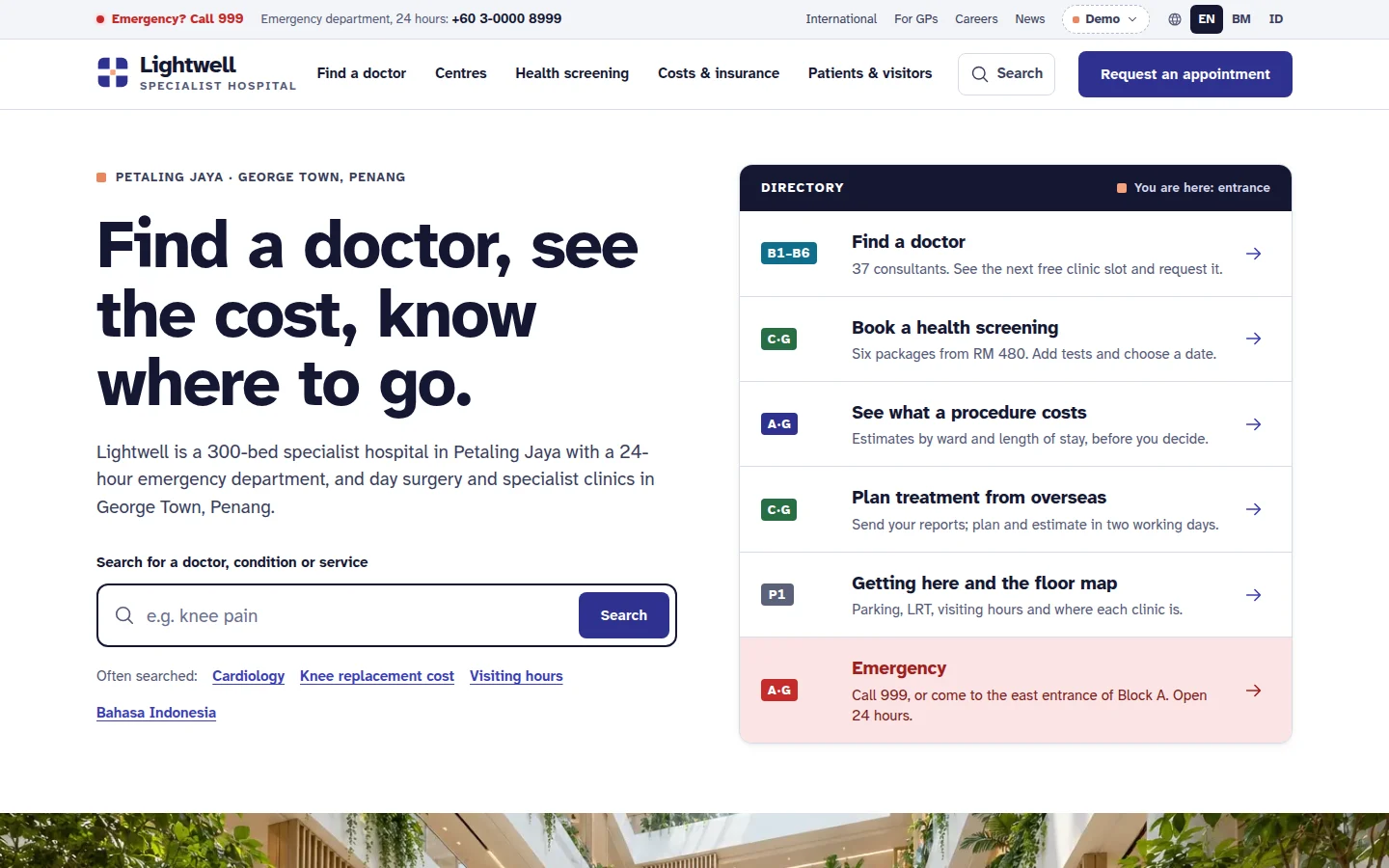
Lightwell Specialist Hospital
Private hospital website
See how it works →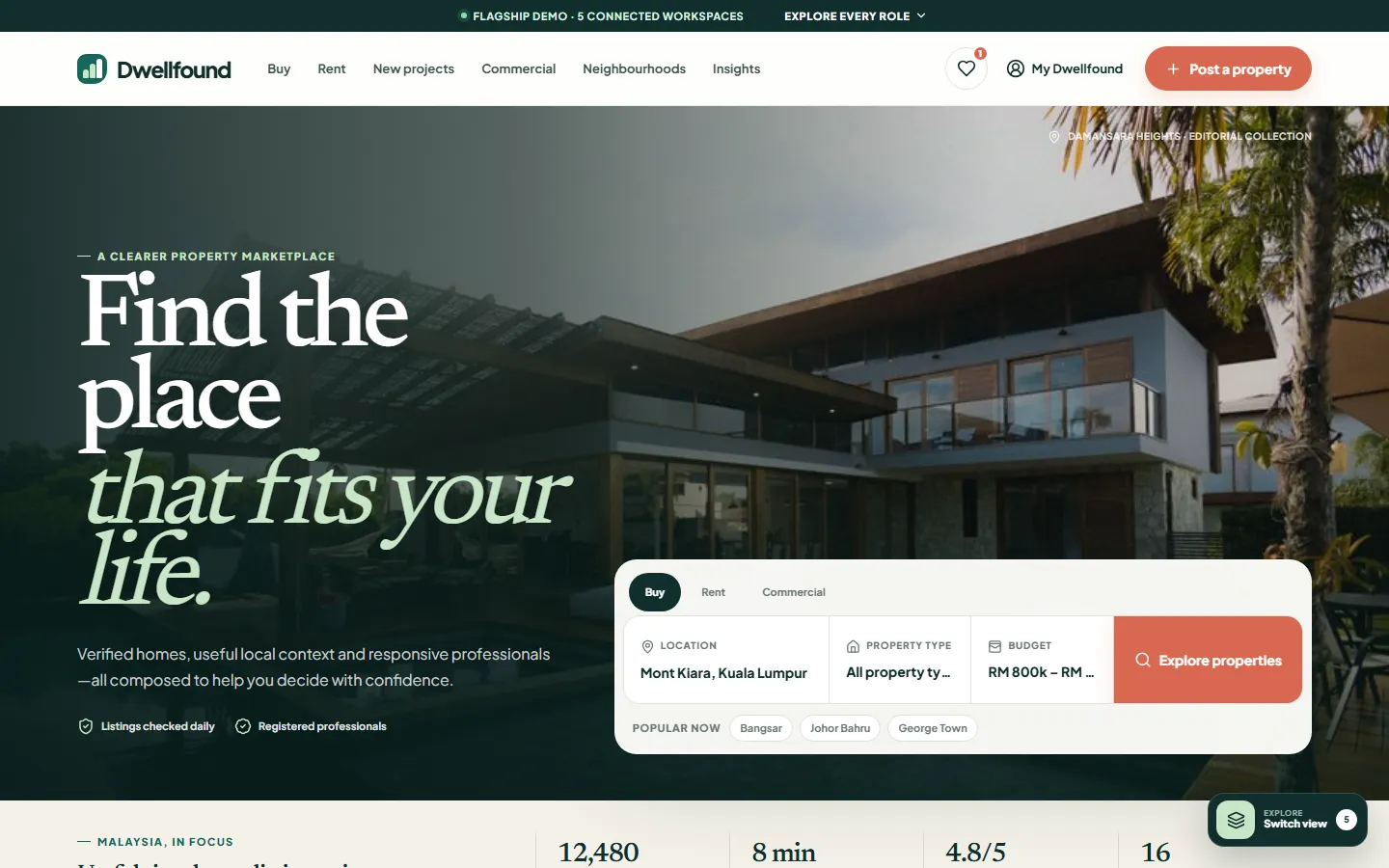
Dwellfound
Property marketplace platform
See how it works →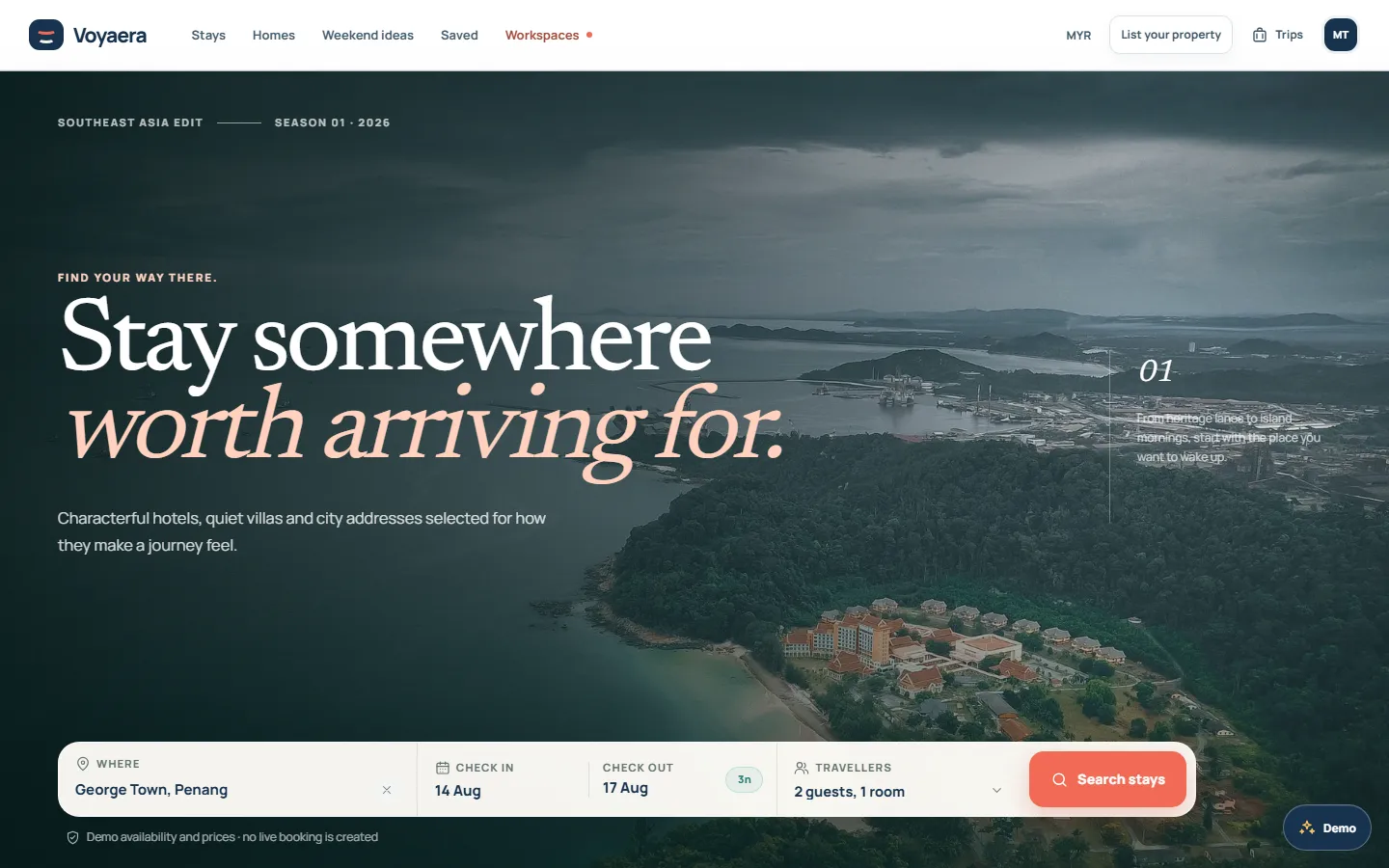
Voyaera
Accommodation marketplace platform
See how it works →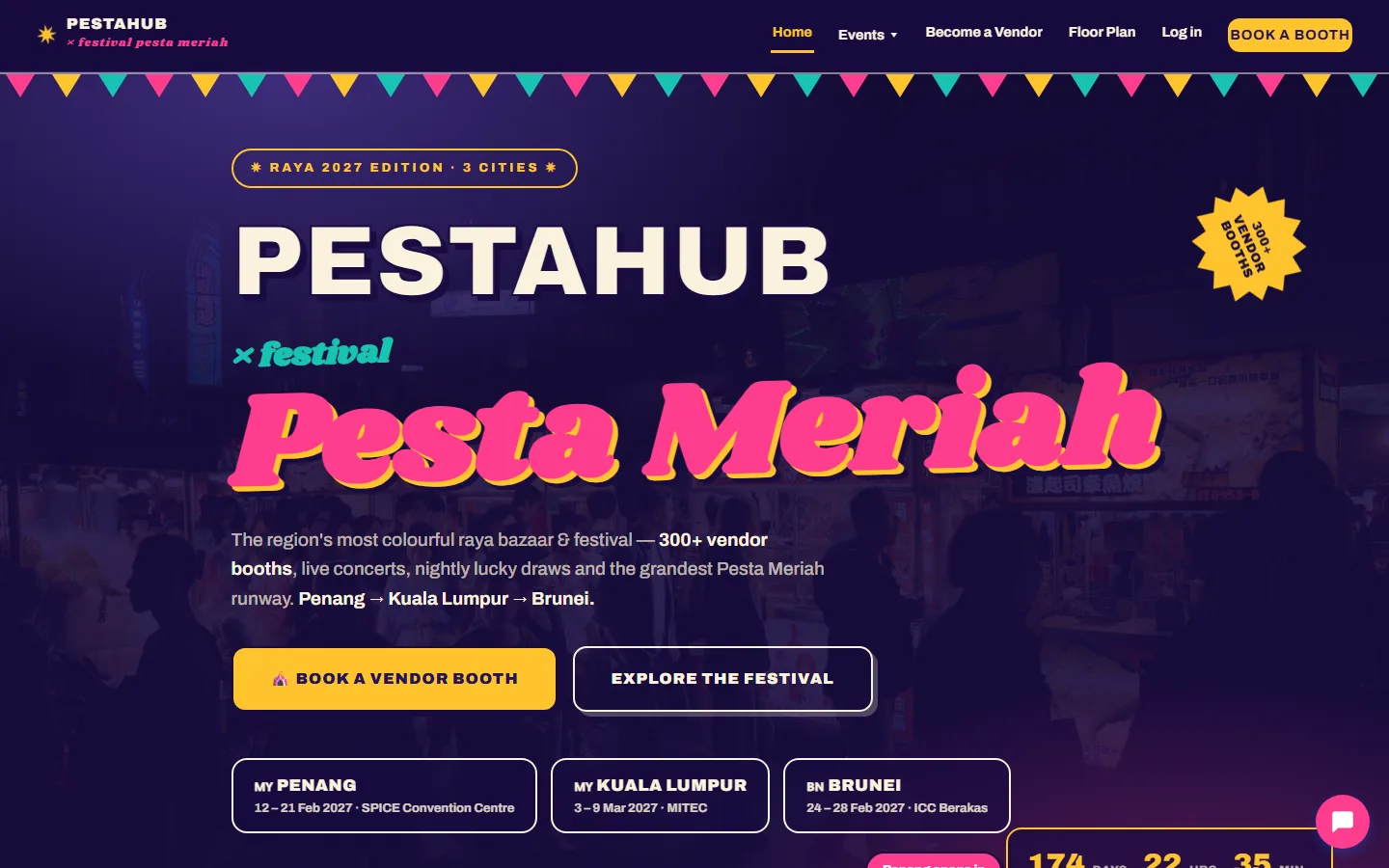
PestaHub
Festival & booth-booking platform
See how it works →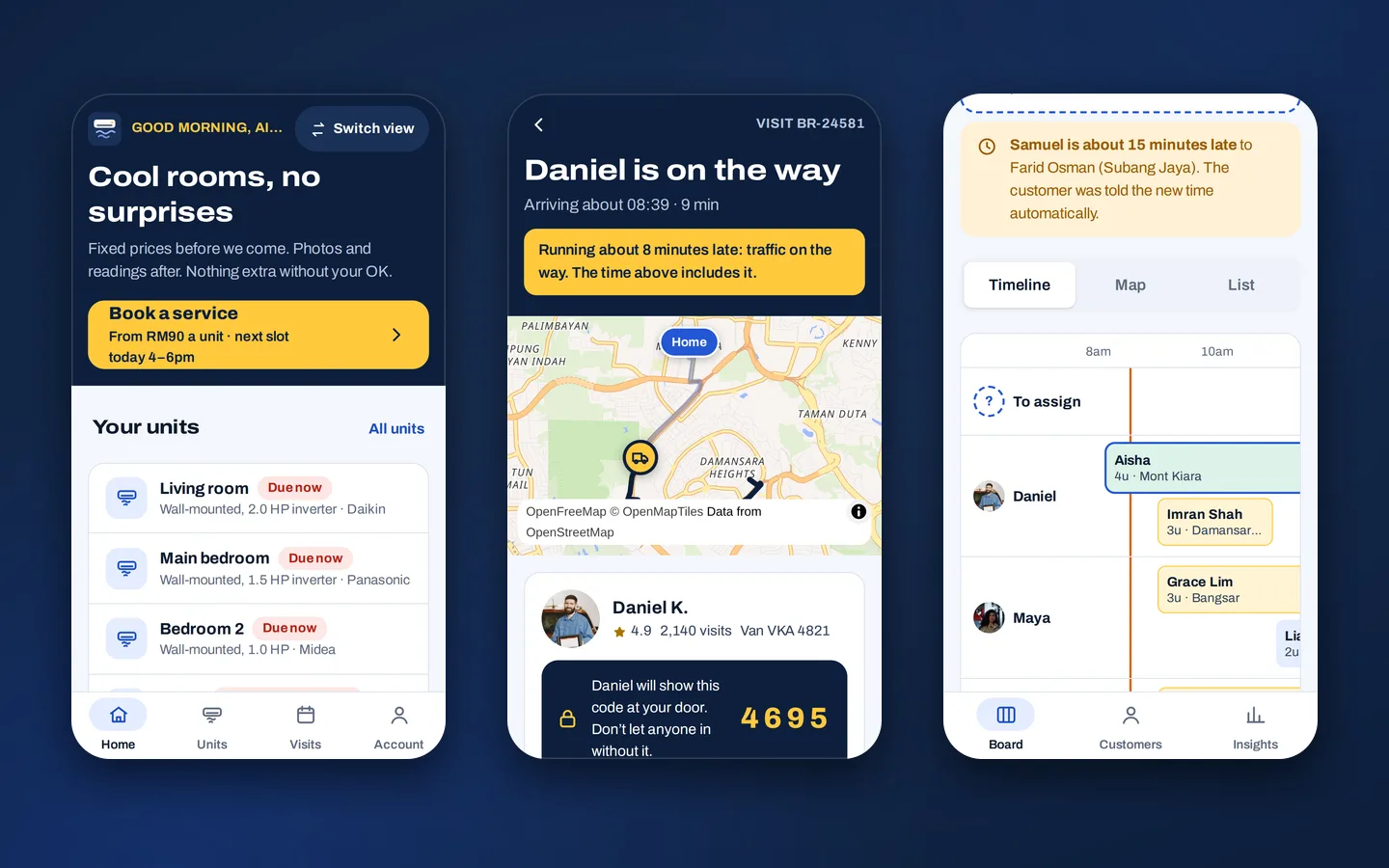
Brisa
Aircon service booking and technician app
See how it works →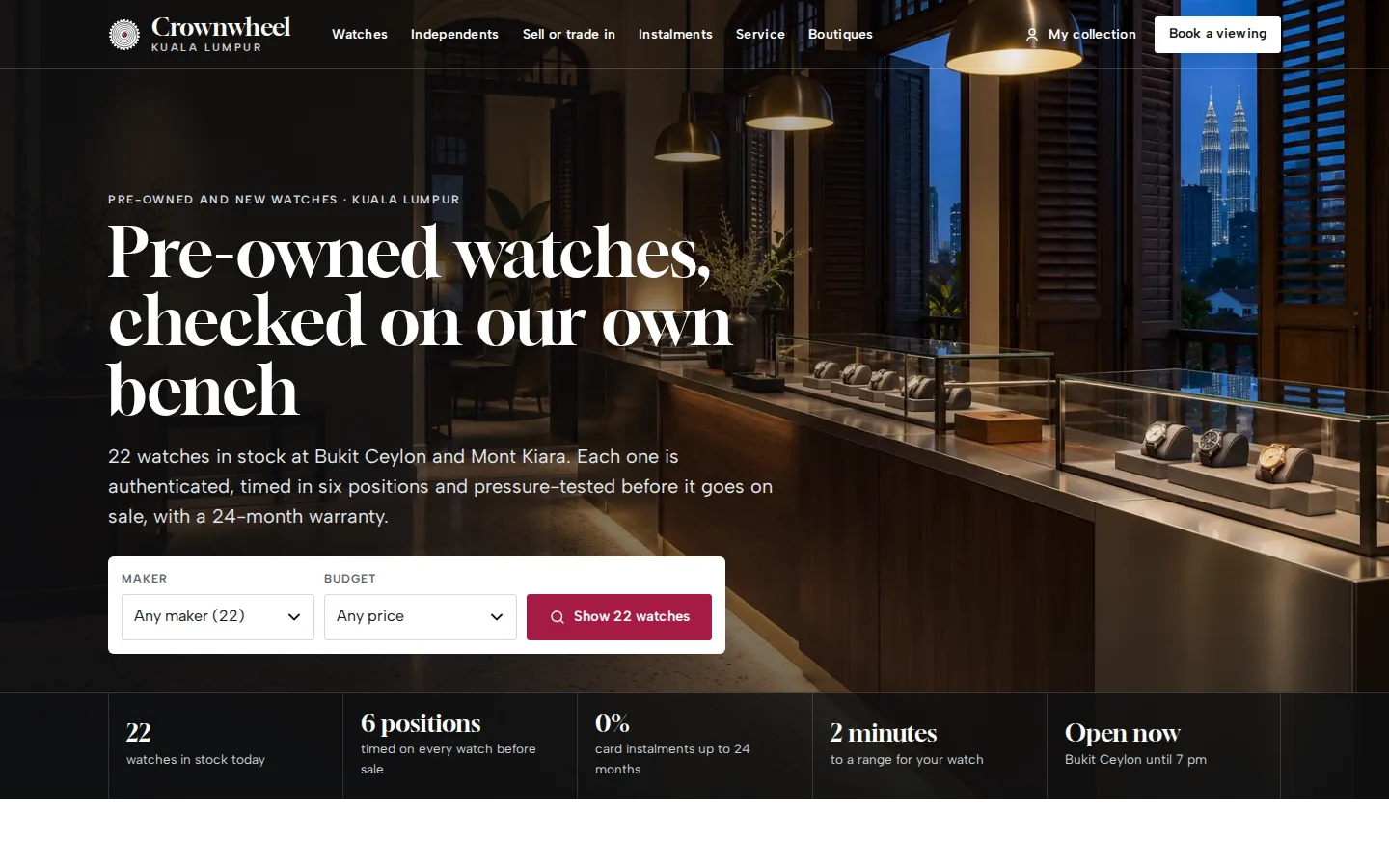
Crownwheel
Watch dealer website and sales desk
See how it works →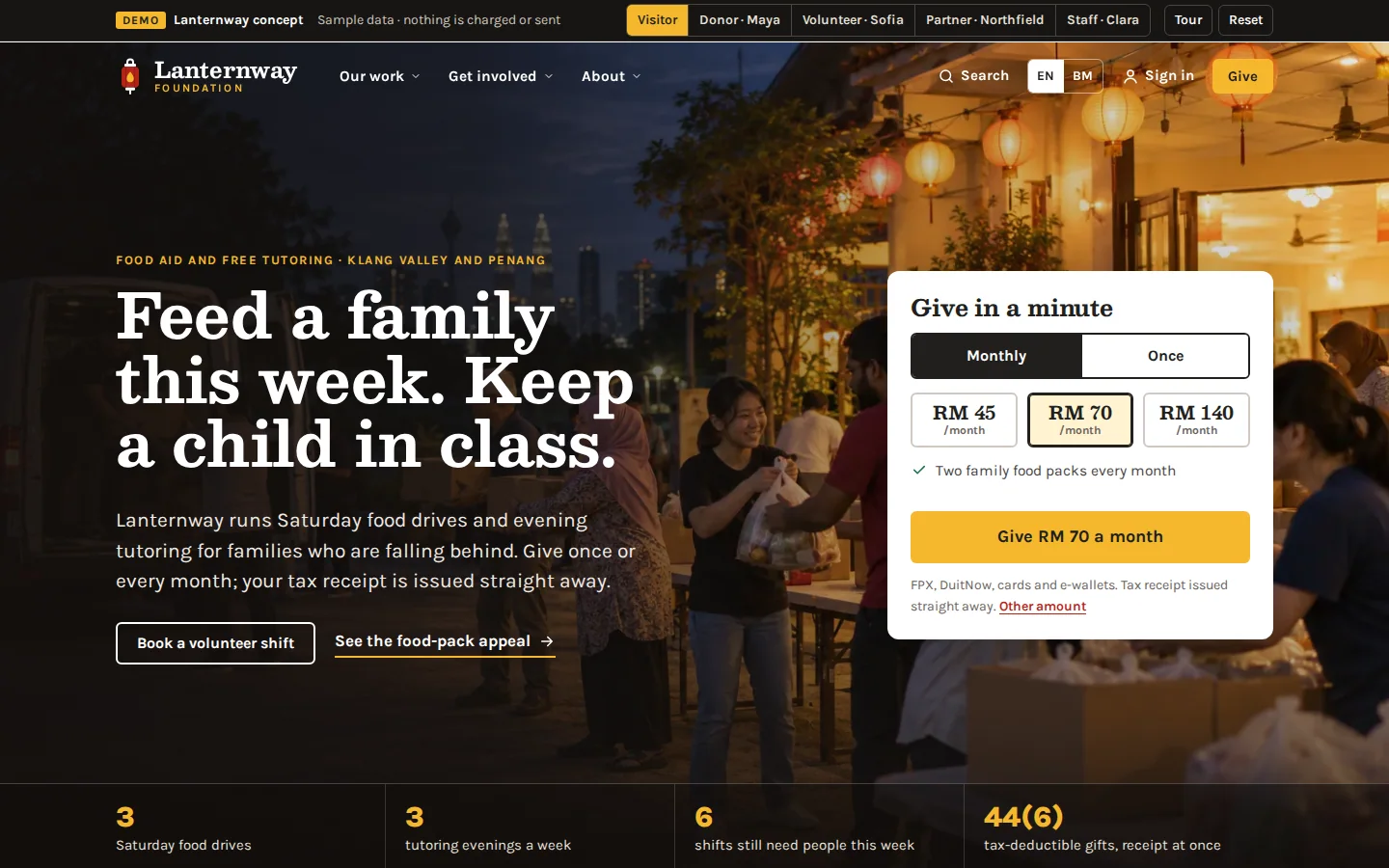
Lanternway Foundation
Charity website and giving system
See how it works →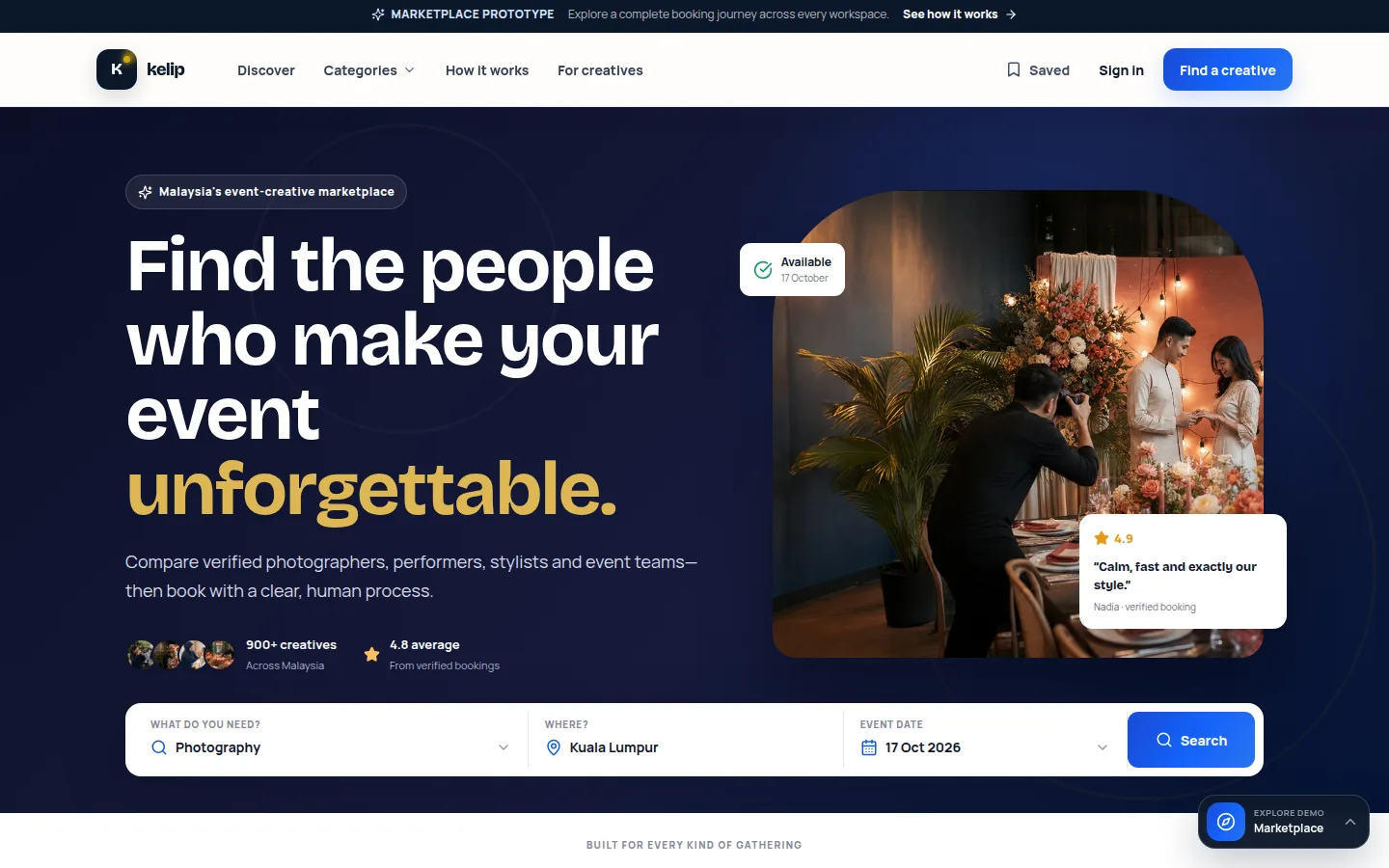
Kelip
Services marketplace
See how it works →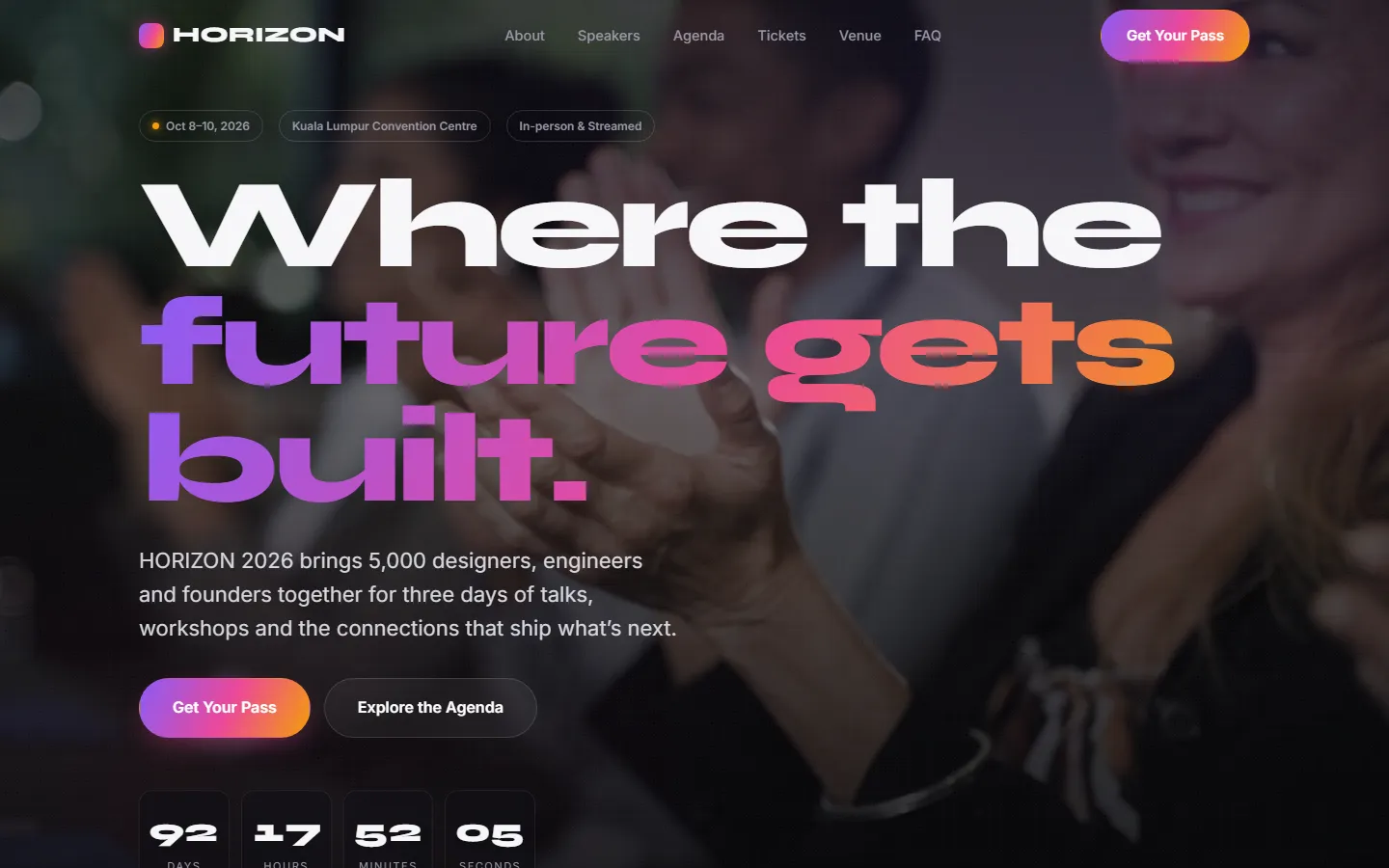
HORIZON 2026
Event & ticketing platform
See how it works →Often built alongside
Questions
Asked about booking & scheduling
The questions that come up when we scope this system. Anything else, ask us directly.
Can customers pay when they book?
Yes — booking pairs naturally with our payment and checkout system, so a reservation is confirmed by payment, a deposit, or free confirmation depending on your policy. The reservation is held through the payment step and released if payment fails or the customer abandons, which is what prevents a slot being lost to someone who never paid. Deposits and full prepayment are both supported patterns.
Does it send reminders and confirmations?
Every booking generates a confirmation with a reference the customer can quote, delivered by email — and by WhatsApp where that fits how your customers communicate. Reminders before the appointment reduce no-shows, and reschedule links in those messages let customers move themselves within the rules you set, instead of calling to ask.
What about bookings we take by phone or walk-in?
The owner console can create bookings manually against the same inventory, so a phone booking occupies the slot exactly like an online one, and the system refuses a second booking for a slot that is already taken. We test that with simultaneous bookings before launch. This matters more than it sounds: most businesses run mixed channels for years, and a system that only knows about online bookings ends up being routed around and then abandoned.
We already use Google Calendar / a booking app. Why build custom?
If a generic tool fits your flow, use it — genuinely. Custom earns its keep when the inventory is not simple time slots: booths with zone pricing, sessions across eight venues, test drives tied to specific cars and showrooms, or when the booking must flow into your own checkout, CRM and customer records rather than living in a separate silo. That integration is usually the actual reason people outgrow the apps.
Need this in your project?
Tell us what you are building and we will show you the closest thing we have already made — then quote the real version.
Tell us what you need built
You get a fixed quote for your project, and a working prototype to click through before you pay.