
Core systems
Location & store finder
Turning "where can I get this?" into directions, in two taps.
From RM 1,500With search and filters from RM 3,000All add-on prices
What it is
An interactive map of your branches, dealers or partners, with the filtering and detail a customer needs to choose one. The locations are managed by you — or by the dealers themselves — and changes appear on the public map immediately.
How we build it
What makes ours work
The location data is owned by the people closest to it
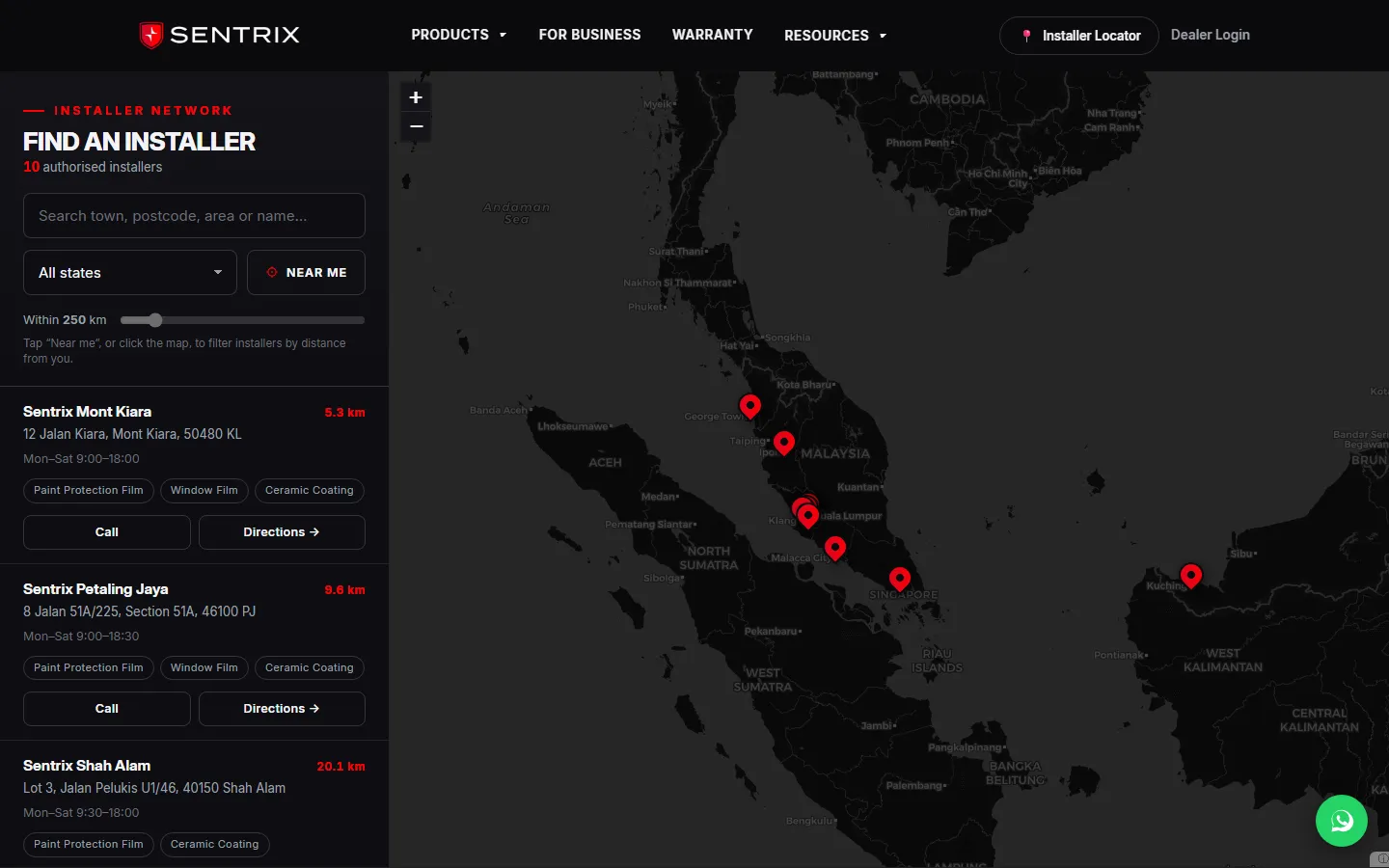
Store finders rot because updating them requires a developer. We put location records behind self-service management — head office edits everything, or each dealer maintains their own listing through the portal, which is how the Sentrix network works: a dealer updates their hours or services and the public map reflects it immediately. The map is a view of live records, not a file someone has to remember to update.
The map answers “which one”, not just “where”
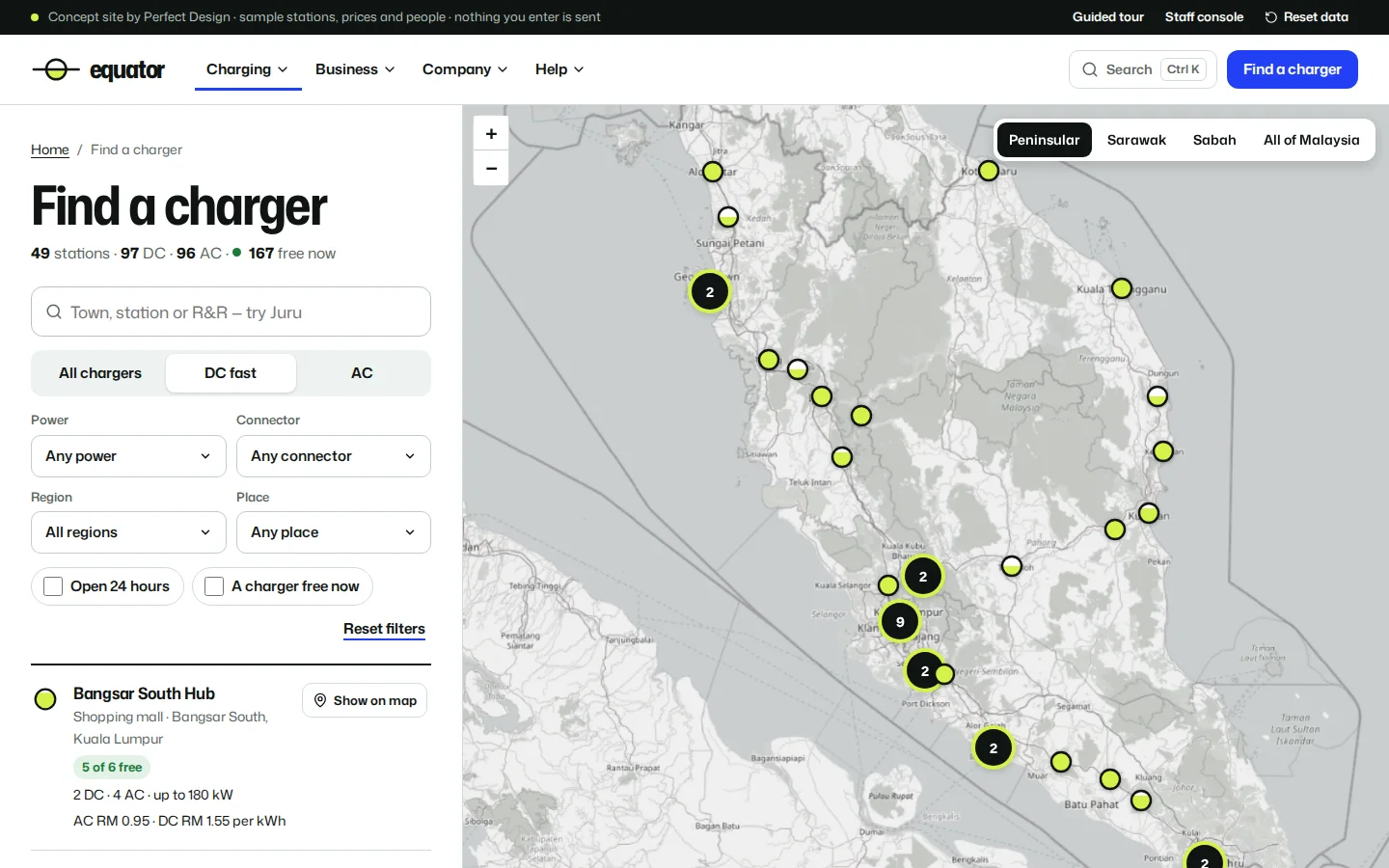
Showing pins is easy; helping a customer choose between them is the actual job. Each location carries what a chooser needs — services offered, opening hours, contact, and anything domain-specific like certification level — with filtering so a customer only sees locations that can actually serve them. Distance sorting and near-me geolocation order the list by practicality, and the final tap hands off to the customer’s own map app for directions.
It runs on the same records as everything else
A locator built as an island duplicates data that already exists. Ours reads the same location records the rest of the platform uses — the dealer portal, the admin console, the booking system that assigns a customer to a branch. One record, many surfaces. That is why a new dealer added through onboarding appears on the public map without anyone touching it, and why the map never disagrees with the rest of the site.
Proof
Where we've built this
Every build below contains this system. Open any one to see how it works — the fastest way to judge whether we can do what you need.
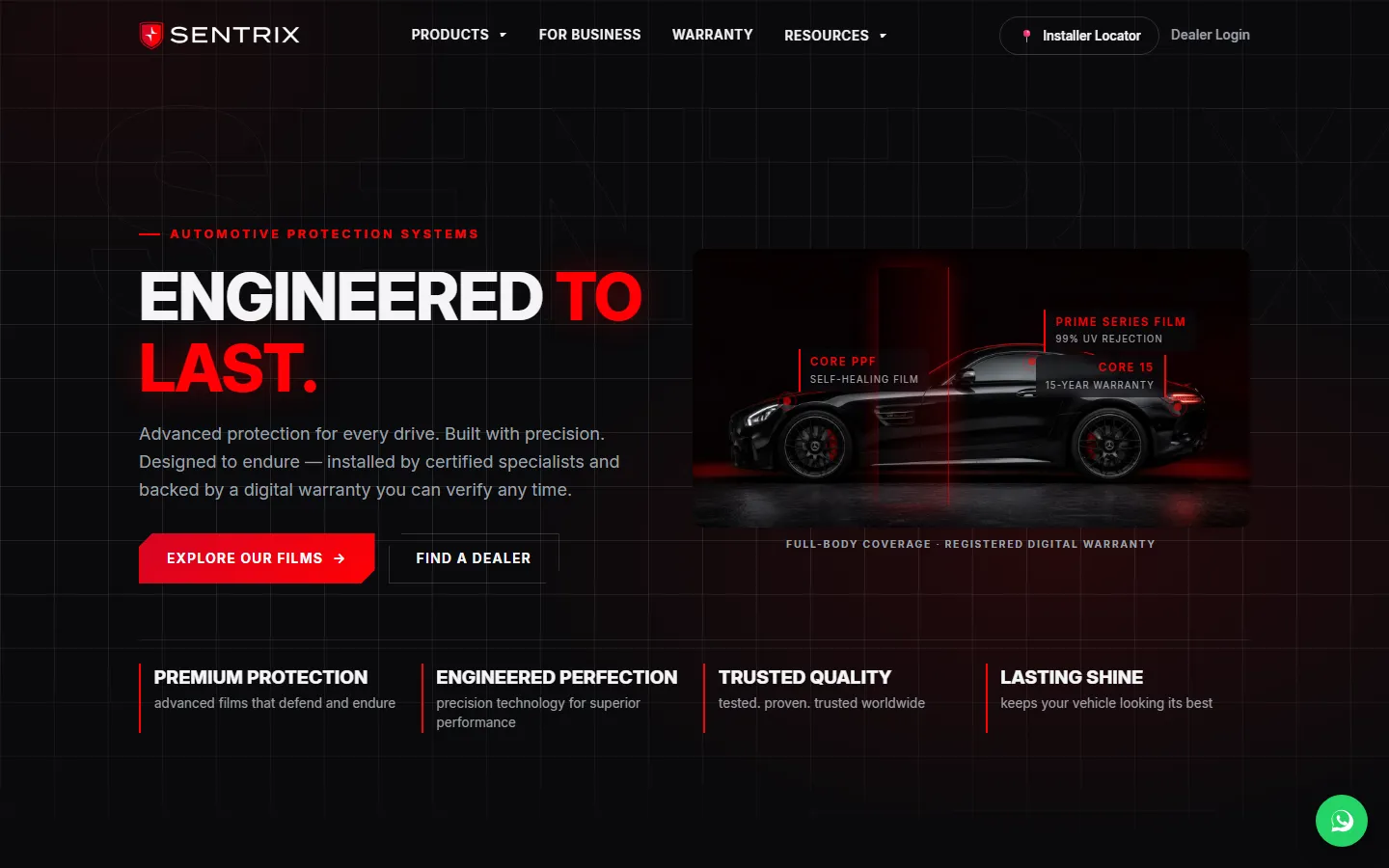
Sentrix Auto
Brand site + dealer platform
See how it works →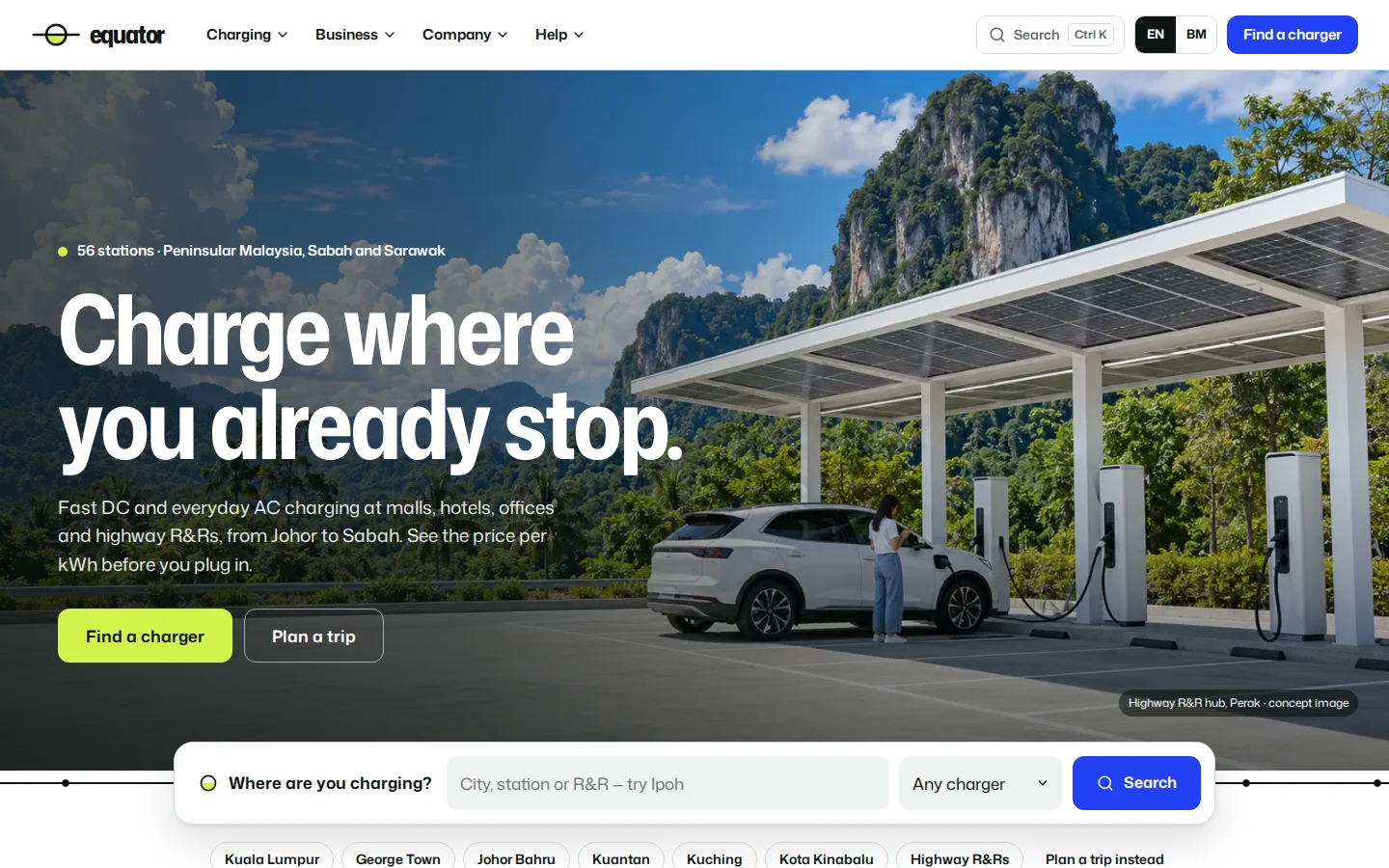
Equator
EV charging network website
See how it works →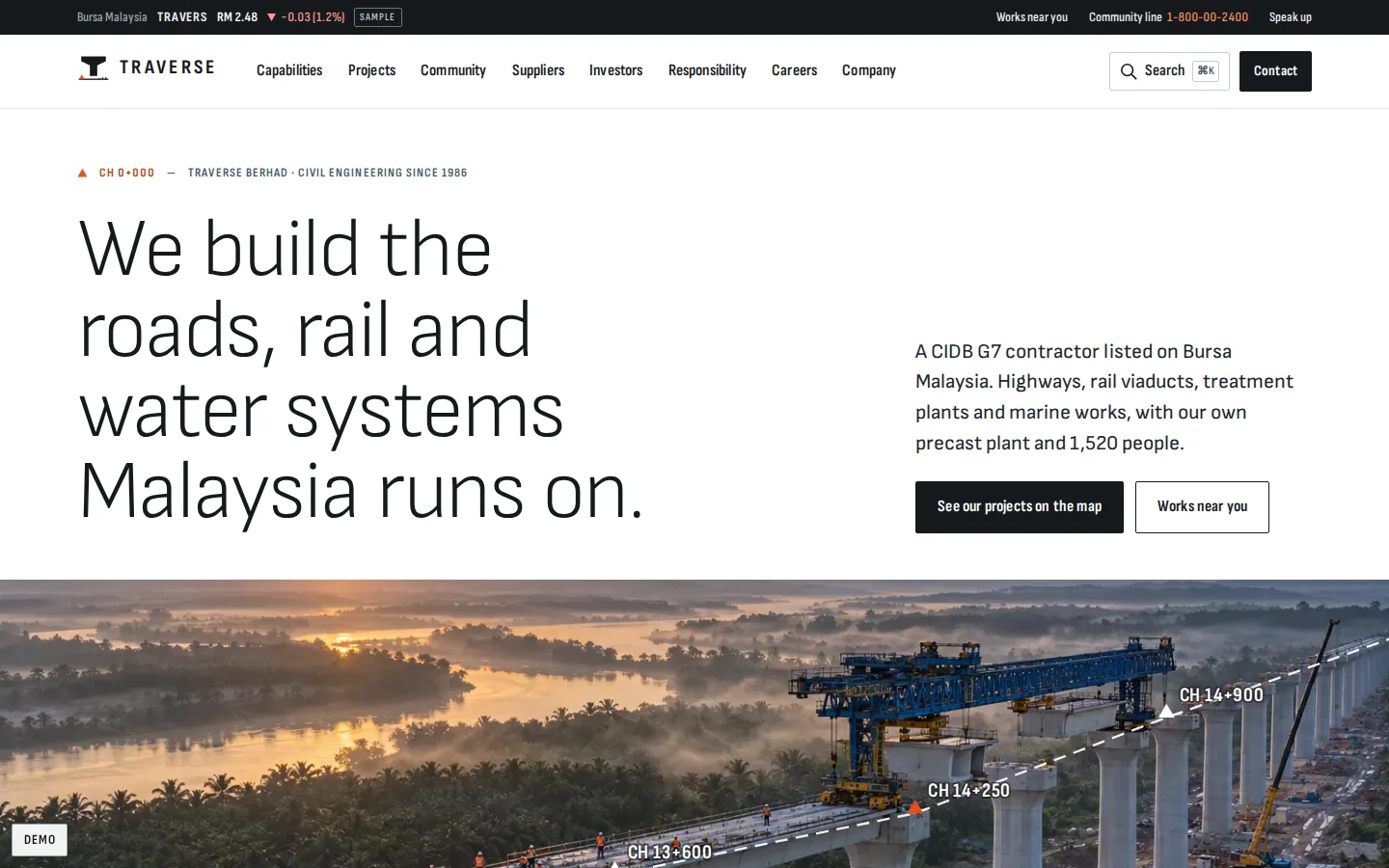
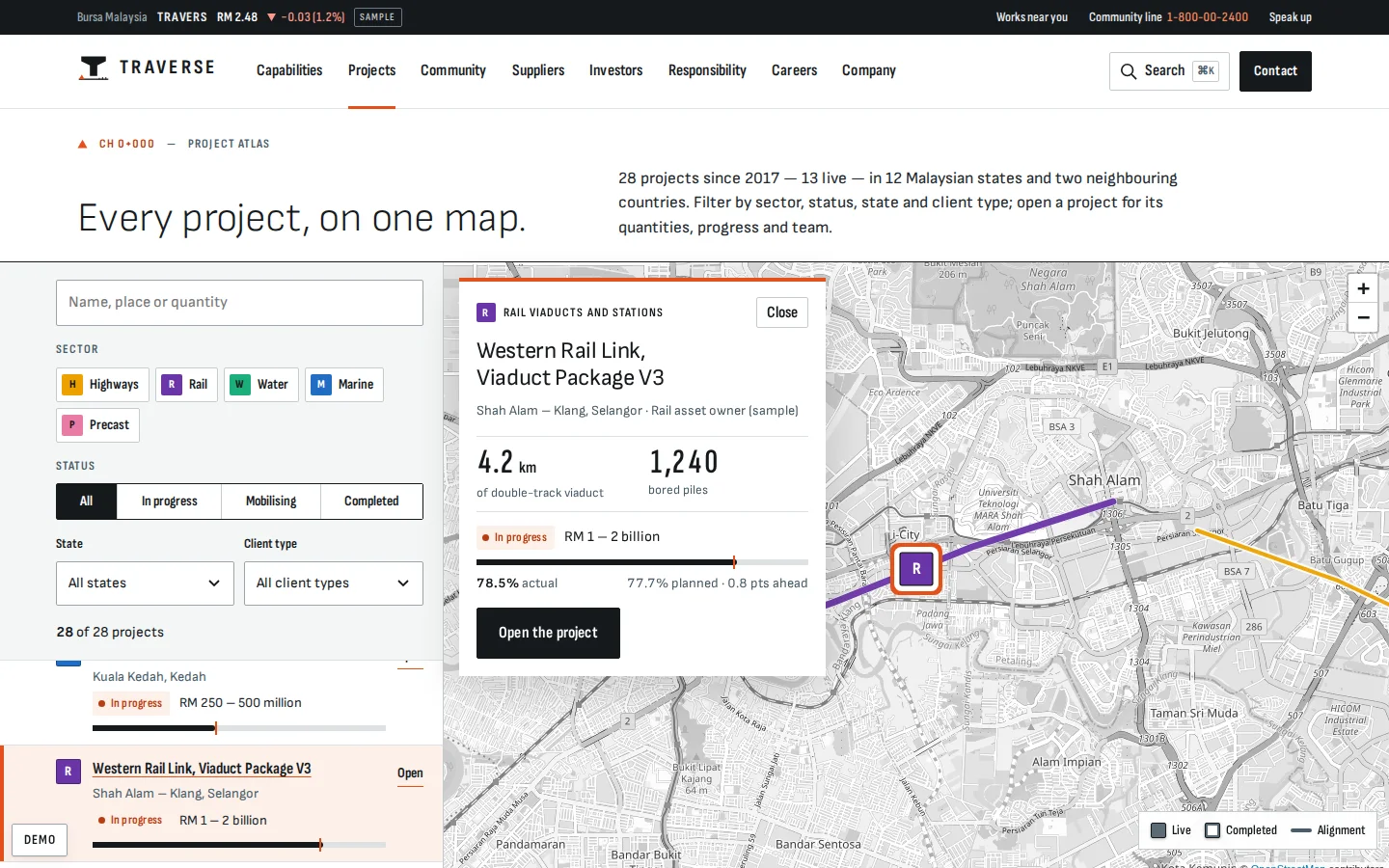
Traverse
Listed contractor corporate website
See how it works →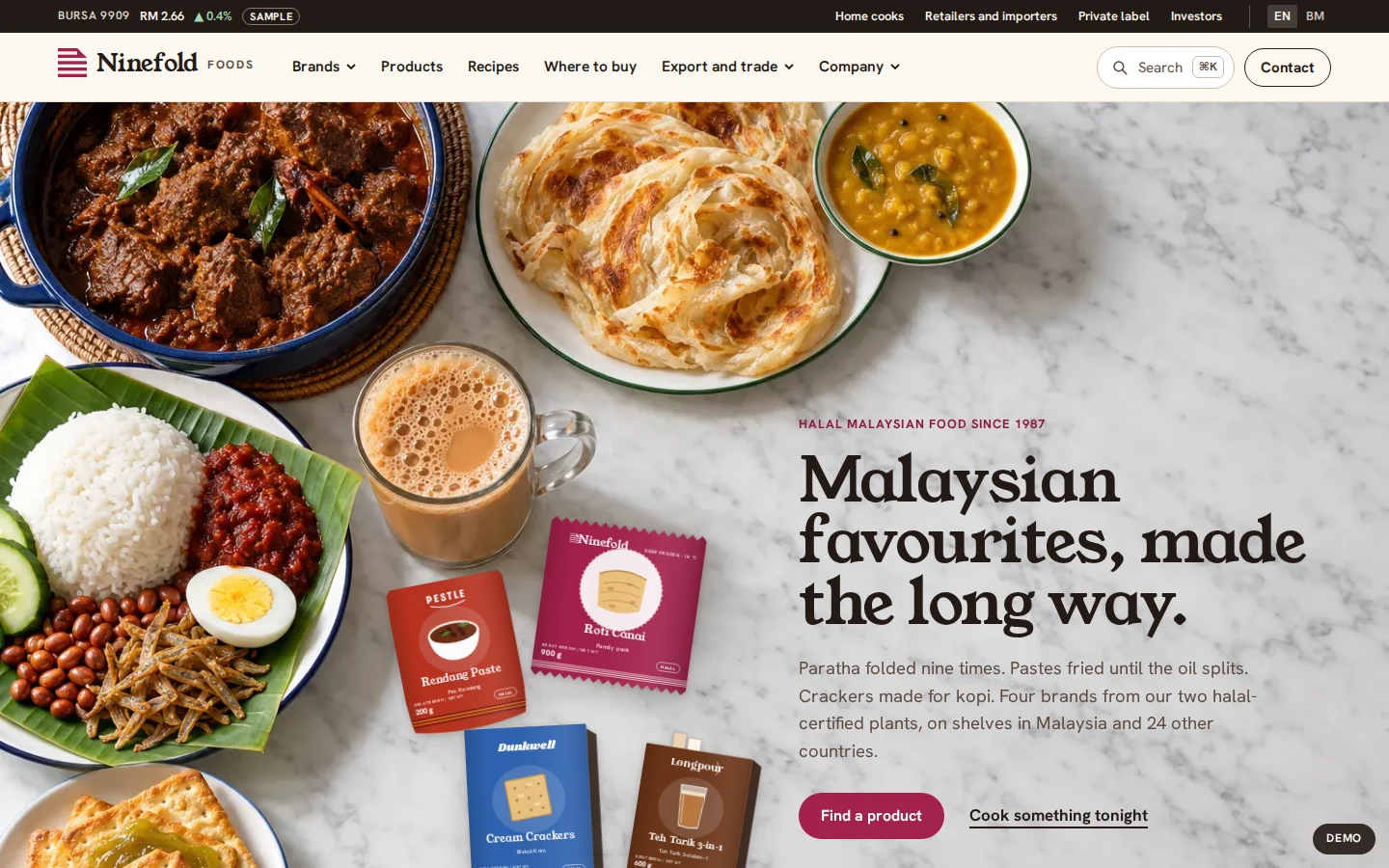
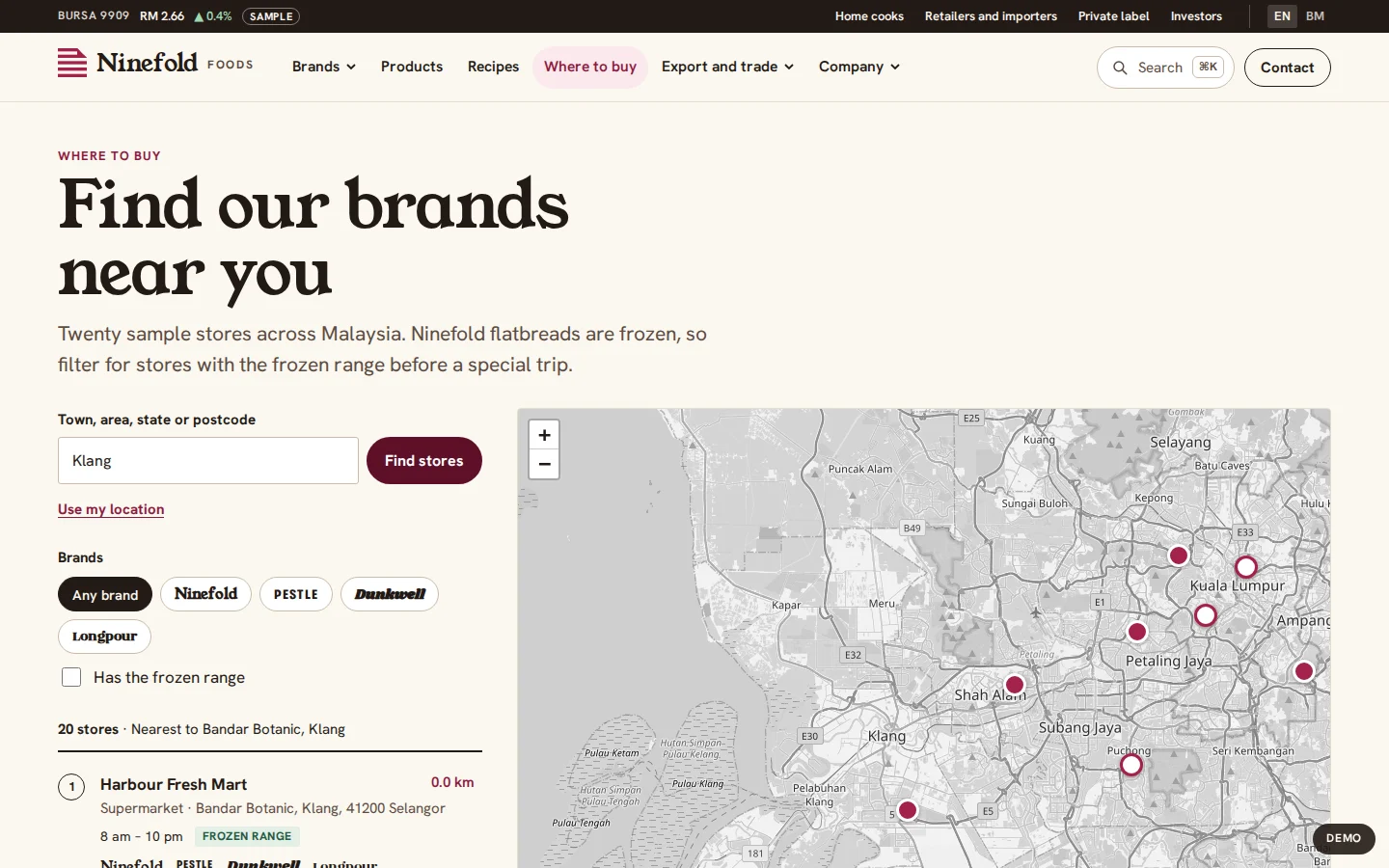
Ninefold Foods
Halal food brand house website
See how it works →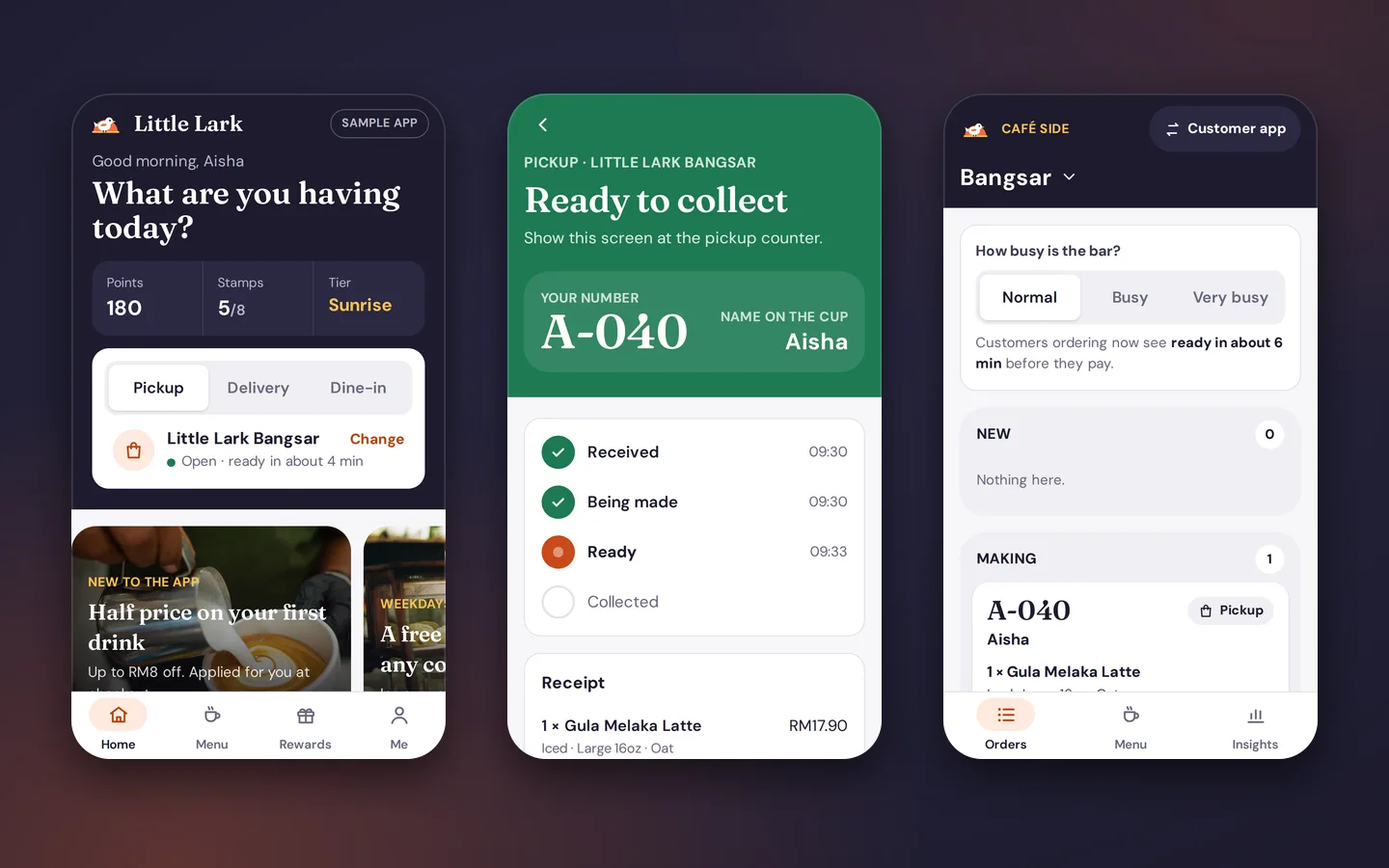
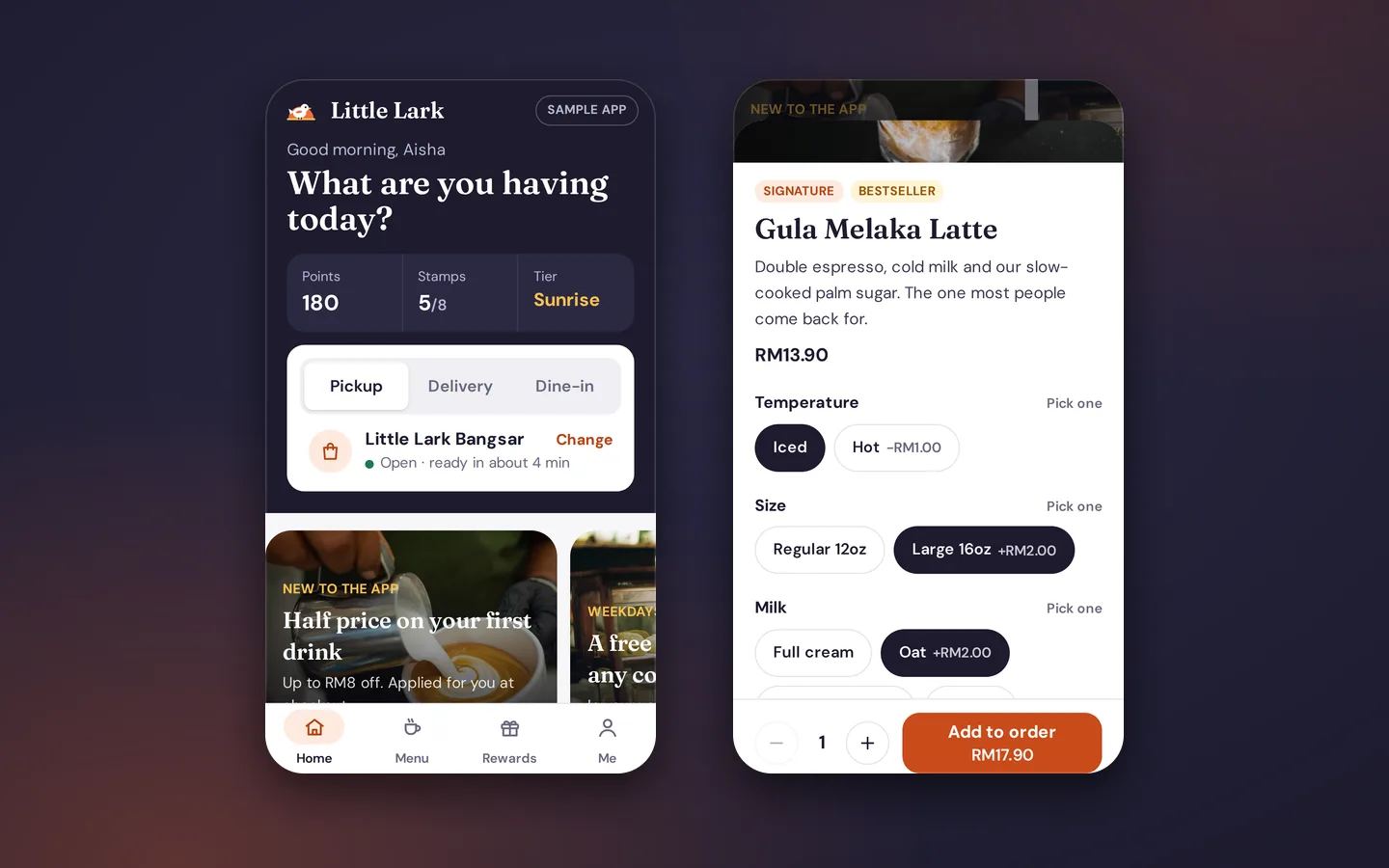
Little Lark
Café ordering and rewards app
See how it works →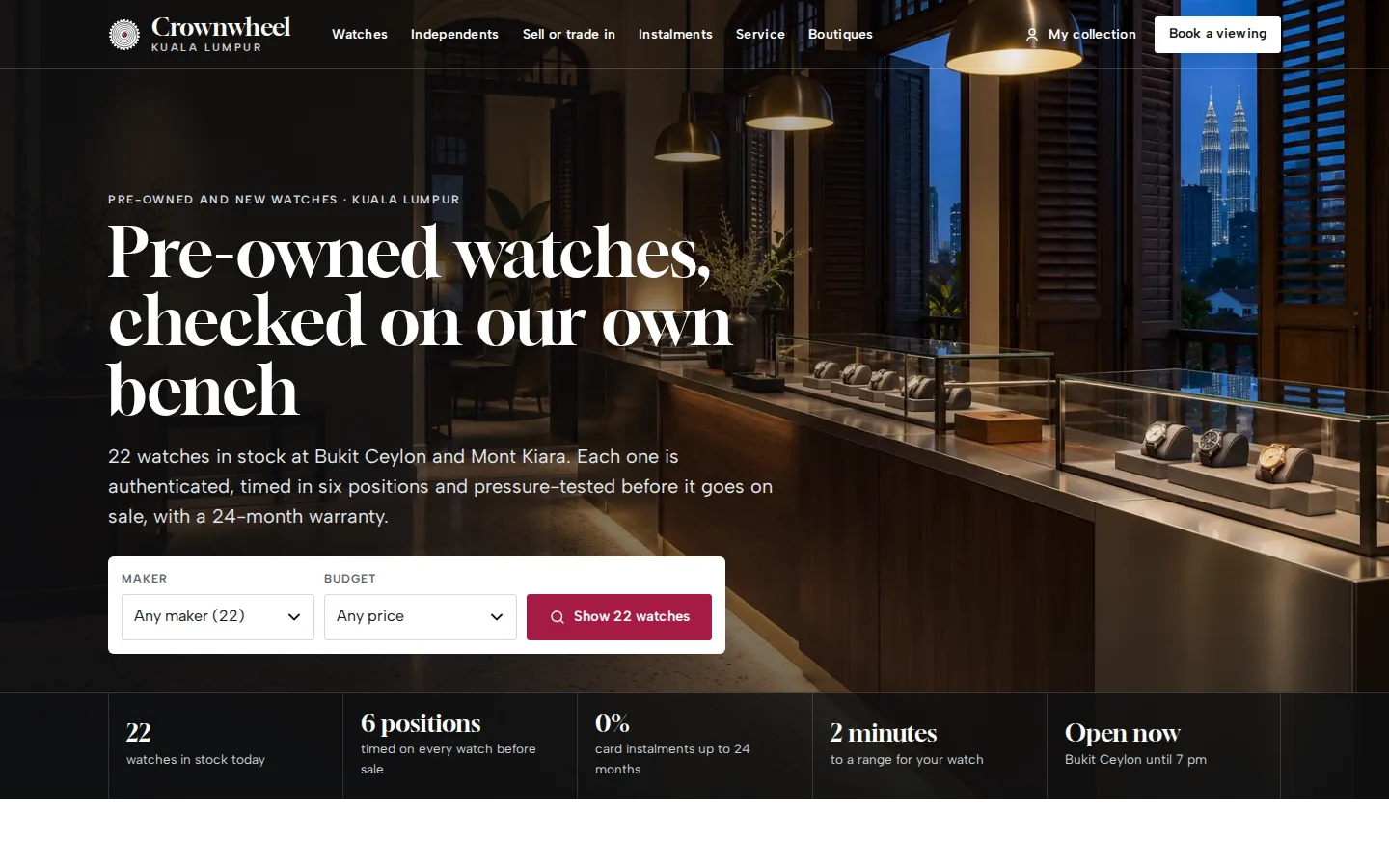
Crownwheel
Watch dealer website and sales desk
See how it works →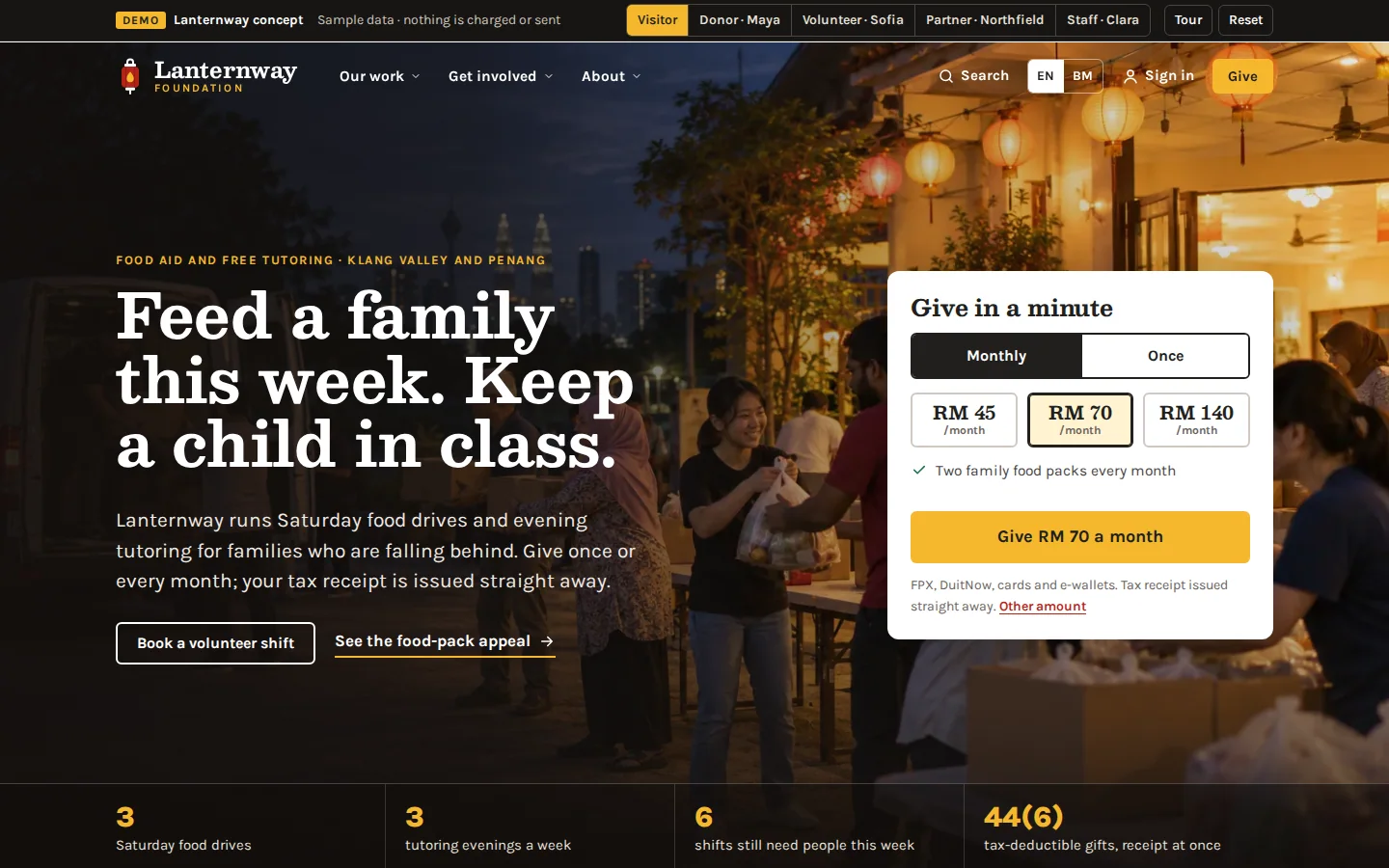
Lanternway Foundation
Charity website and giving system
See how it works →Often built alongside
Questions
Asked about location finder
The questions that come up when we scope this system. Anything else, ask us directly.
Do we have to pay Google for the map?
Depends on traffic and features. Google Maps has a usage-based cost above its free tier; alternatives like OpenStreetMap-based maps have no per-load fees and suit many store finders perfectly well. We choose based on your expected volume, the look you want and whether you need Google-specific data like Places details — and we set up usage alerts so a traffic spike never becomes a surprise invoice.
How many locations can it handle?
From three branches to thousands of dealers — the interface adapts more than the data does. Small networks get a clean list-plus-map; large ones get clustering, region filtering and search-as-you-type so the map stays readable. The record structure is identical either way, so the finder grows with the network without being rebuilt.
Can each location manage its own listing?
Yes — that is the pattern we recommend for dealer and franchise networks. Each location gets a login scoped to its own record: hours, services, photos, contact details. Head office keeps override rights and an audit trail. It spreads the maintenance burden to the people who actually know when their hours changed, which is why the data stays accurate.
Can customers filter by what a location offers?
Yes, and it is usually the difference between a good finder and a frustrating one. Locations carry structured attributes — services, brands stocked, facilities, certification tiers — and the finder filters on them, so “which branches do ceramic coating?” is one tap rather than five phone calls. The attributes are managed in the same self-service record as everything else.
Need this in your project?
Tell us what you are building and we will show you the closest thing we have already made — then quote the real version.
Tell us what you need built
You get a fixed quote for your project, and a working prototype to click through before you pay.